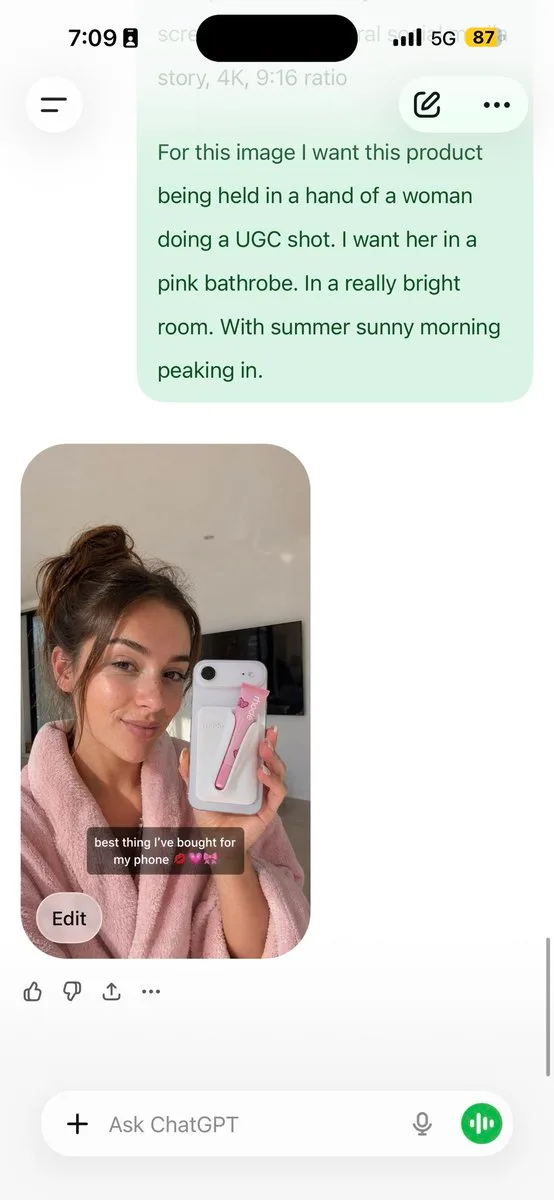
AI Workflow Guide for UGC Models
提示词
analyze this photo and give me a detailed JSON prompt that recreates it. break down the color grading and every exact color in the photo (use Opus, not Sonnet. Opus has stronger visual analysis and writes more detailed JSON) paste that JSON into ChatGPT upload your product image and prompt: using this JSON as reference, generate a person holding my product save that generated photo as your character reference attach it to every future generation for facial consistency you now have a consistent UGC model that works across any product the JSON controls the lighting and color grading. GPT image-2 handles the character. you control the product placement. the #1 tell on AI photos is flat colors and a grainy look. this method removes both. 5 minutes to set up. unlimited variations after.
已有 25 人用过这个提示词
- 尺寸
- 554 × 1200
提示词与图片作者 pavellaslov · 查看原帖
收录自 Awesome GPT Image 2 API & Prompts (EvoLink) (CC0 1.0)
图片版权归原作者所有,如需删除请联系我们。
AI Workflow Guide for UGC Models
An informative text graphic detailing a step-by-step workflow for creating consistent AI-generated UGC models holding products. The method utilizes advanced JSON prompts for color grading, ChatGPT for character generation, and character references to achieve high visual consistency and avoid flat AI aesthetics.
相似作品
返回图片社区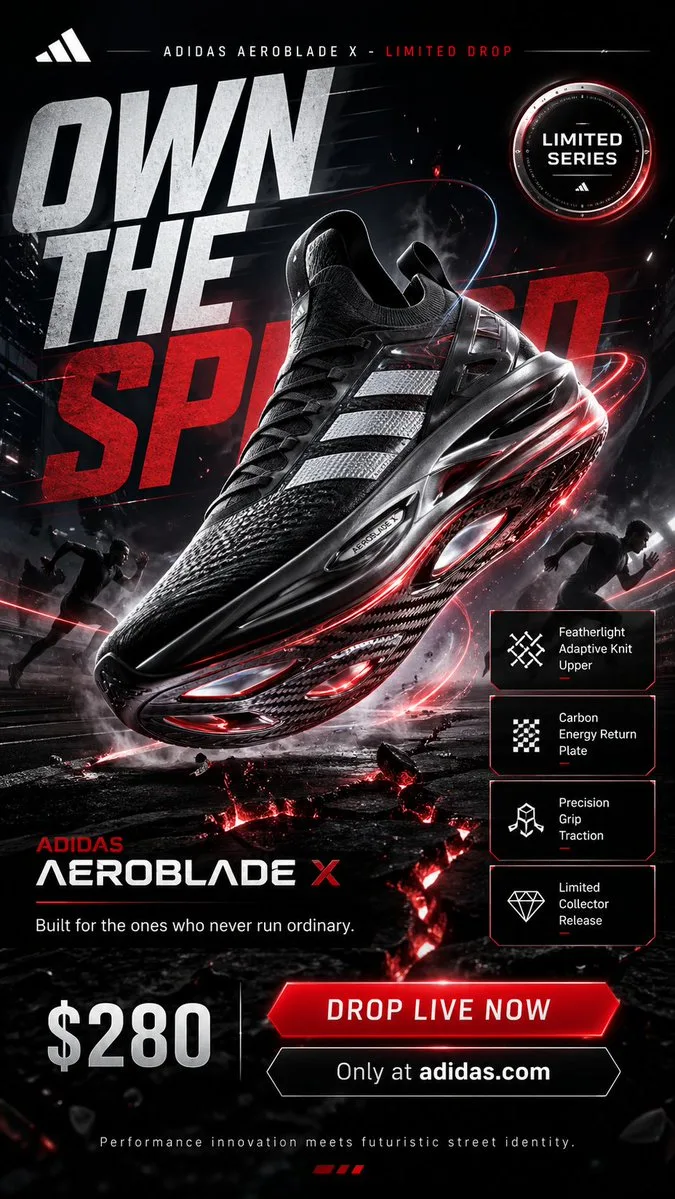
Adidas Aeroblade X Futuristic Sneaker Campaign Poster
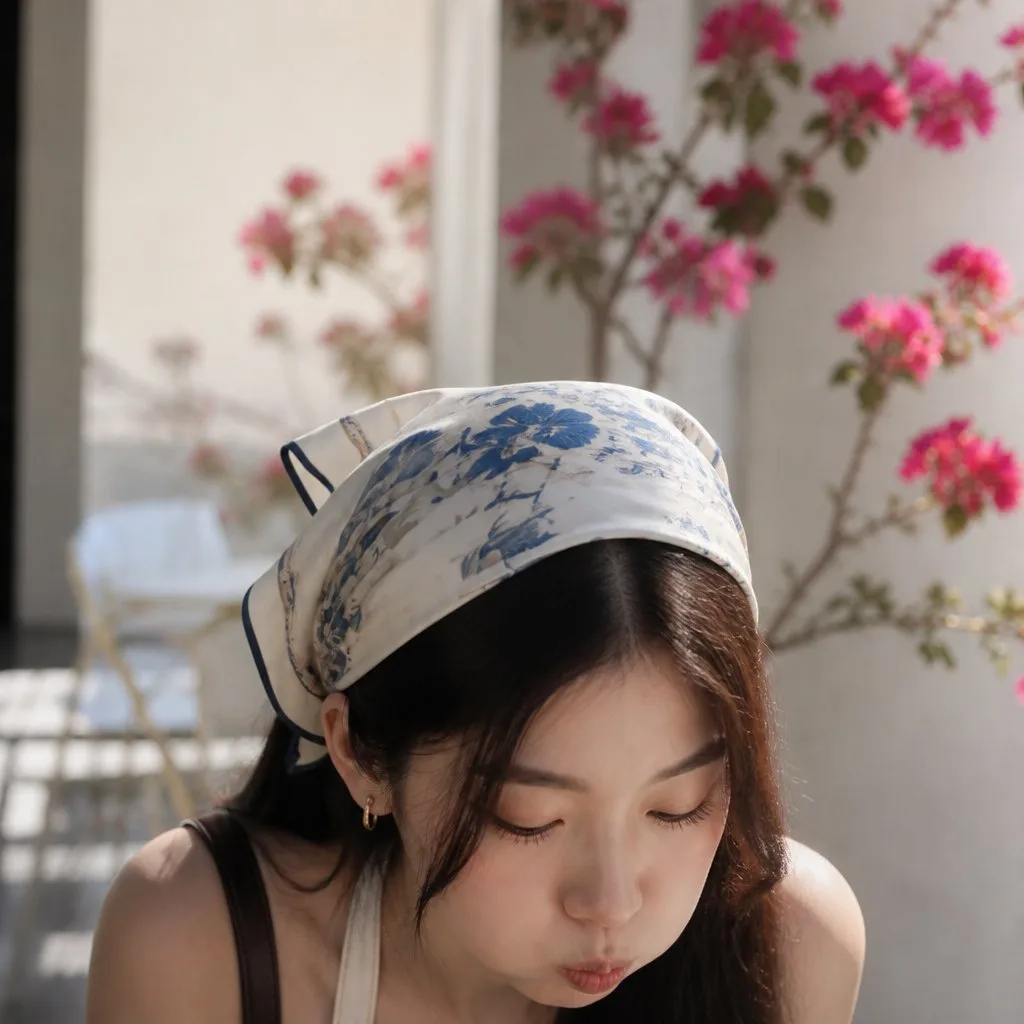
Serene Portrait of Woman in Floral Headscarf
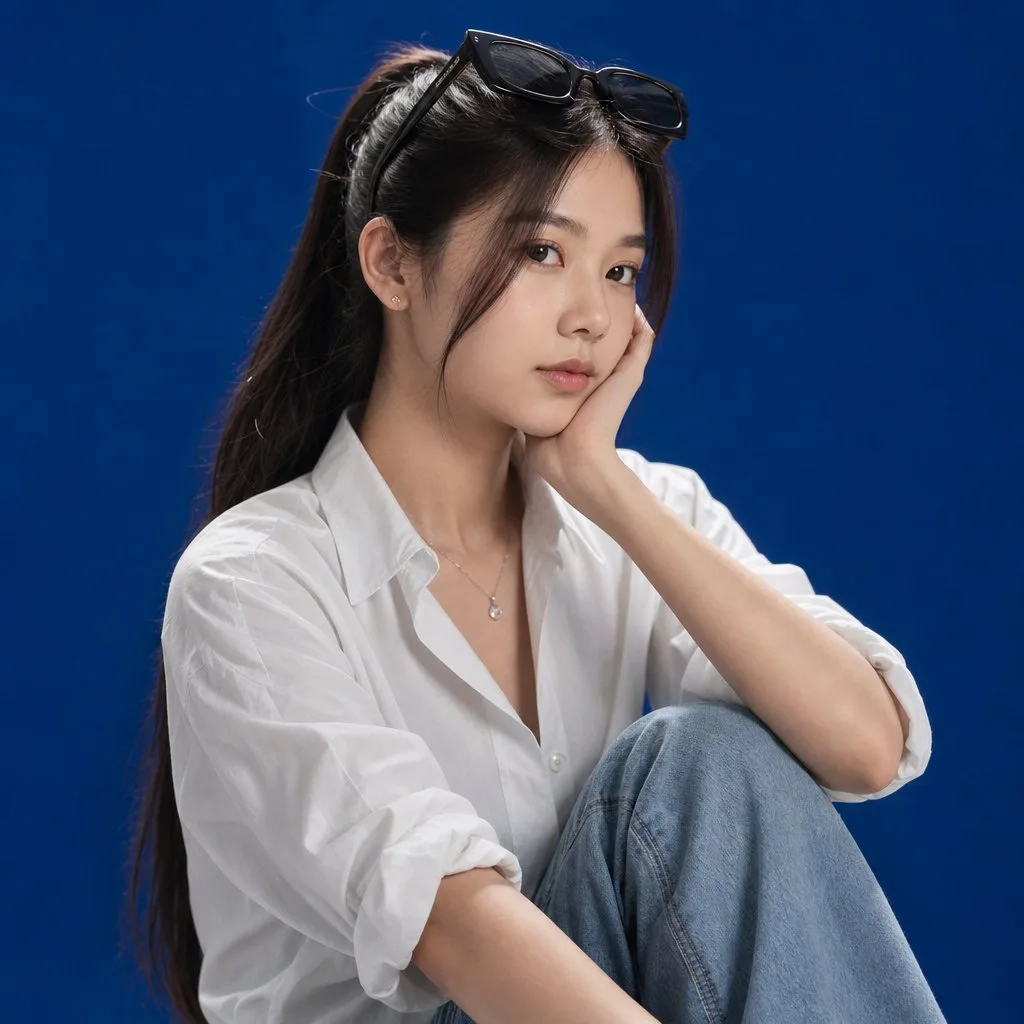
Portrait of a Young Woman in White Shirt
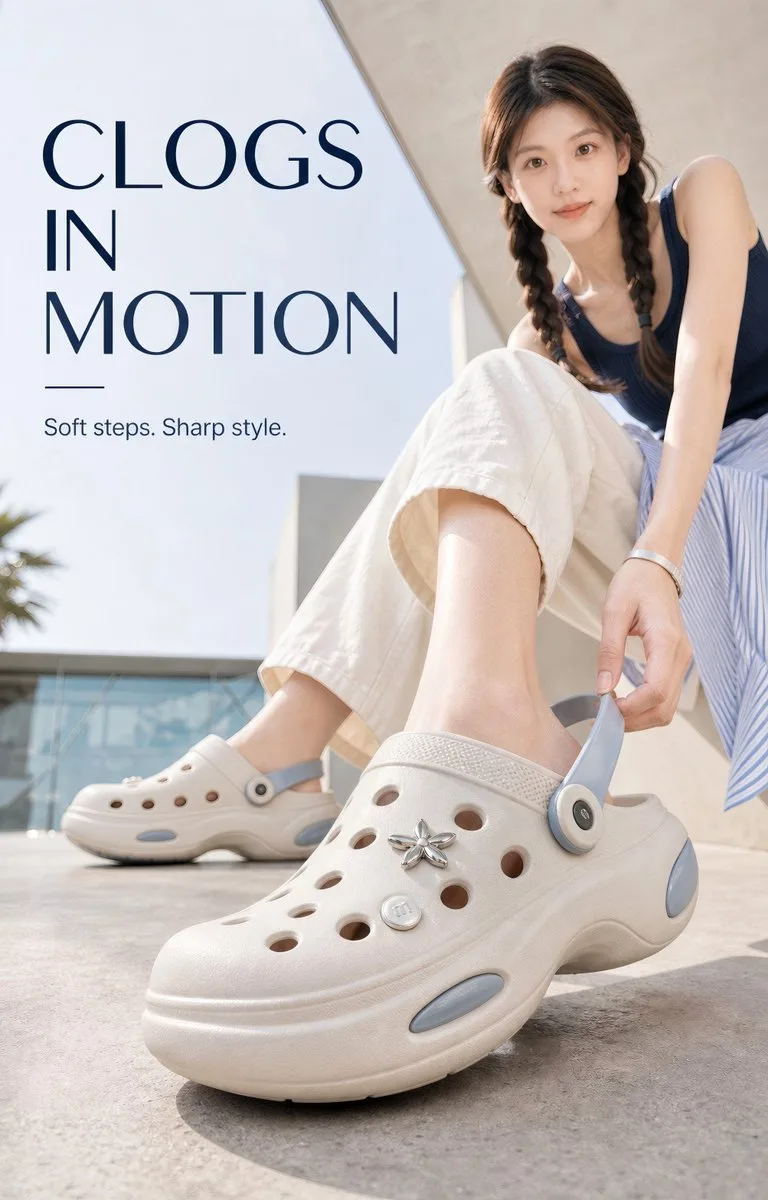
Step Into Air Premium Summer Clog Campaign
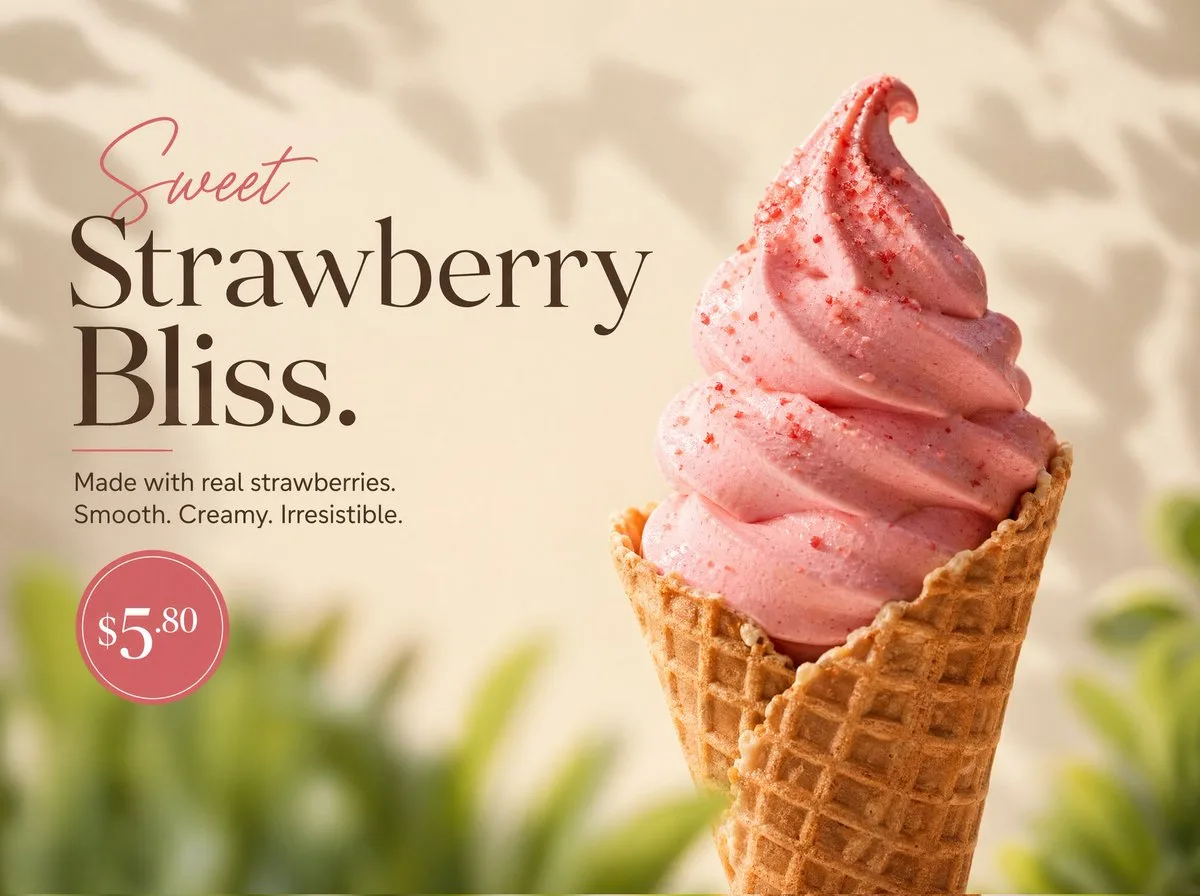
Strawberry Soft Serve in Waffle Cone
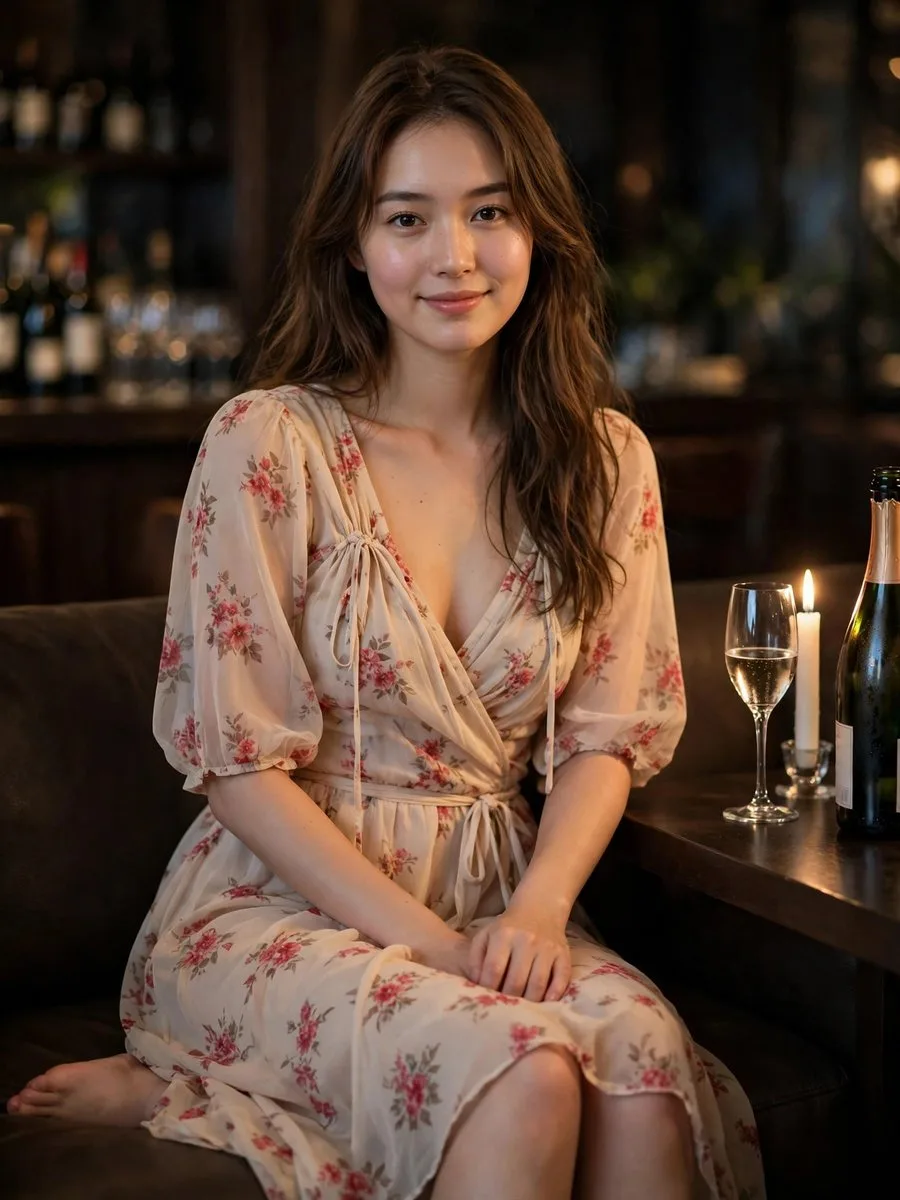
Woman in Floral Dress by Candlelight
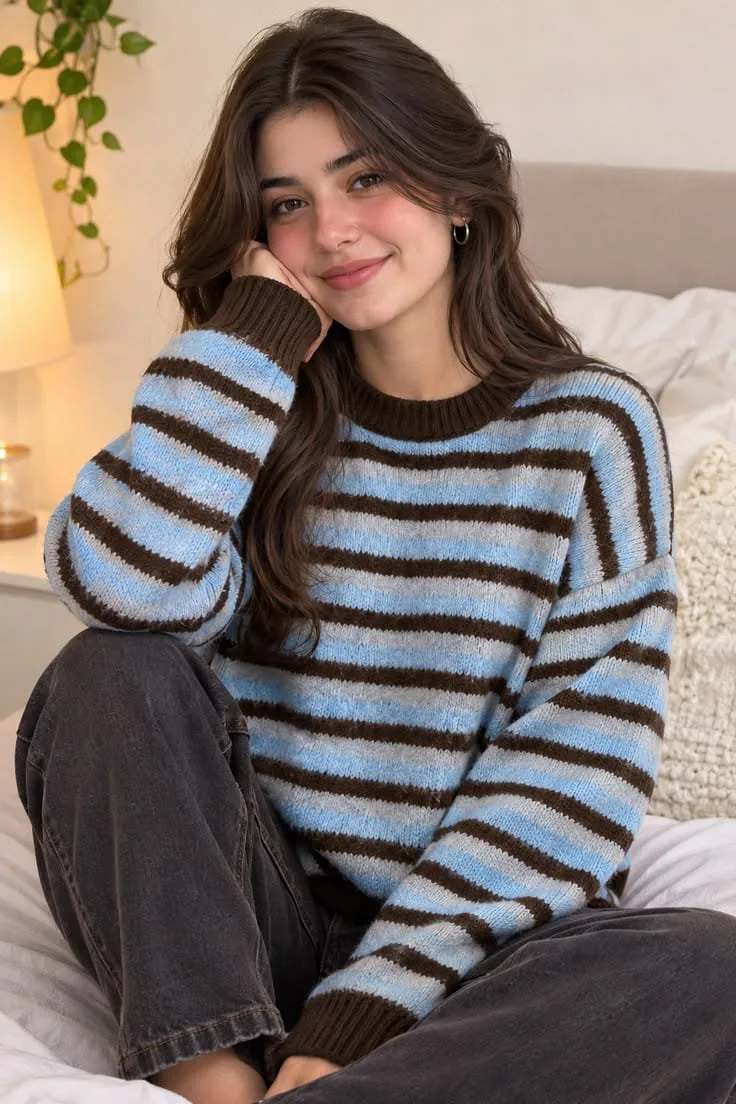
Cozy Autumn Portrait of Woman in Striped Sweater
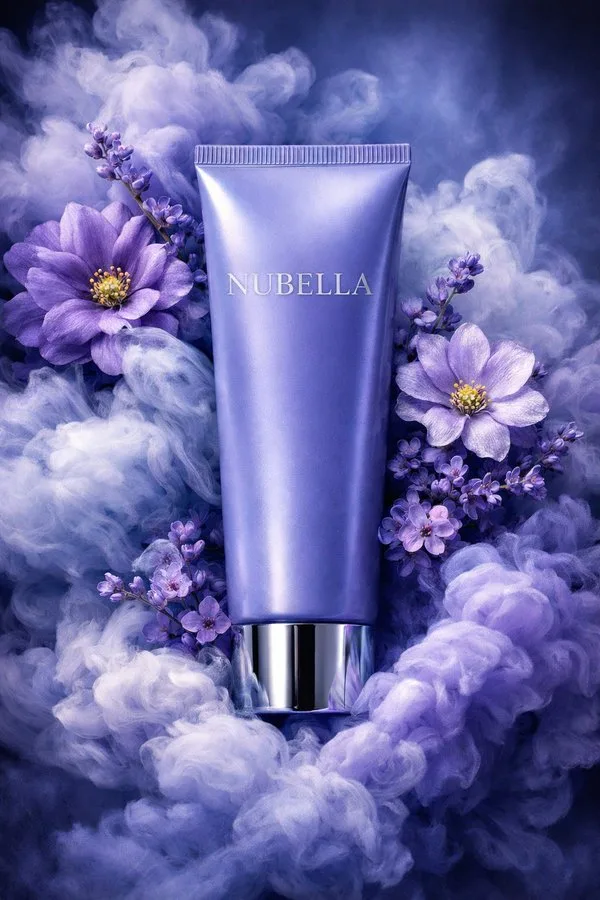
Luxury Cosmetic Tube in Blue Smoke and Flowers
做出了满意的作品?
把你的作品分享到图片社区。分享的图片会永久保存,发布后还能获得积分奖励。