Imagine anything with Grok Imagine
xAI's Grok Imagine turns ideas into vivid, expressive images, and Imagine Image 2.0 adds precision: it follows instructions closely and plans typography like a designer. Generate from text, restyle a photo or combine up to five references.
Free credits on sign-up · No credit card required
- Grok Imagine Image Pro1 credits
- Grok Imagine Image 2.02 credits
- Grok Imagine Image3 credits
Grok Imagine Image Pro model, dedicated flagship image generation
New accounts get 2 free credits · Each 1 credit × 1 images = Total 1 credits
Generation Results
Select a mode and enter a prompt to start creating
Made with Grok Imagine
Every image below was generated with Grok Imagine on this site. Open one to see the exact prompt and try it yourself.
ExamplesGrok Imagine: bold ideas, fast
Grok Imagine turns short prompts into striking images with strong color and composition, and Imagine Image 2.0 adds the precision to follow detailed briefs and lay out text cleanly.
- Expressive style
- Dramatic lighting, vivid color and cinematic framing out of the box.
- Typography that holds
- Imagine Image 2.0 plans titles and small print like a designer.
- Quick iteration
- Try an idea in a few words, then refine the prompt as it takes shape.
What Grok Imagine does well
A creative model that makes short prompts go a long way
Why Grok ImagineFollows instructions closely
Grok Imagine Image 2.0 is built for control: details in your prompt land as written, and dense, multi-part layouts with small text stay sharp and organized.
Striking visual style
Strong colors and dramatic compositions make it a good fit for concept art, covers and eye-catching social content.
Restyle your photos
Upload an image and describe the new look — change the style, mood or setting while keeping the subject recognizable.
Up to 5 references
Grok Imagine Pro and 2.0 accept up to 5 input images, useful for blending characters, outfits and scenes.
Flexible aspect ratios
Choose portrait, landscape or square framing to match where the image will be used.
Three versions
Grok Imagine, Grok Imagine Pro and Grok Imagine 2.0 — start with the standard model and step up when you need more detail.
What people make with Grok Imagine
Creative work that needs impact
Use casesConcept art
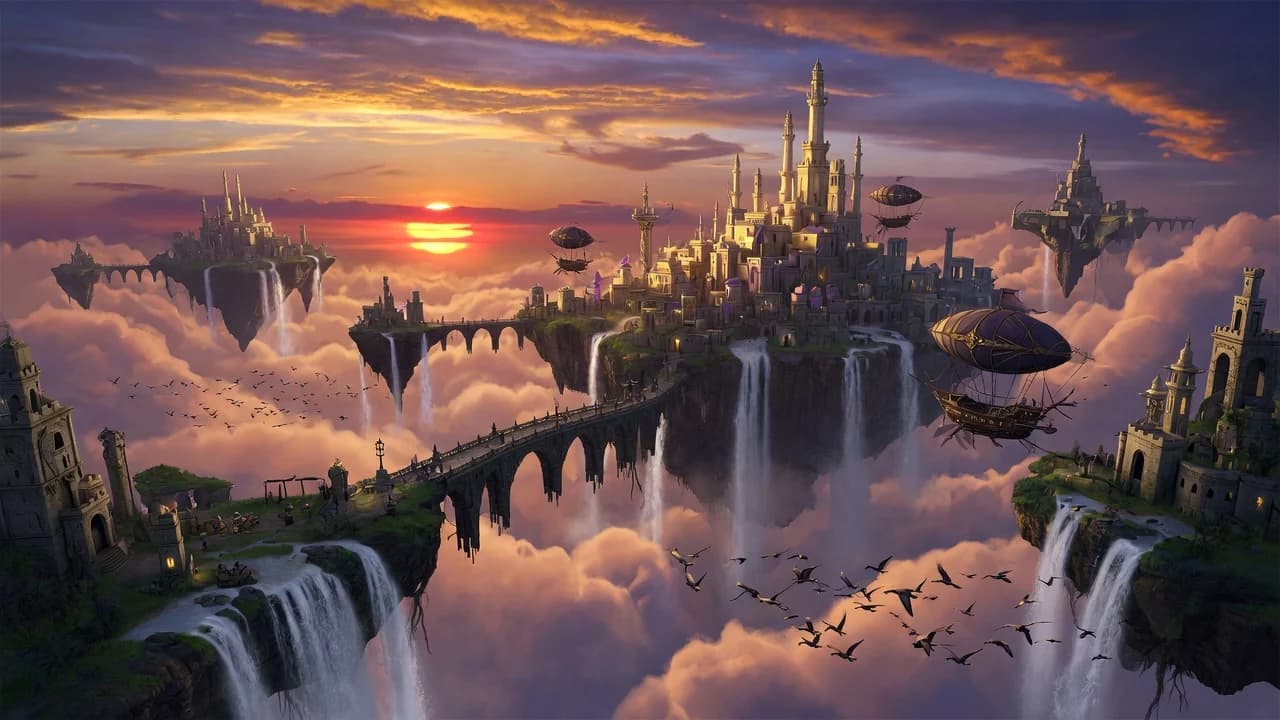
Worlds, creatures and environments for games, films and stories.
Event posters
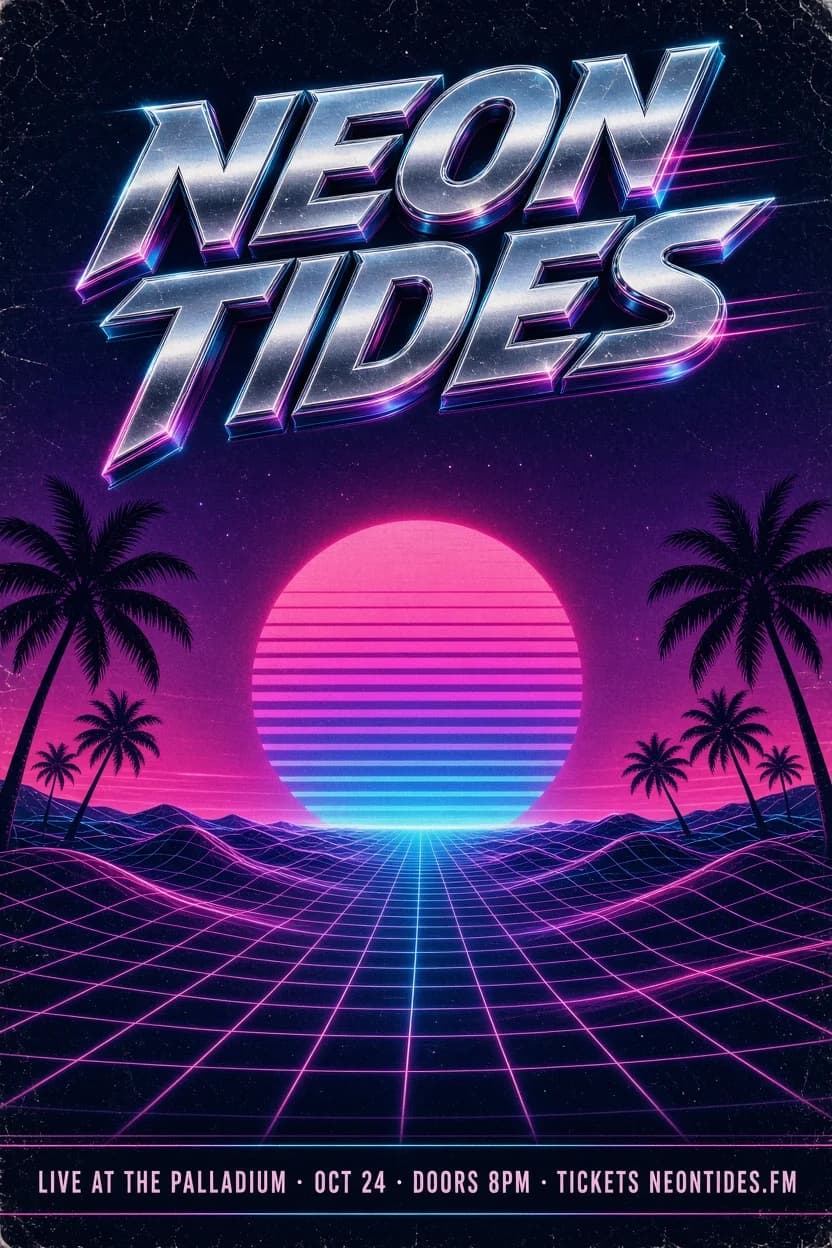
Concert, club and festival posters with bold type.
Anime & illustration
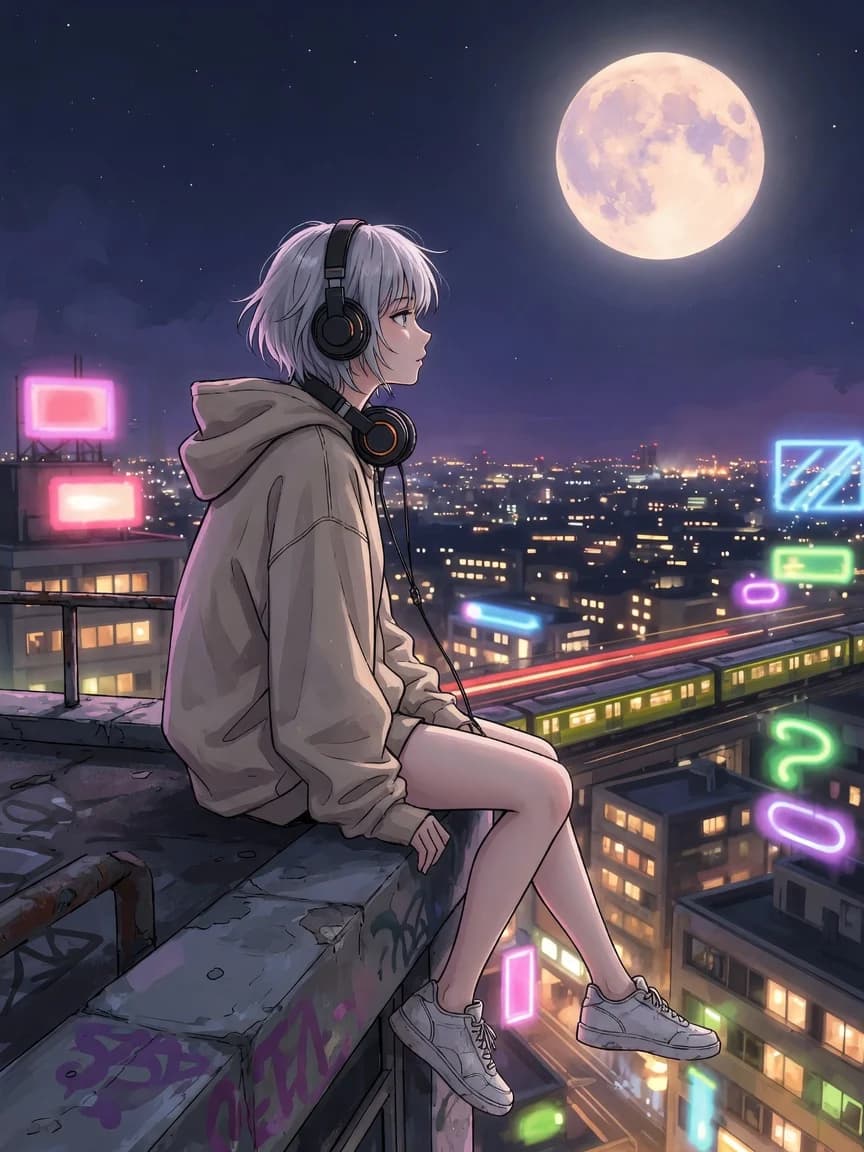
Characters and scenes in anime, comic and painterly styles.
Portraits
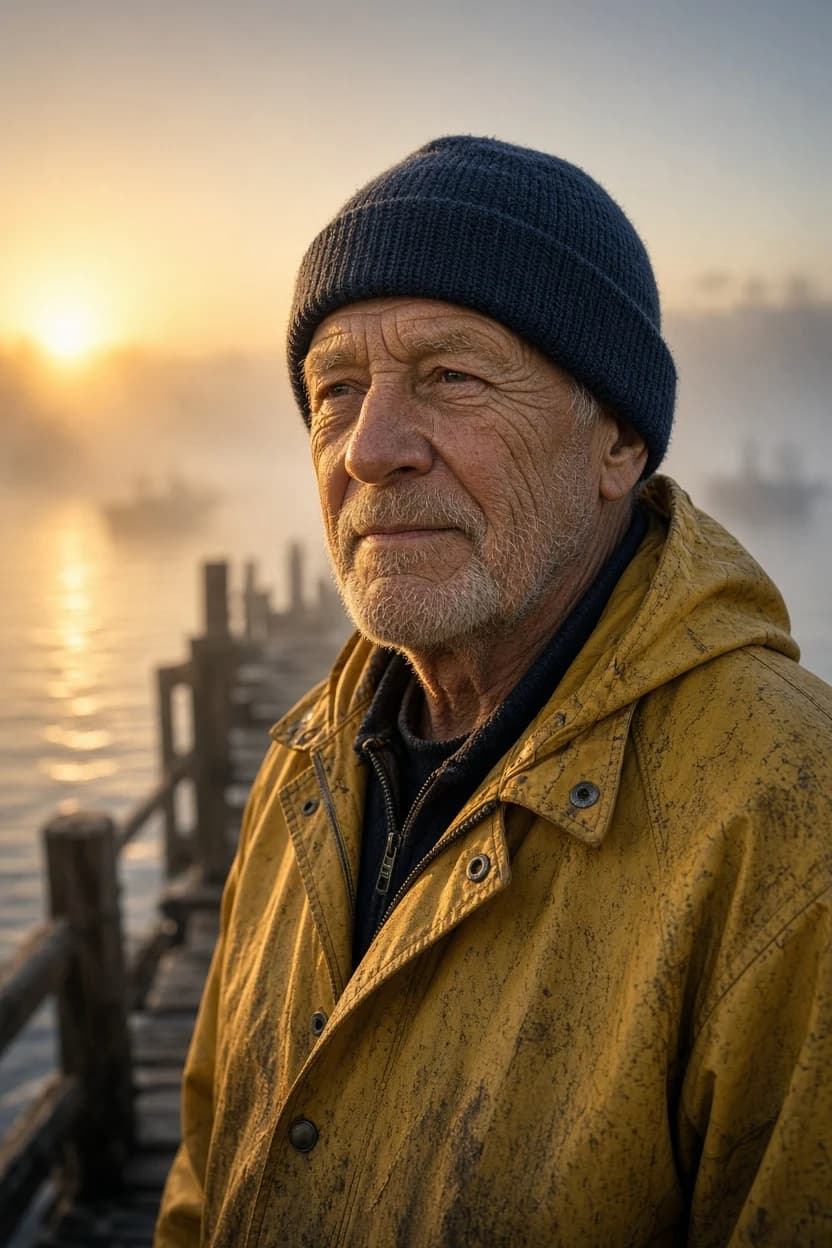
Photoreal portraits with lens-like depth of field and texture.
Social visuals
Eye-catching images and covers that stand out in a feed.
Graphic art
Stencil, collage and retro graphic styles for merch and prints.
Cards & layouts
Recipe cards, flyers and one-page layouts with clean text.
Photo restyles
Turn your own photos into sketches, paintings or new scenes.
Restyle and remix your own images
Upload a photo and describe a new look, or combine several references into one scene. Grok Imagine keeps the subject recognizable while changing everything around it.
- Style transfer
- Turn a photo into a pencil sketch, painting, anime frame or poster.
- Up to 5 references
- Blend characters, outfits and locations in a single generation (Pro and 2.0).
- Any aspect ratio
- Portrait, landscape or square framing for wherever the image will live.
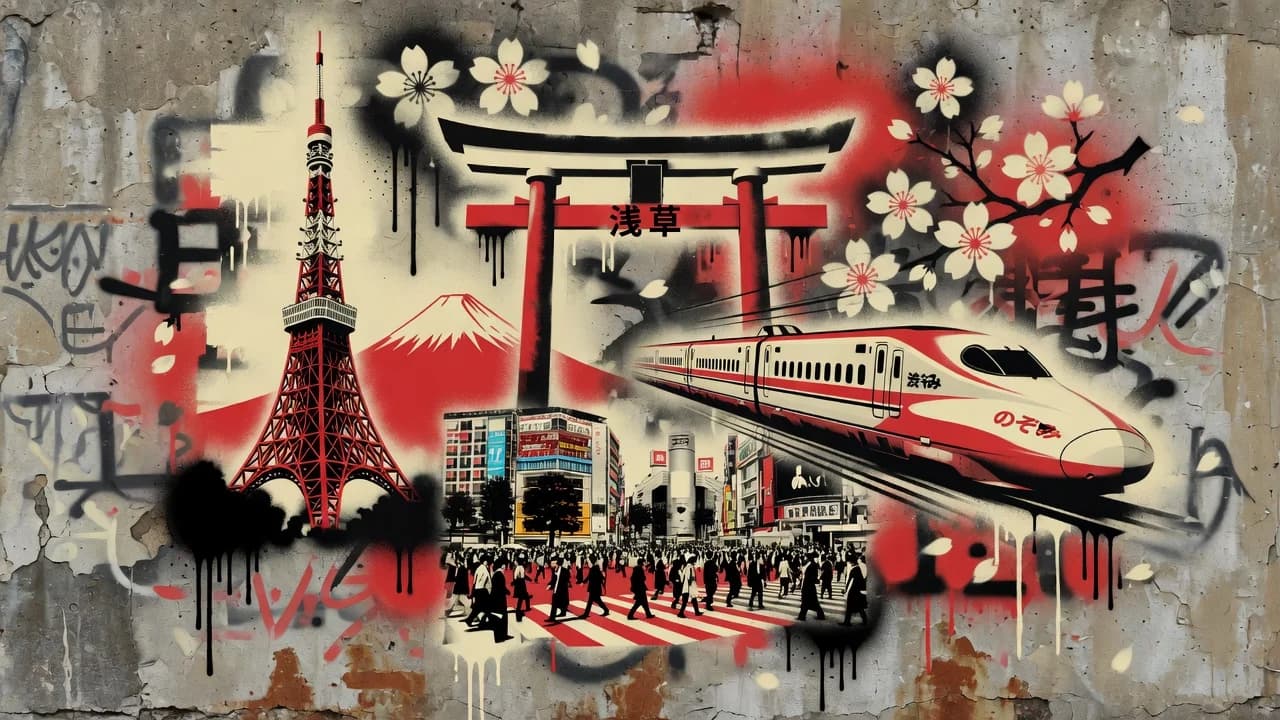
More AI tools
Try another idea. These tools work in one click too.
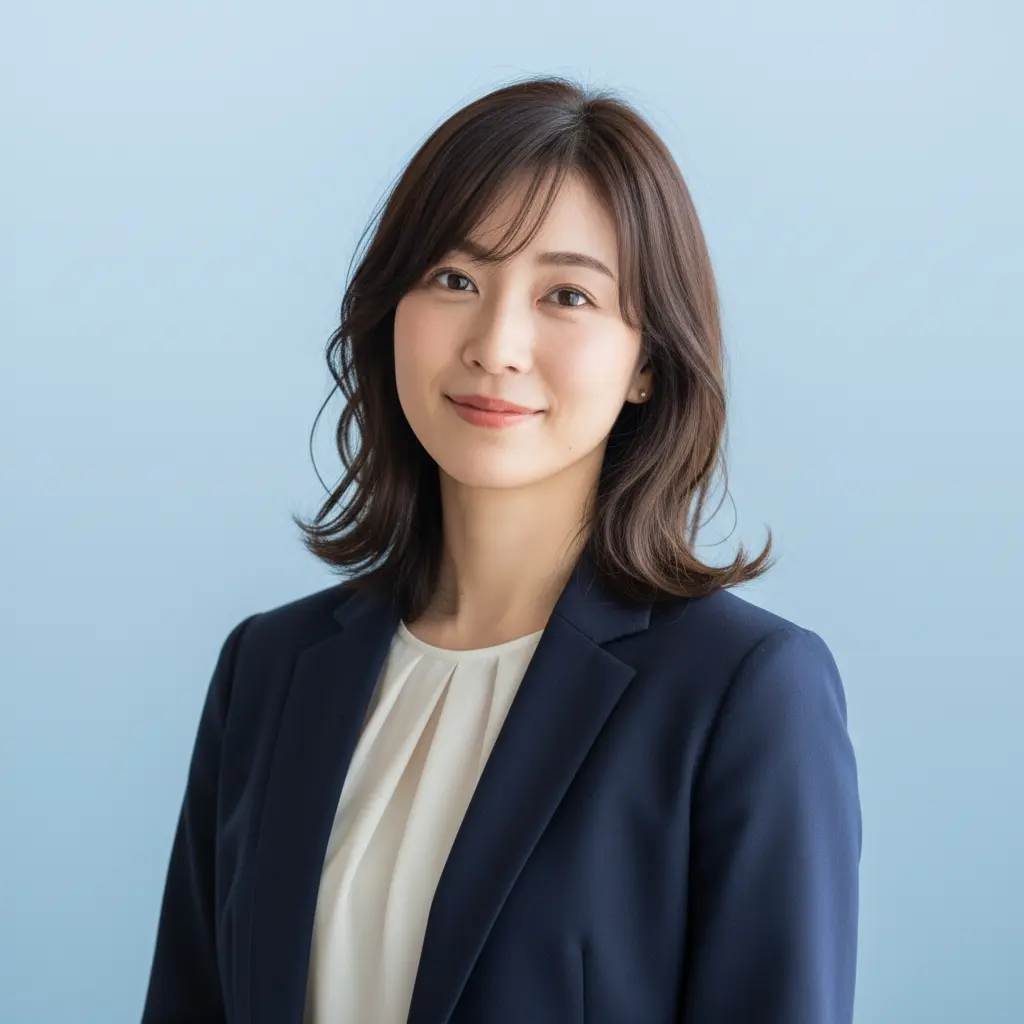
AI Headshot Generator
Turn any portrait into a professional headshot
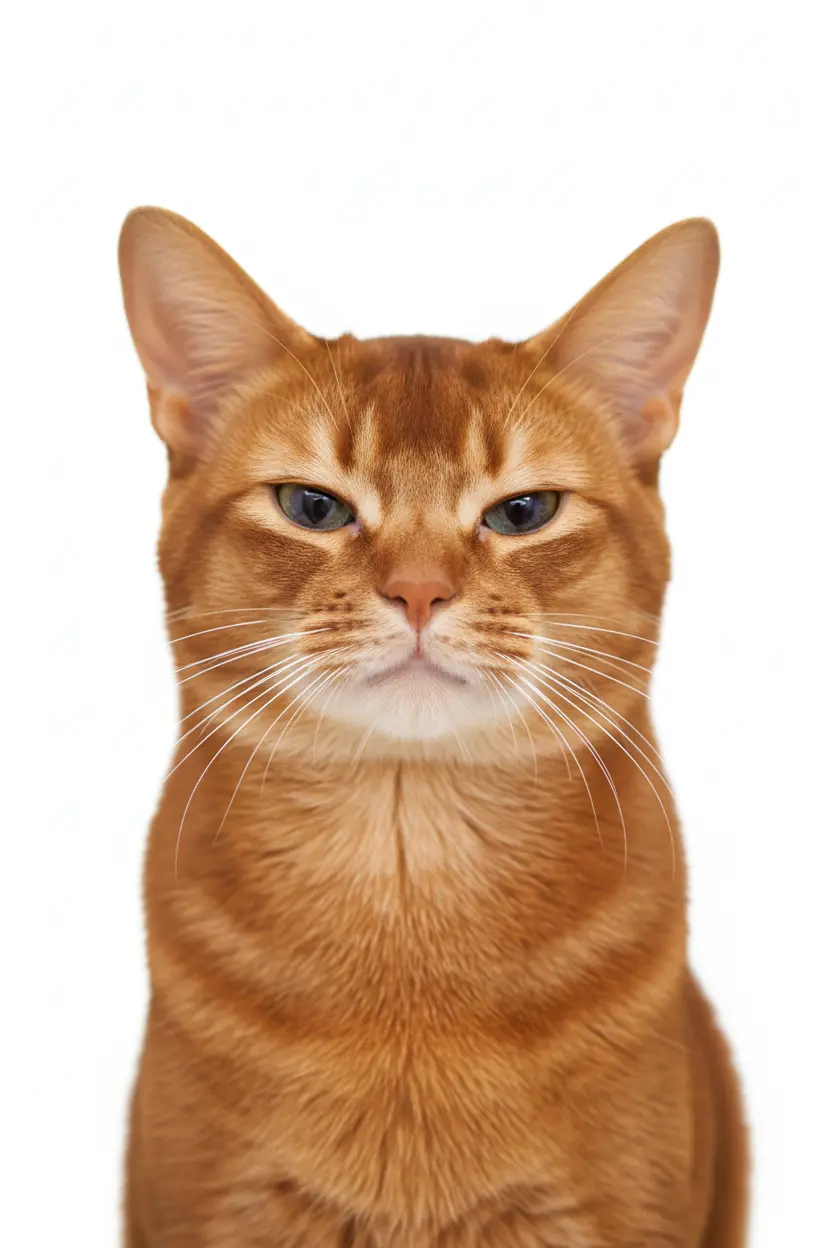
AI Pet ID Photo
Generate professional ID photos with one click

AI Avatar Generator
Create your personalized avatar with one click
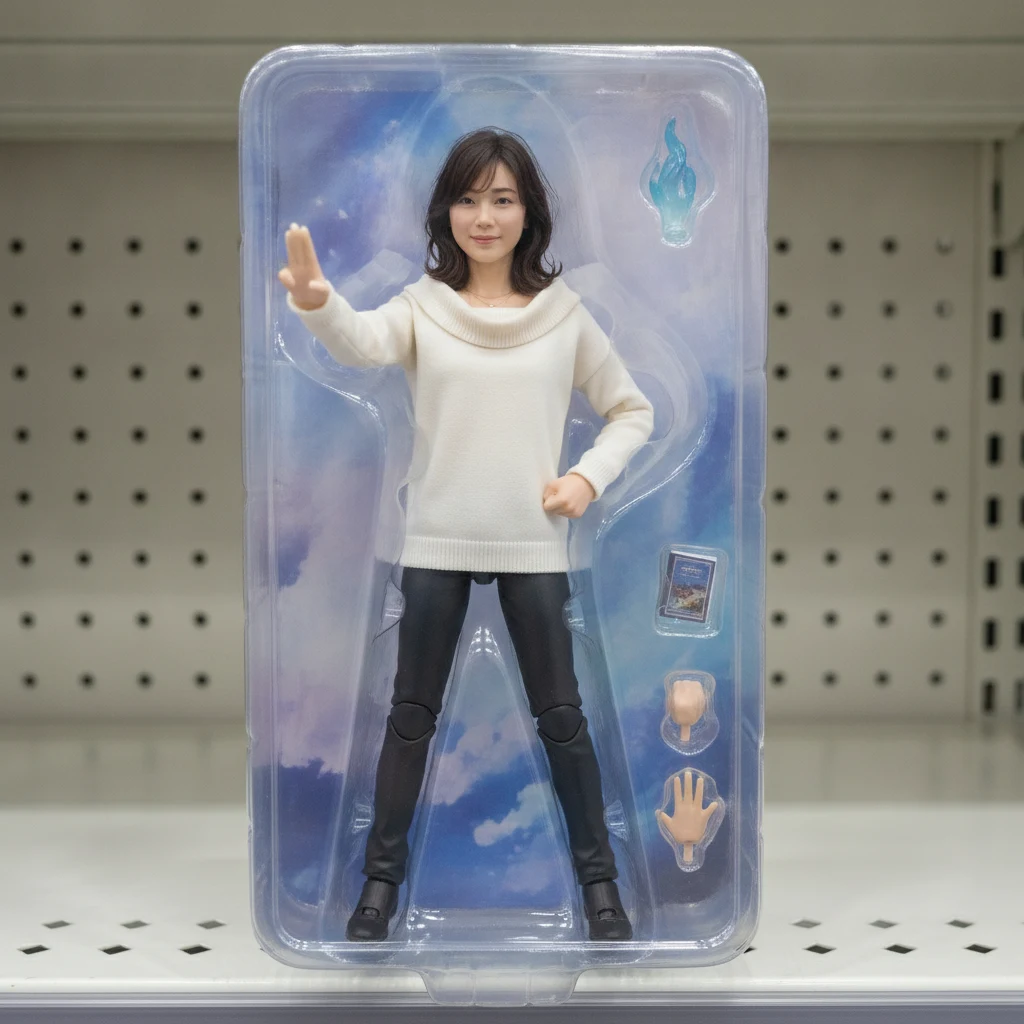
AI Action Figure Generator
Turn your portrait into a collectible figure
US ID Photo
Generate Standard US ID Photos with One Click
OC Maker
Create Your Own Unique Character
AI Selfie with Celebrities Generator
Generate realistic selfies with celebrities in one click

AI Kiss Generator
Upload photos of two people, generate a romantic kiss instantly
 AI Image Animator
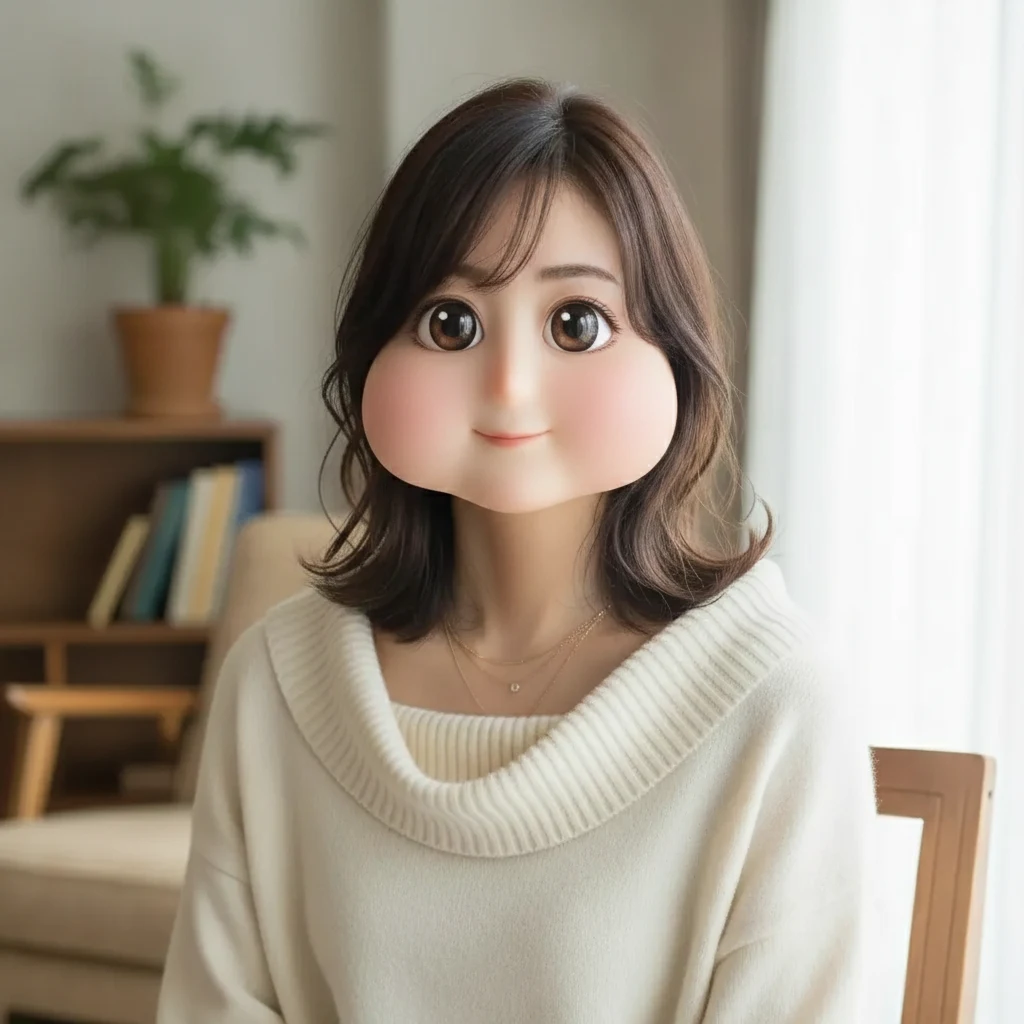 Square Face Generator
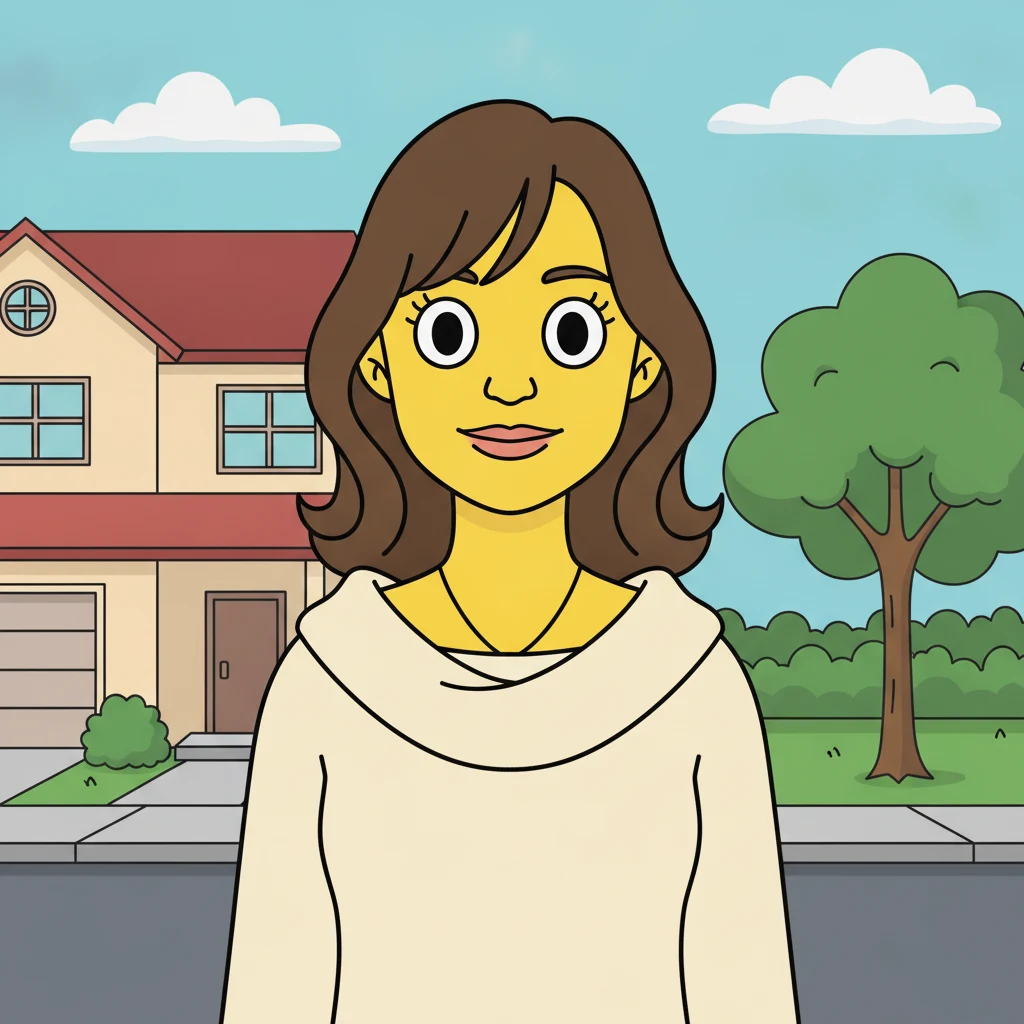 AI Simpsons Character Generator
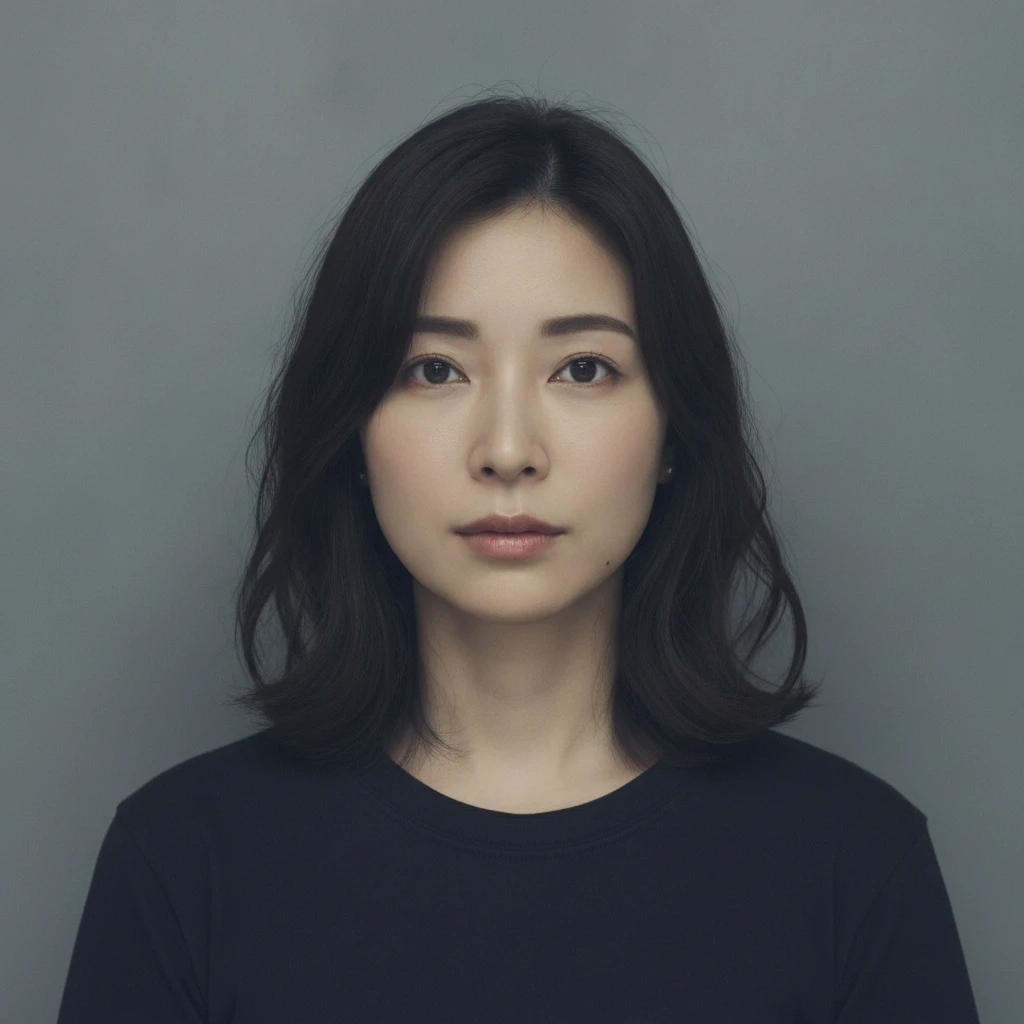 AI Mugshot Maker
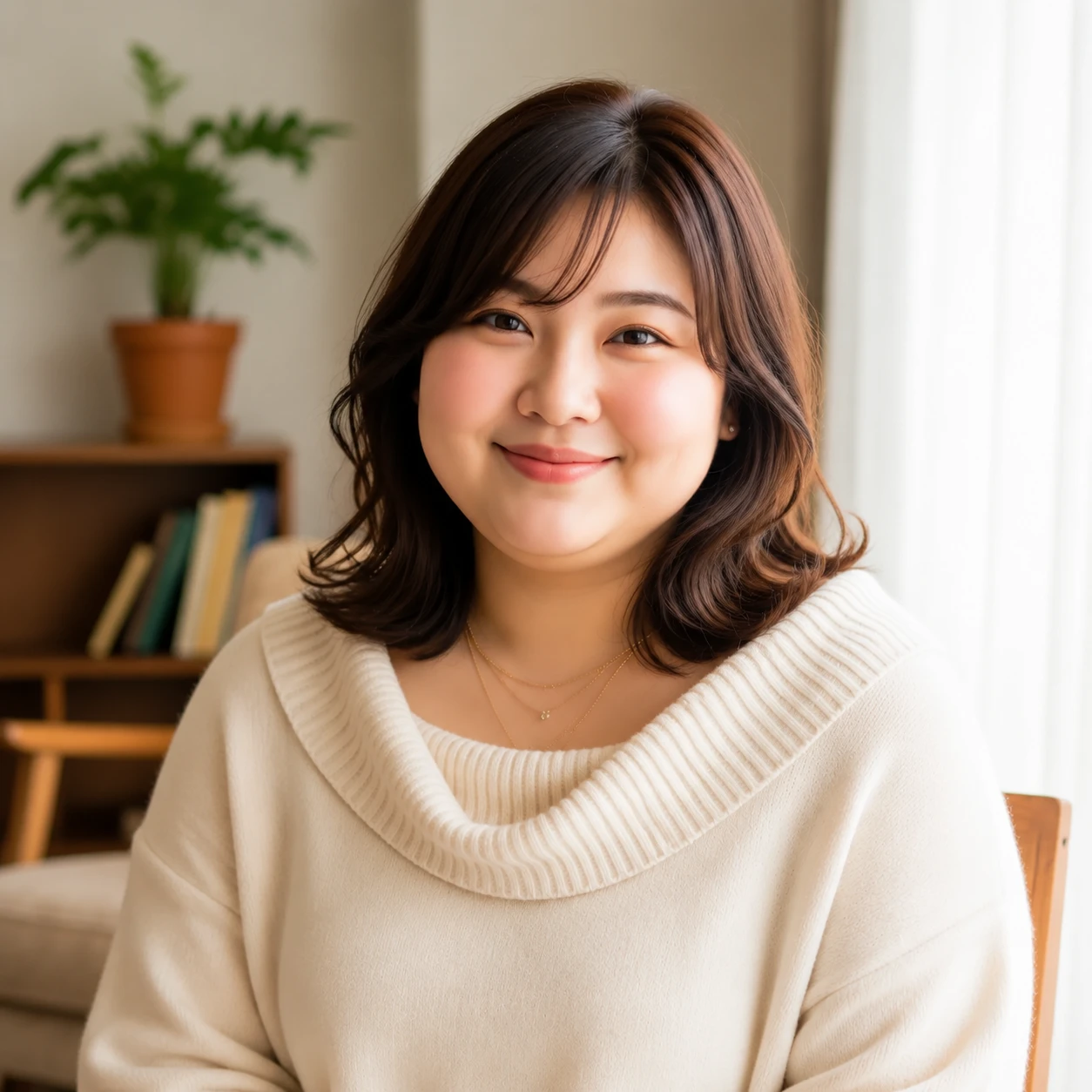 AI Fat Filter
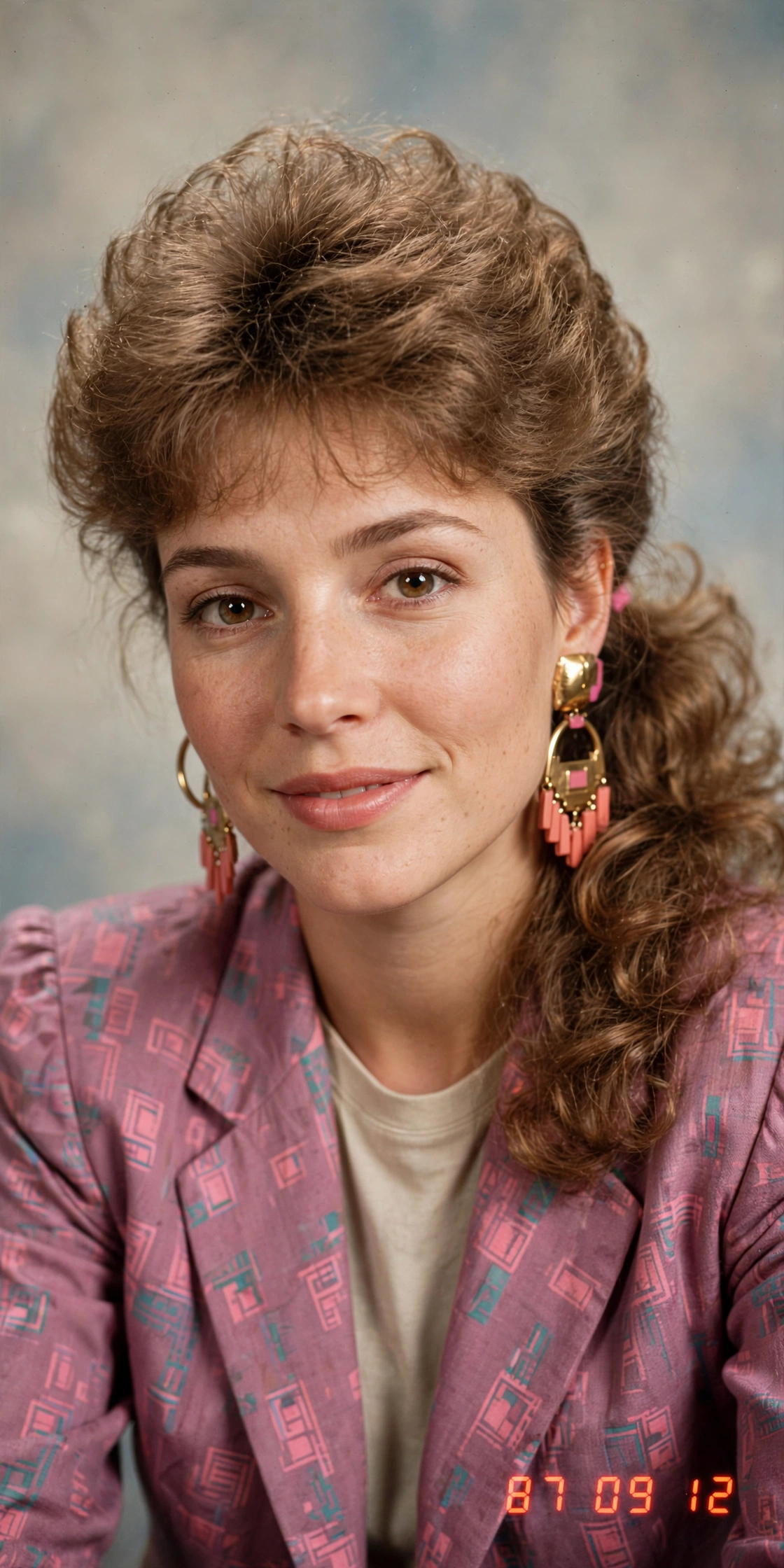 AI 80s Photo Generator
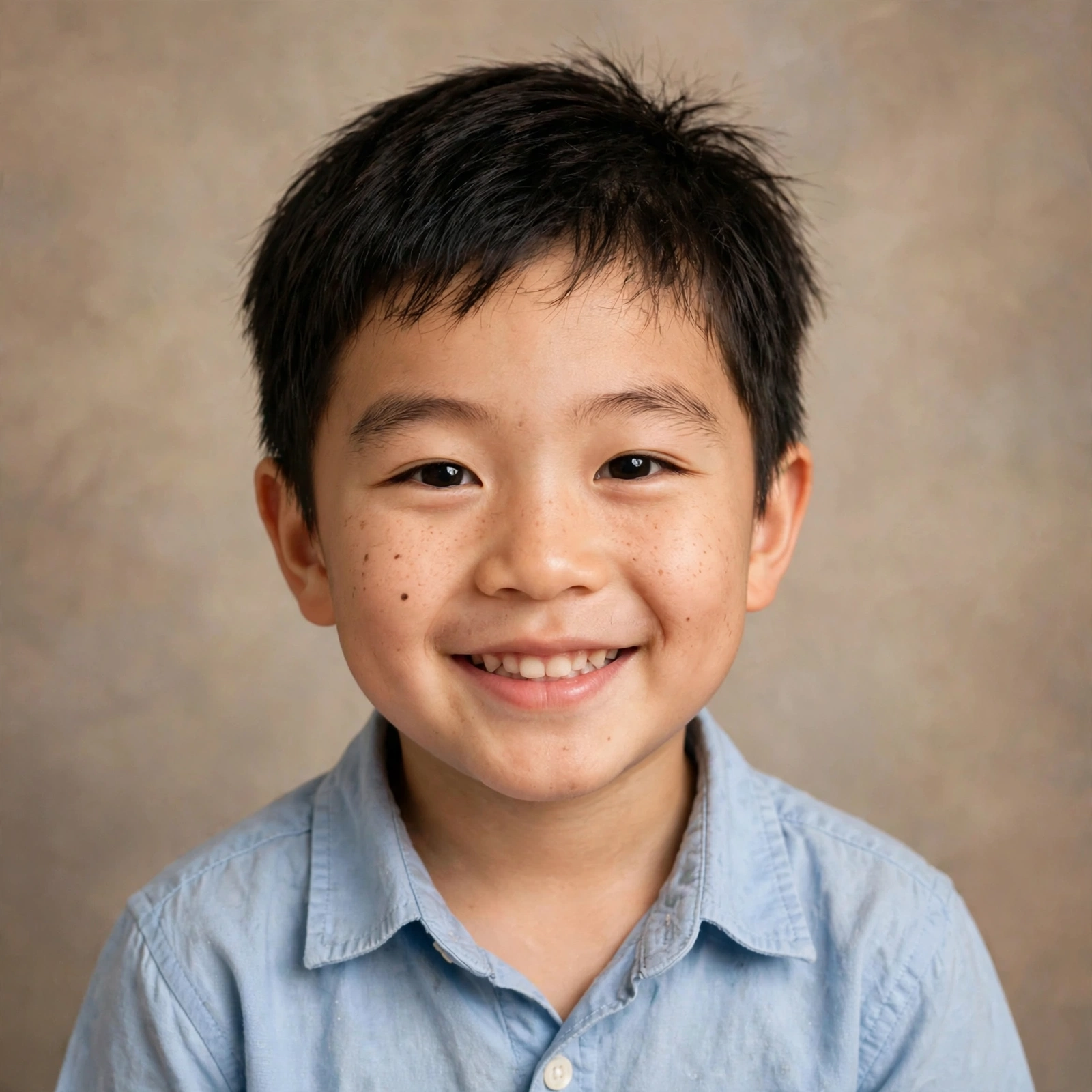 AI Baby Generator
 AI Dating Profile Photos
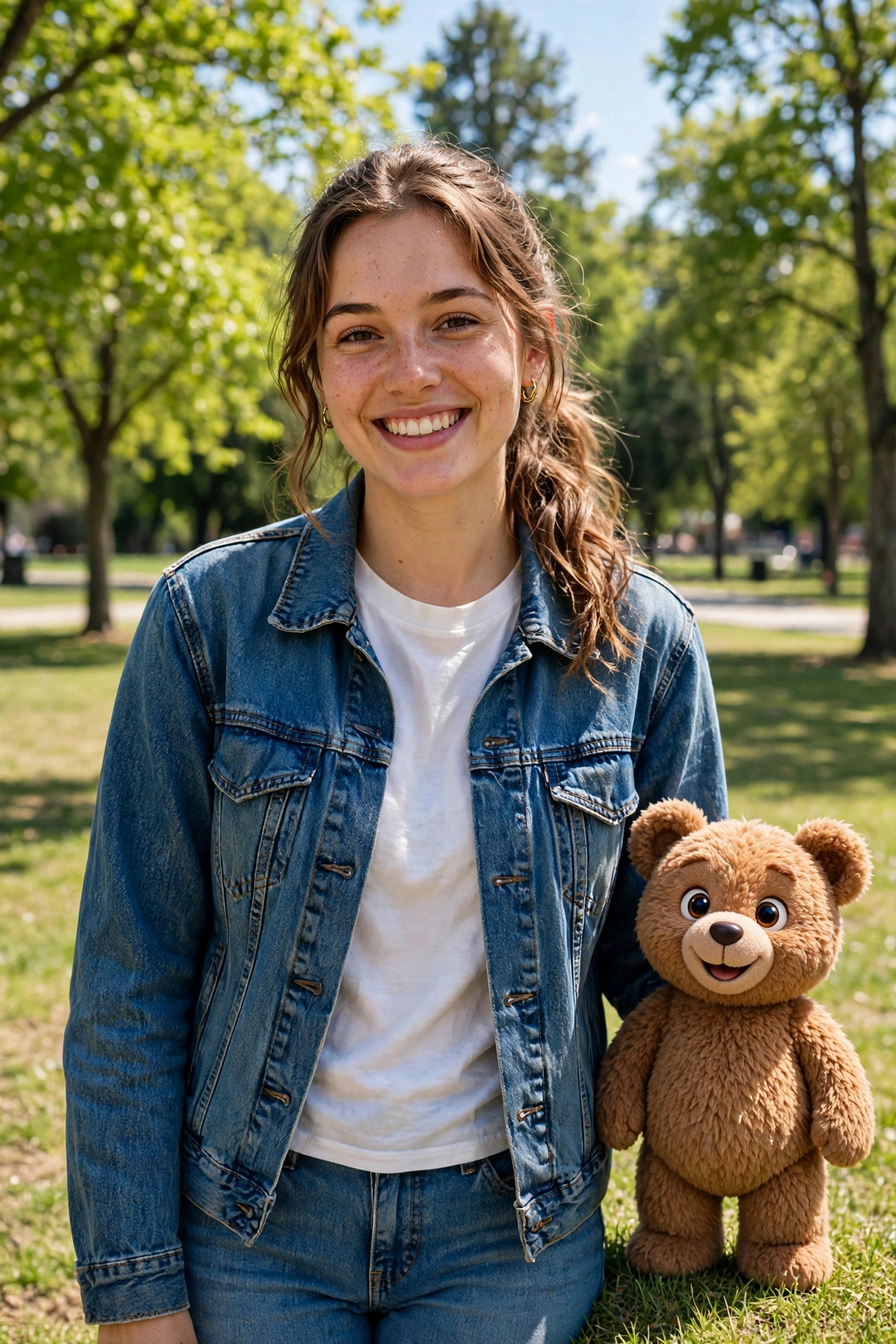 AI Mascot Photo Generator
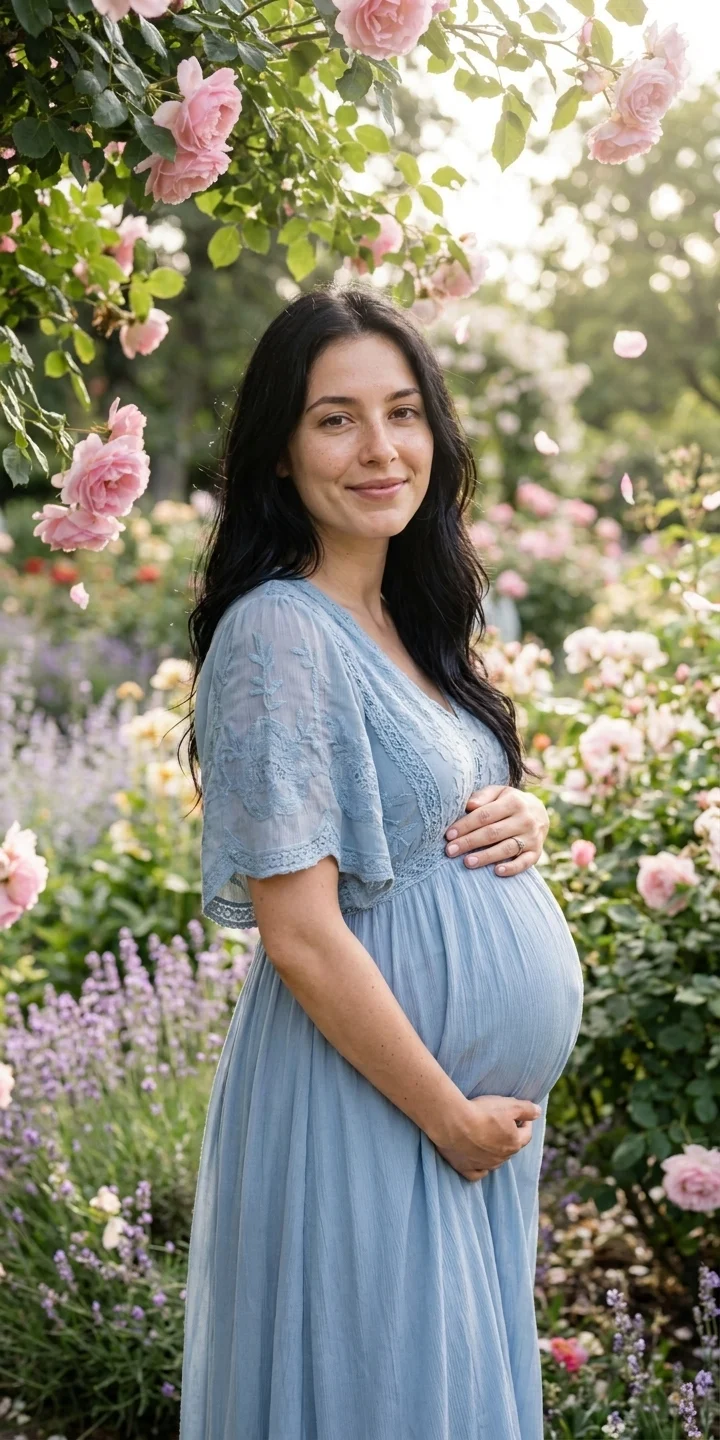 AI Maternity Photoshoot
About Grok Imagine
Common questions about generating images with Grok Imagine on our platform