Personal profiles
Create a clean portrait for your personal profile.
Applicable Scenarios
- Social profiles
- Personal websites
- Community avatars
Turn a selfie into a clean American-style portrait.
Choose a white-background portrait, professional headshot, passport photo style or visa photo style for personal profiles and creative projects.
Free credits on sign-up · No credit card required

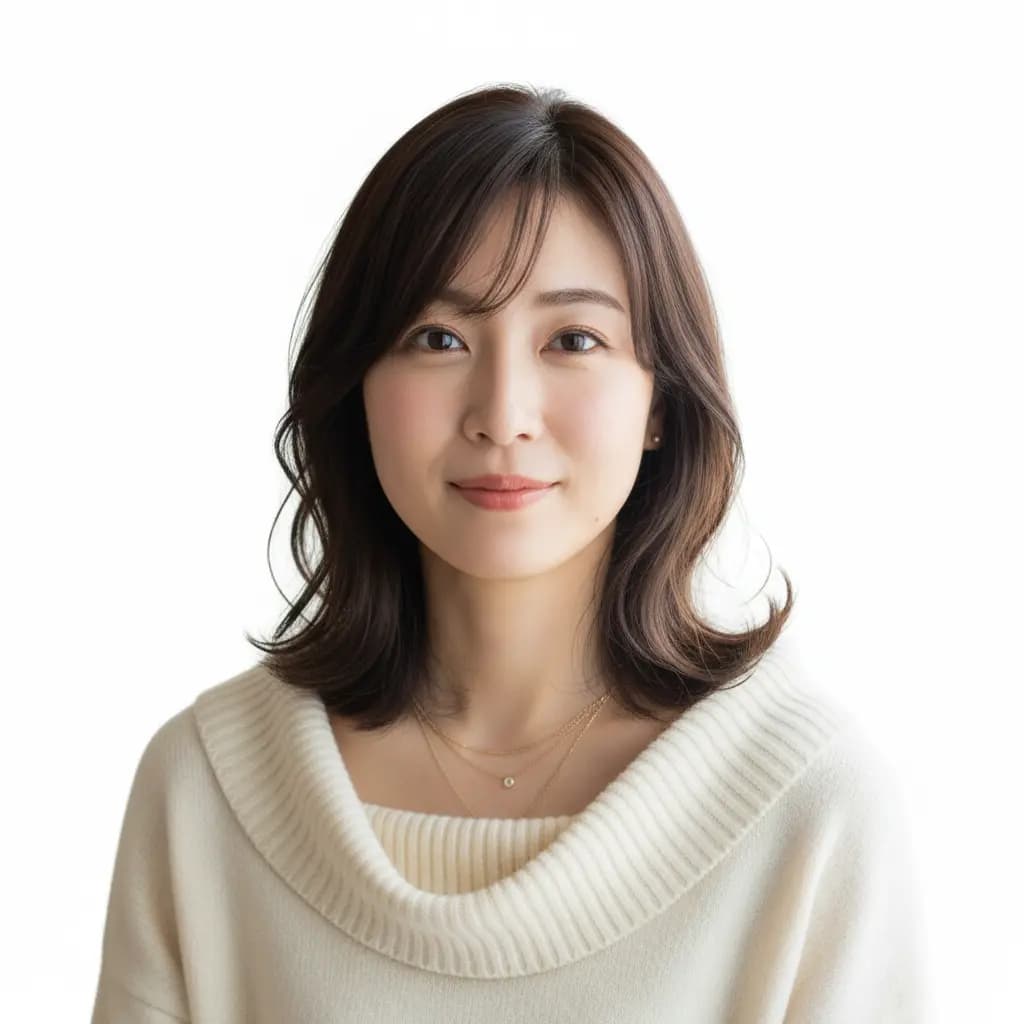
Example results. Your output will vary with the source photo and model.
Upload a clear photo, choose a style and review the credit total before generating.
Drag and Drop or Click to Select
Drag the image to this area · Or click to select file
Supports JPG, PNG, WEBP formats · Maximum file size: 3MB
Standard model with balanced quality and speed
Select a mode and enter a prompt to start creating
Compare the examples with the original. Results vary by source photo and model.
Effect Showcase

White-background portrait for profiles and creative projects
Choose a style, compare the result and check the requirements for your intended use.
Core AdvantagesUpload a clear portrait and choose a generation style.
Core AdvantagesTry different portrait compositions with the same source photo.
Core AdvantagesCompare the output with the original and check facial details.
Core AdvantagesThe generation cost includes the selected model and the tool surcharge.
Core AdvantagesExample results. Your output will vary with the source photo and model.
Choose a style, compare the result and check the requirements for your intended use.
Use CasesCreate a clean portrait for your personal profile.
Try a natural business portrait for professional introductions.
Explore passport- and visa-like compositions as AI portrait previews.
Check the receiving authority’s current requirements and arrange a compliant original photo. Do not assume AI portraits can be submitted.
Choose a style, compare the result and check the requirements for your intended use.
FeaturesChoose a style to adjust framing, background and expression.
Use a clear, evenly lit original for a cleaner portrait result.
Prompts prioritize facial features, apparent age and natural skin texture. AI may still change details.
Keep ID, professional, passport and visa portrait styles in one place.
What this tool creates, how to get a better result and what to check for official applications.
A US-style ID photo usually refers to a front-facing portrait with a simple background and even lighting. On this page, it means an AI portrait style for personal profiles or creative previews. Official passport, visa and driver’s license photos have their own requirements and procedures; the style alone does not establish compliance.
Not automatically. A white background, frontal composition or 2x2-inch format does not by itself establish official compliance. This tool creates AI portraits and does not certify application photos. Check the receiving authority’s requirements and prepare an appropriate original photo.
Generation time depends on the selected model, service load and the input photo. Follow the progress shown in the editor; there is no fixed completion-time guarantee. If generation fails, check the error message before trying again.
The tool offers four portrait types: ID photo style, professional headshot, passport photo style and visa photo style. Passport and visa styles are composition previews, not certified application photos. It does not create driver’s license cards or other identity documents.
It is recommended to upload a clear frontal photo with adequate lighting and clear facial features. The AI will optimize imperfect photos, but the better the original quality, the better the result.
All four styles create portraits for personal or creative use, not driver’s license cards or identity documents.
This is an AI portrait tool, not a certified application-photo service. U.S. passport rules require original, unedited photos, and driver’s license photo procedures vary by state. For any official application, follow the issuing authority’s current requirements rather than assuming an AI result is accepted.
Use a clear photo of one person facing the camera, with the face visible and even lighting. Avoid blur, heavy filters, sunglasses and anything that covers facial features.
The ID photo style uses a white background and front-facing composition. Professional headshots use a business look. Passport and visa styles offer portrait composition previews. All four produce AI portraits; none certifies acceptance for an official application.
The prompts prioritize your facial features, apparent age and natural skin texture. AI can still change details, so compare the result with your original before using it. A clearer source photo may help.
The total is shown before generation and includes the selected model’s cost and this tool’s additional charge. Changing the model can change the total.
Existing feedback about the product’s editing experience, rather than official acceptance of this tool’s images.
User TestimonialsThe character consistency feature helps me maintain brand identity across all my visual content.
Sarah Chen
Content Creator
Being able to modify specific elements while maintaining overall composition helps me iterate designs much faster.
Michael Torres
UX Designer
These comments concern Nano Banana features. AI portrait results vary, and official applications follow the receiving authority’s requirements.
Try another idea. These tools work in one click too.
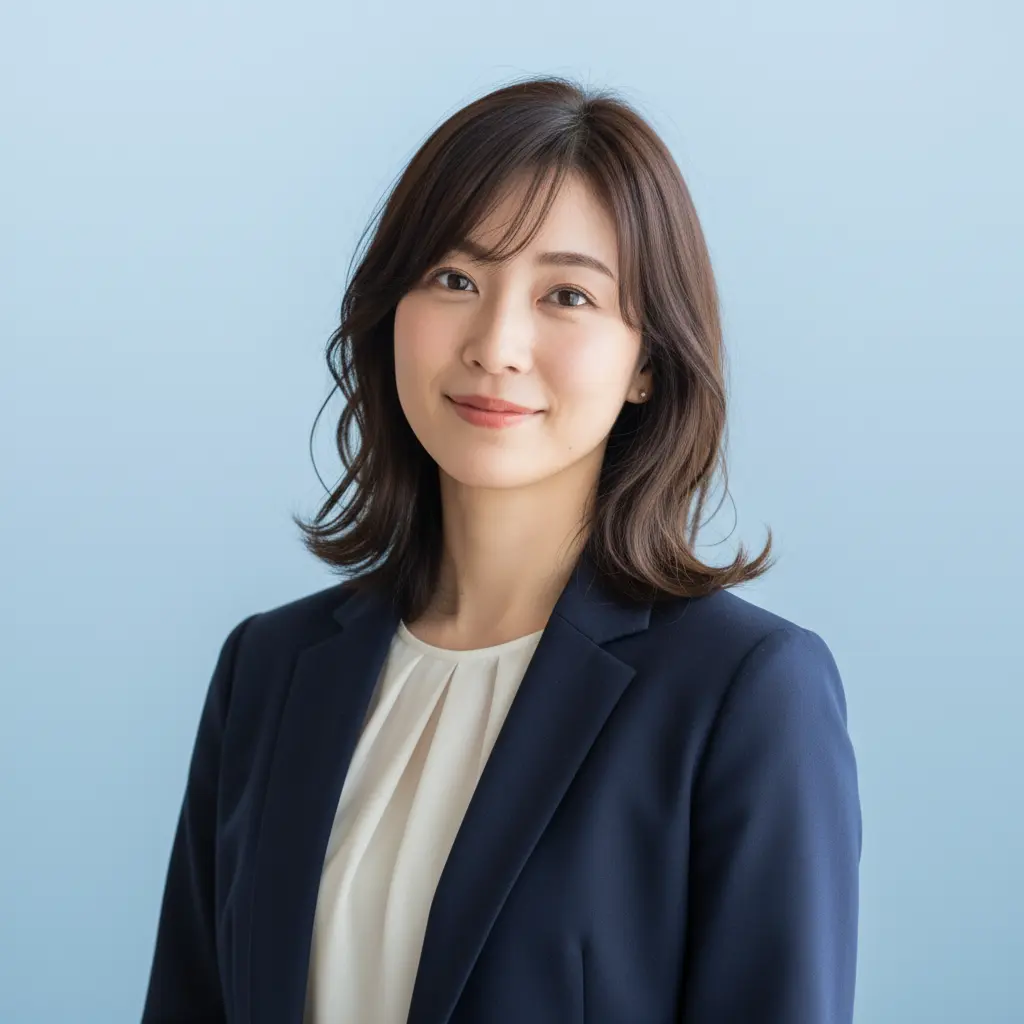
Turn any portrait into a professional headshot
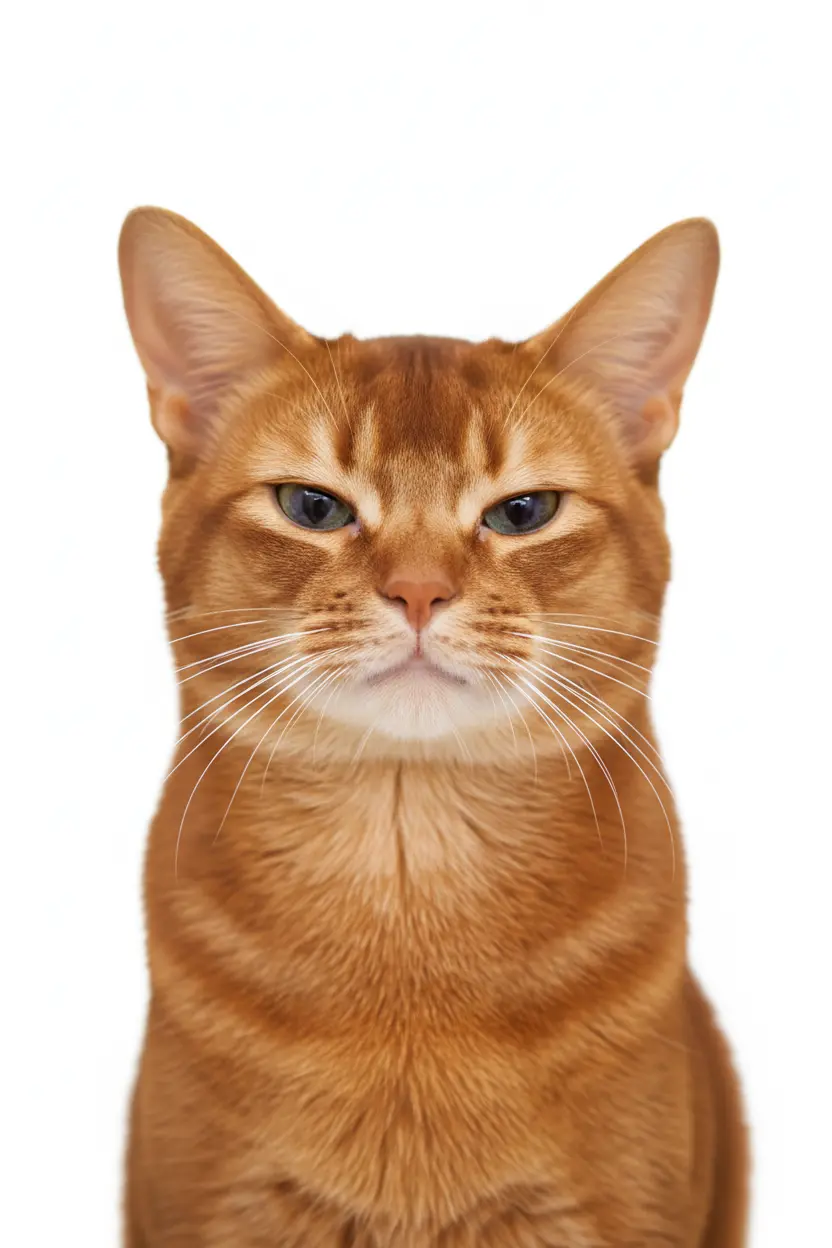
Generate professional ID photos with one click
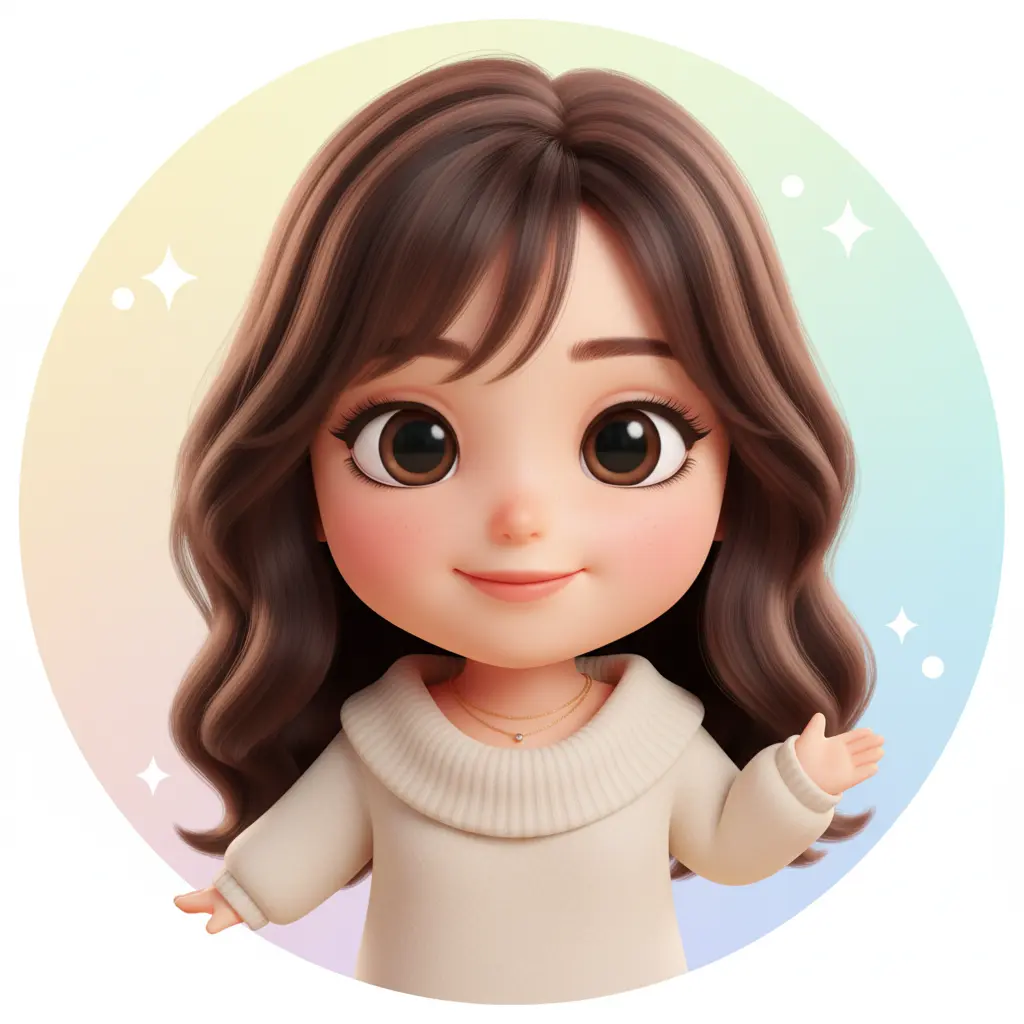
Create your personalized avatar with one click
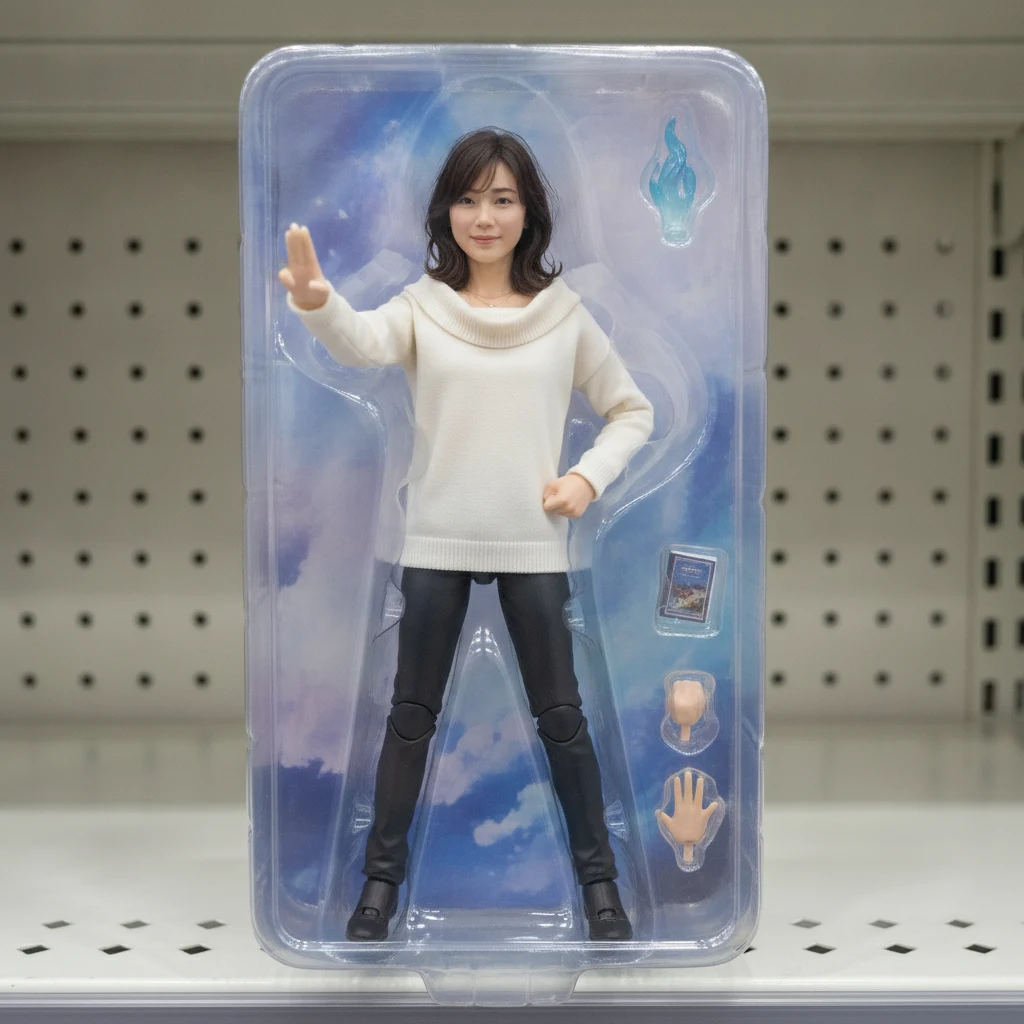
Turn your portrait into a collectible figure
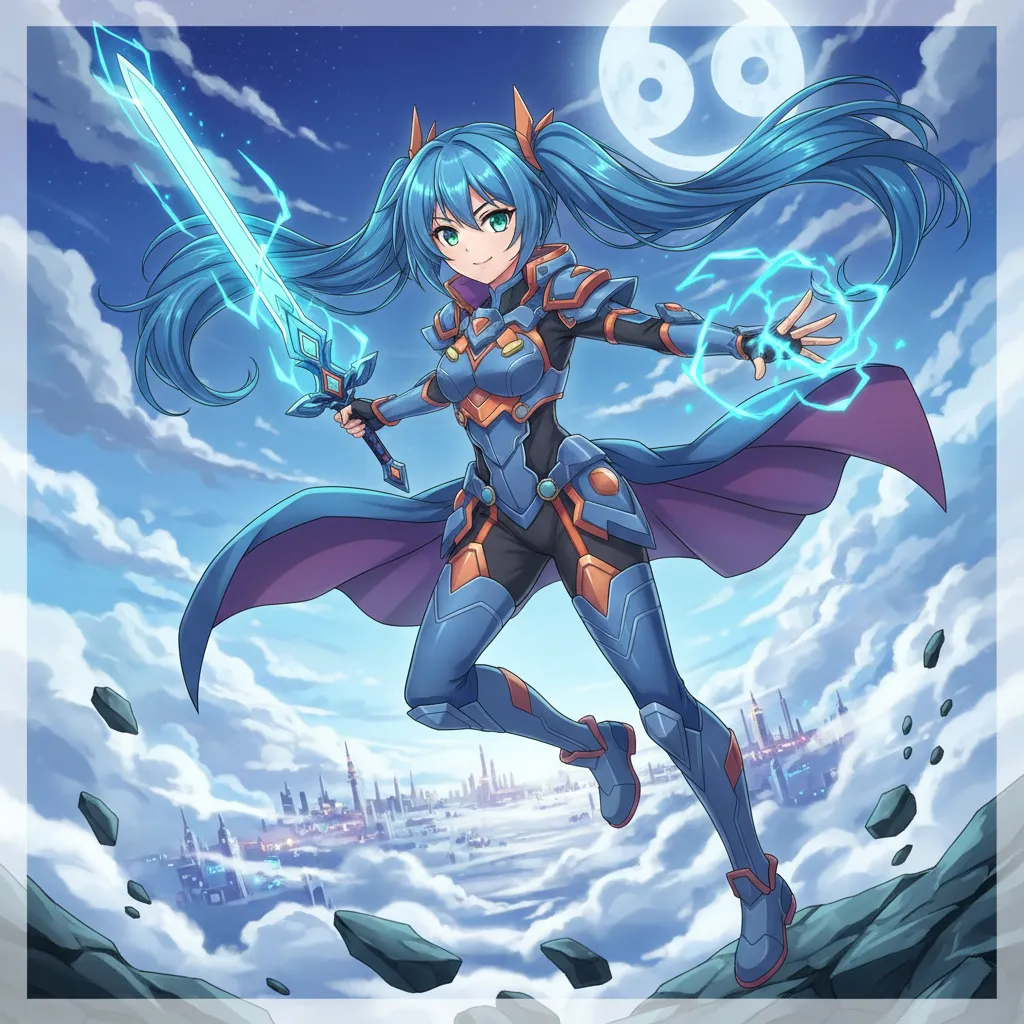
Create Your Own Unique Character
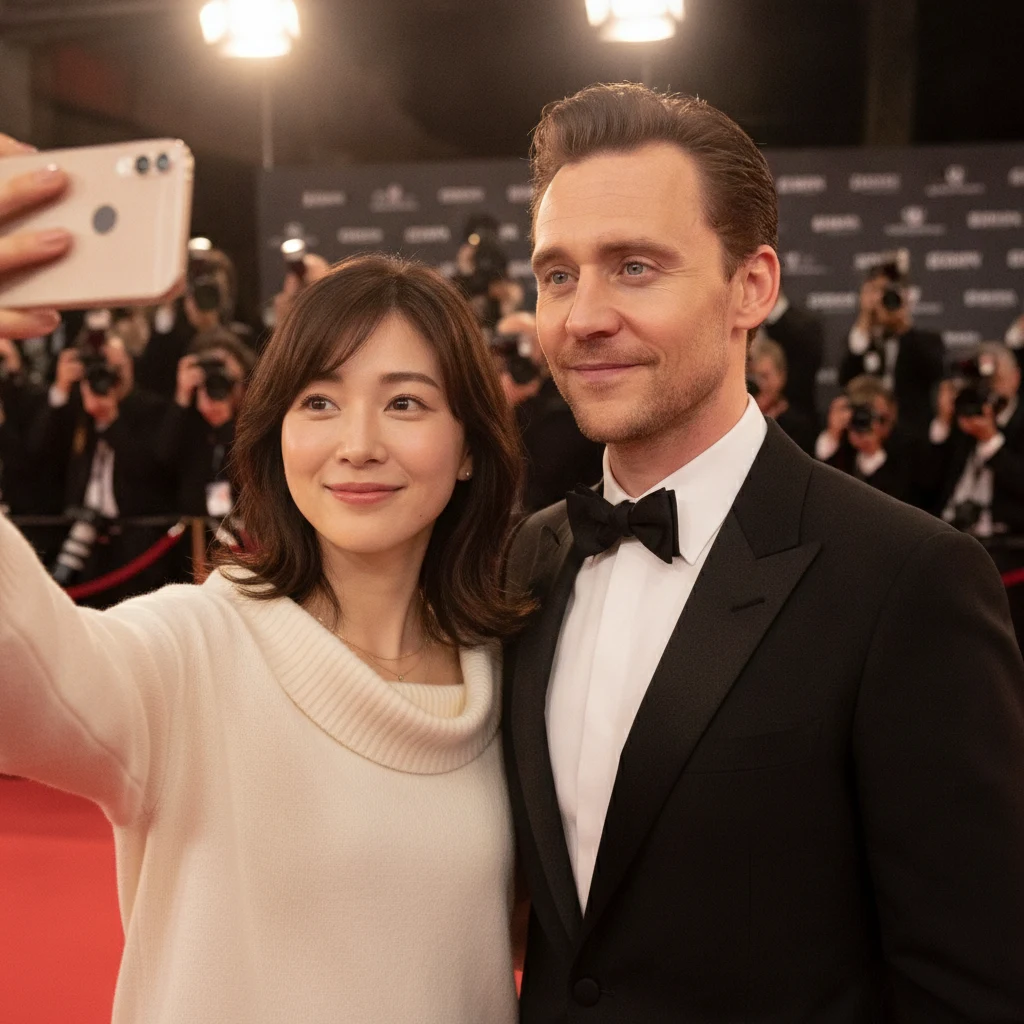
Generate realistic selfies with celebrities in one click
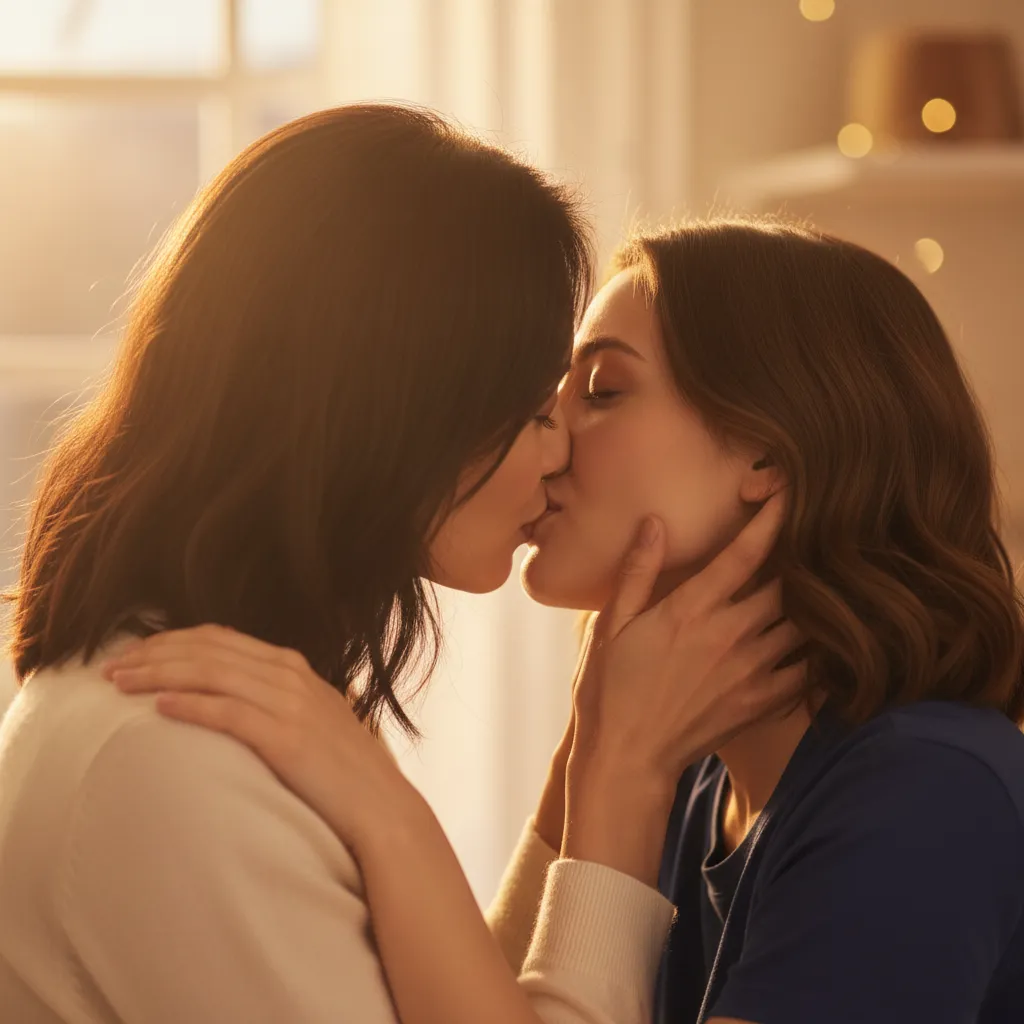
Upload photos of two people, generate a romantic kiss instantly
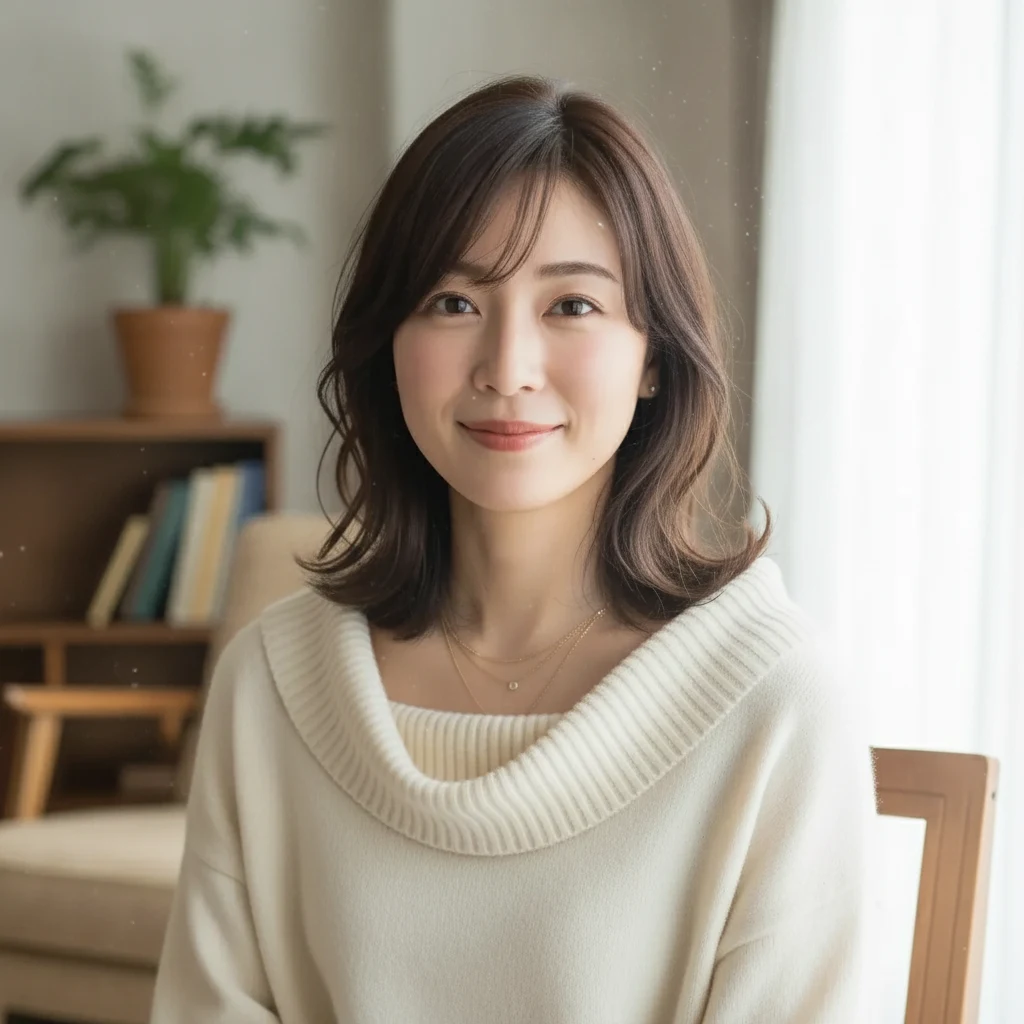
Bring your photos to life with subtle AI motion
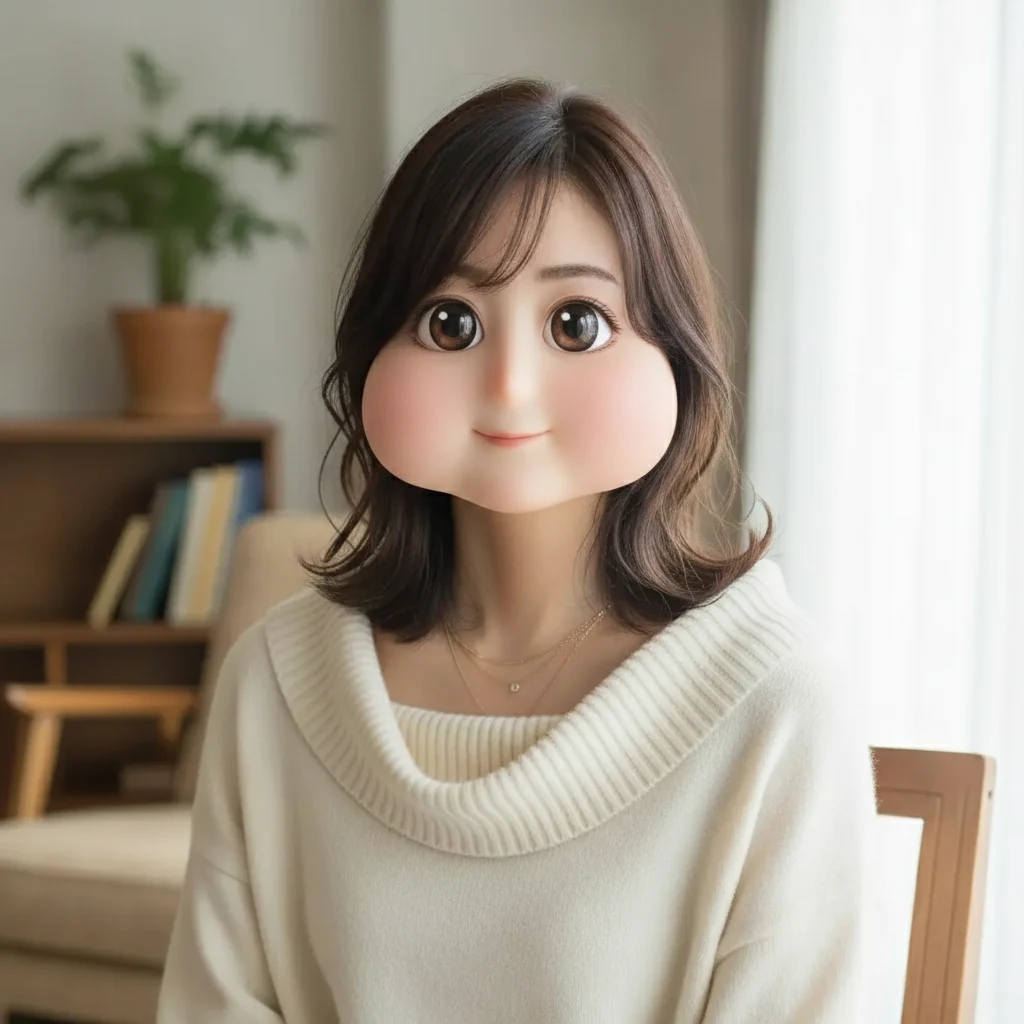 Square Face Generator
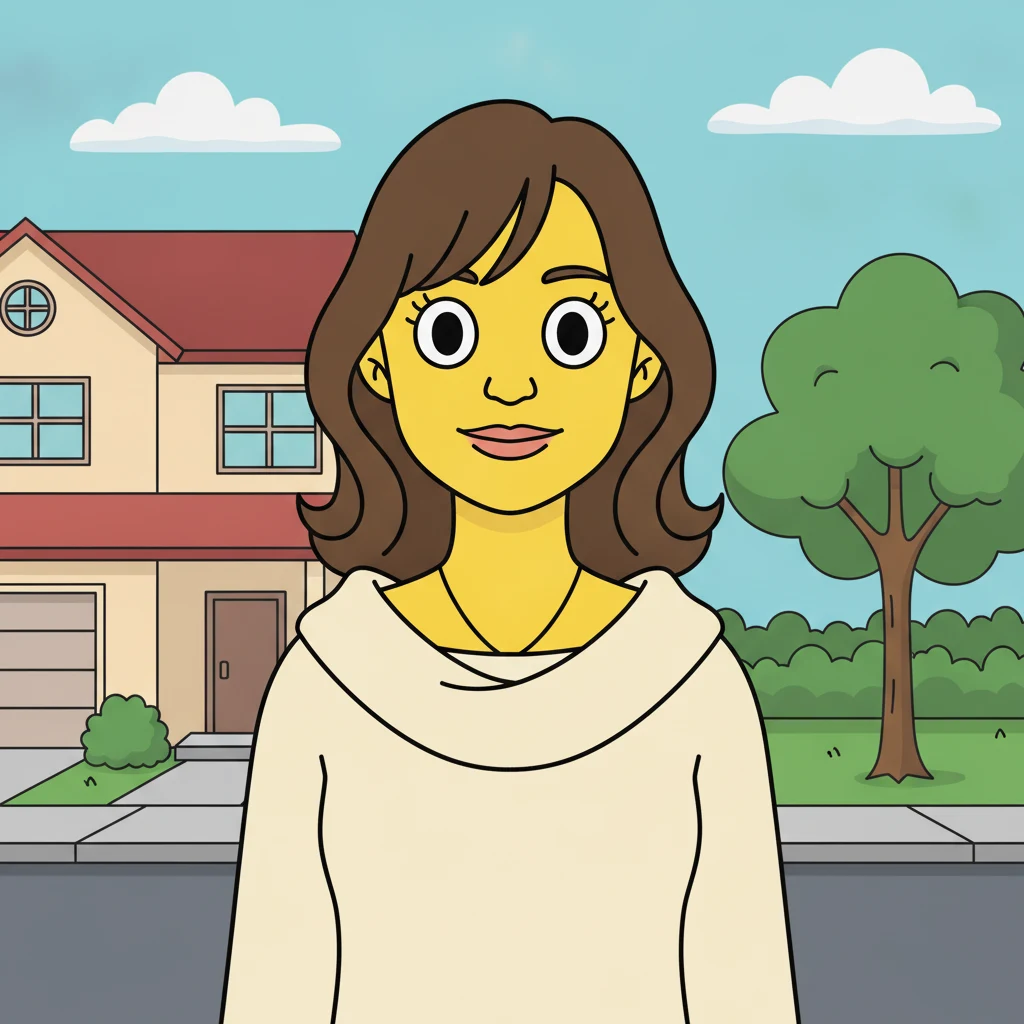 AI Simpsons Character Generator
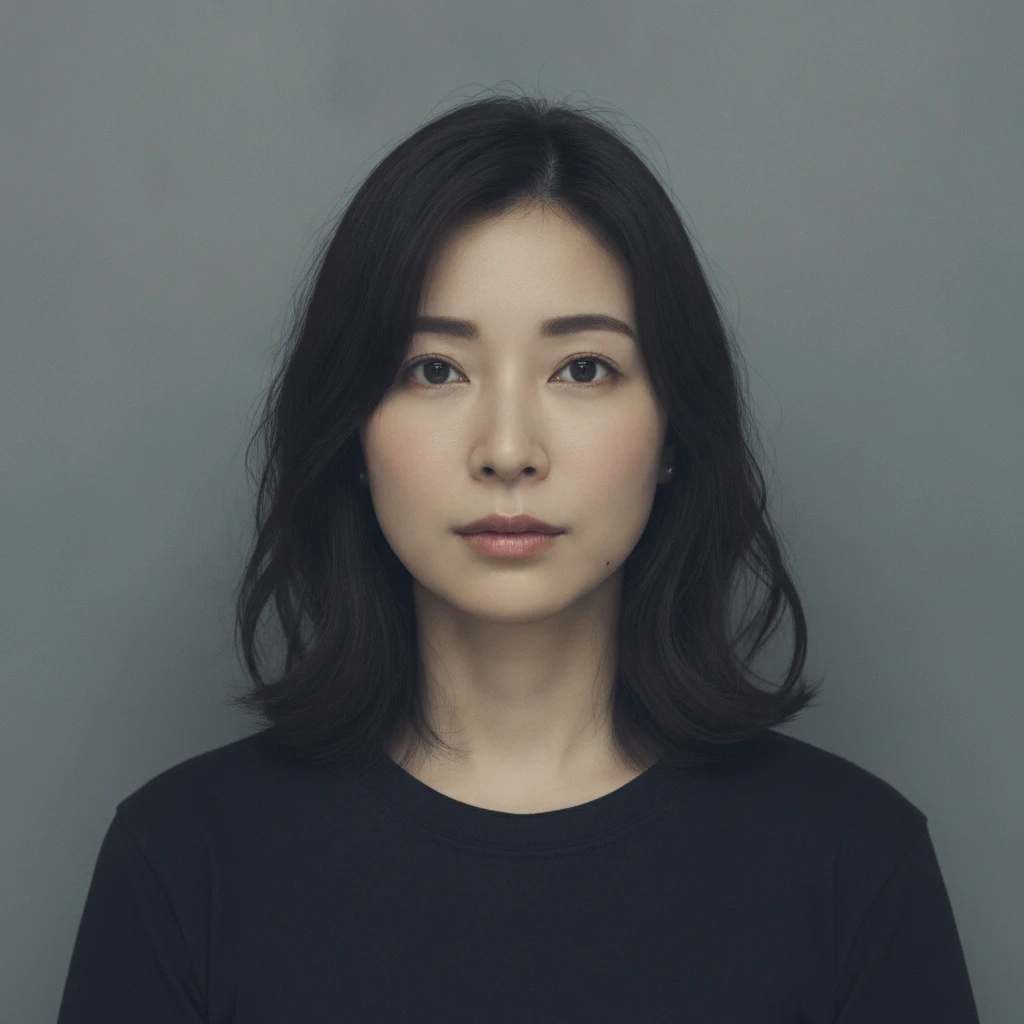 AI Mugshot Maker
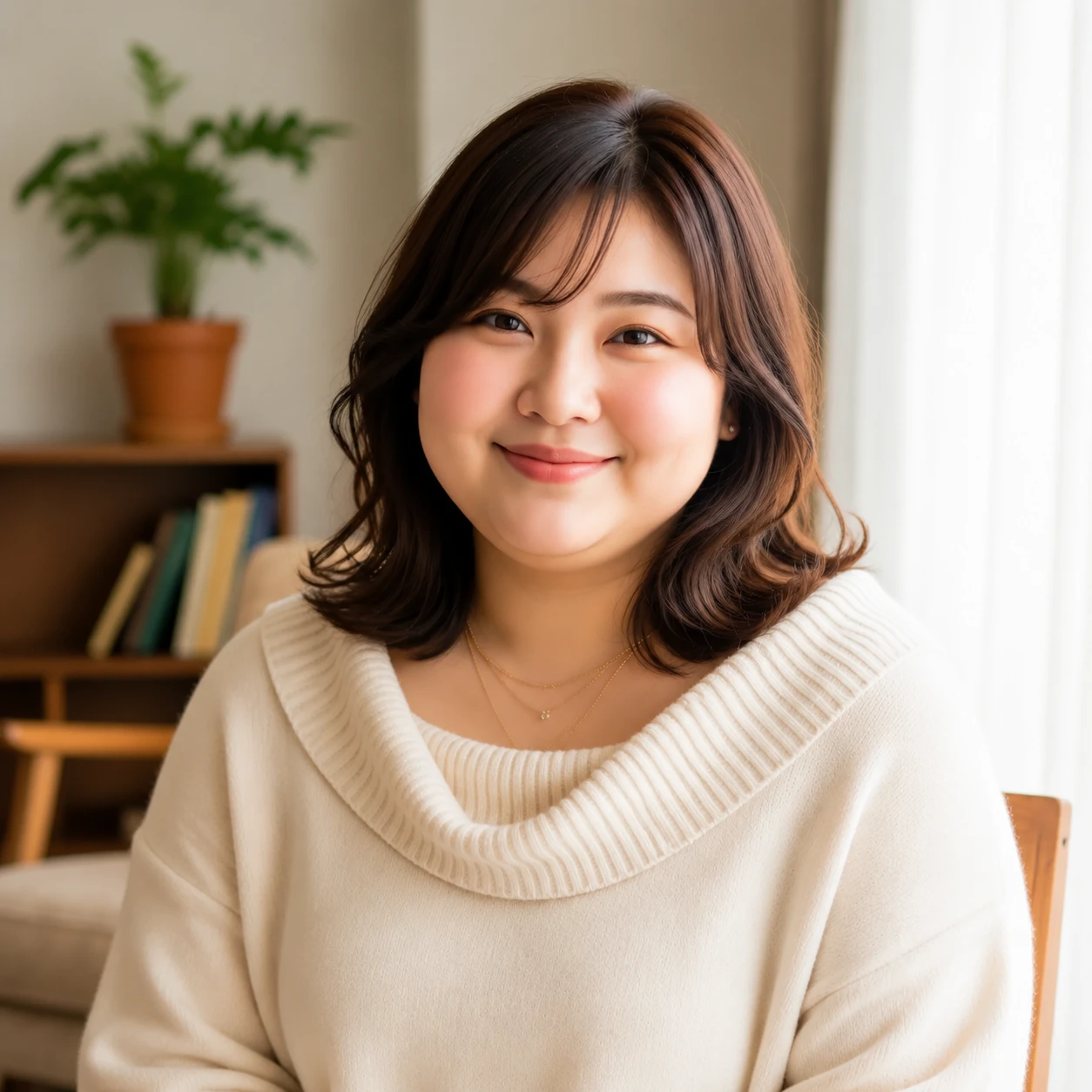 AI Fat Filter
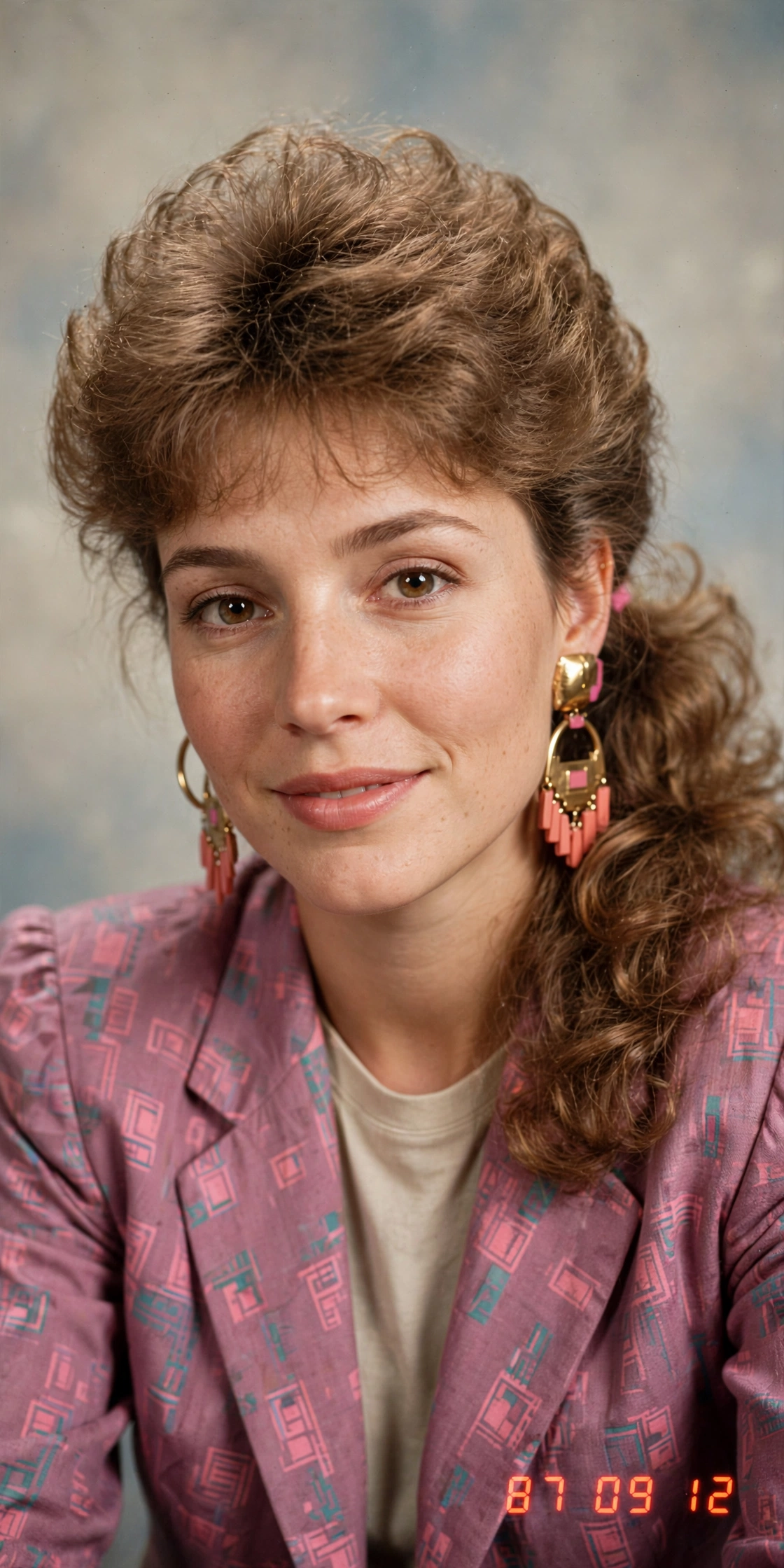 AI 80s Photo Generator
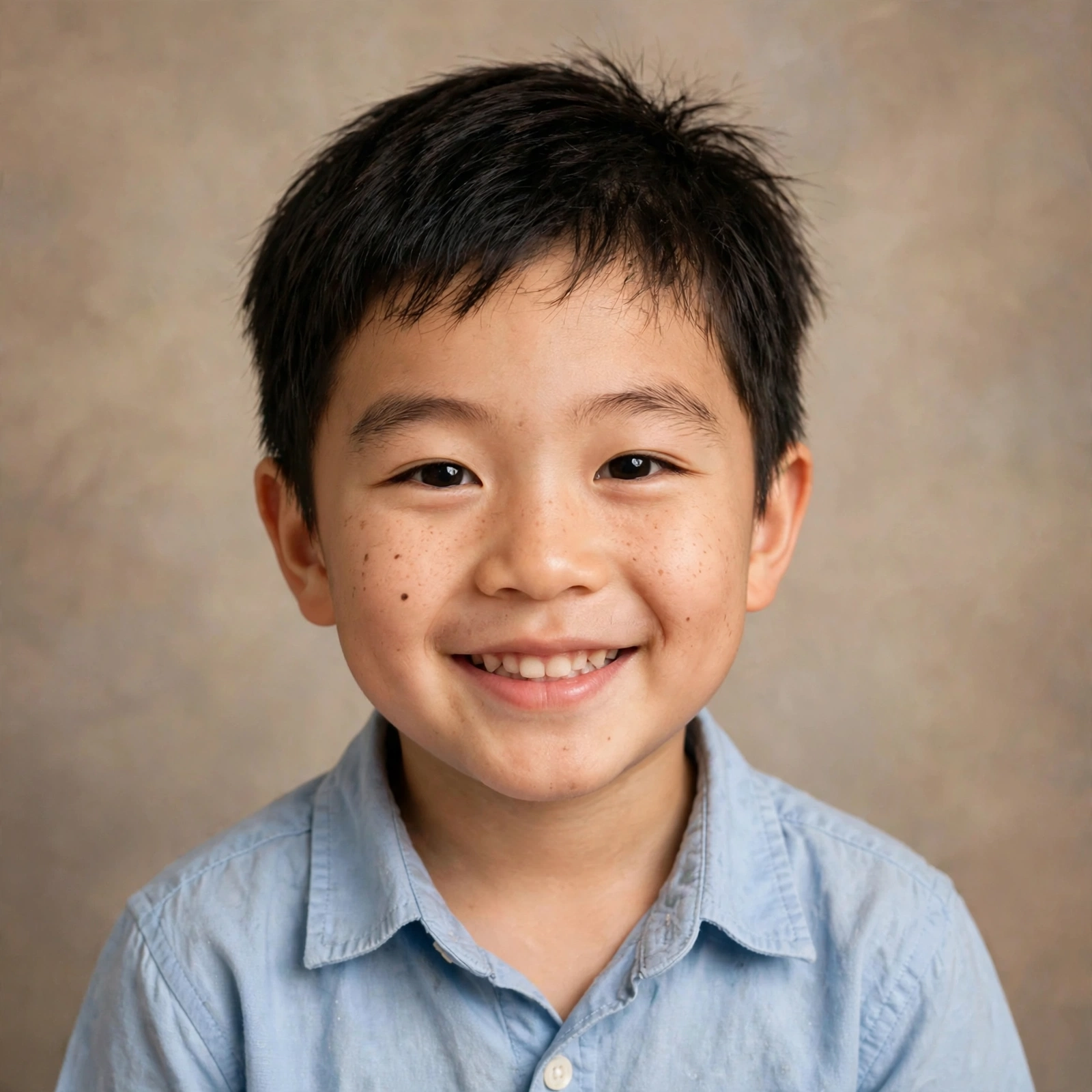 AI Baby Generator
 AI Dating Profile Photos
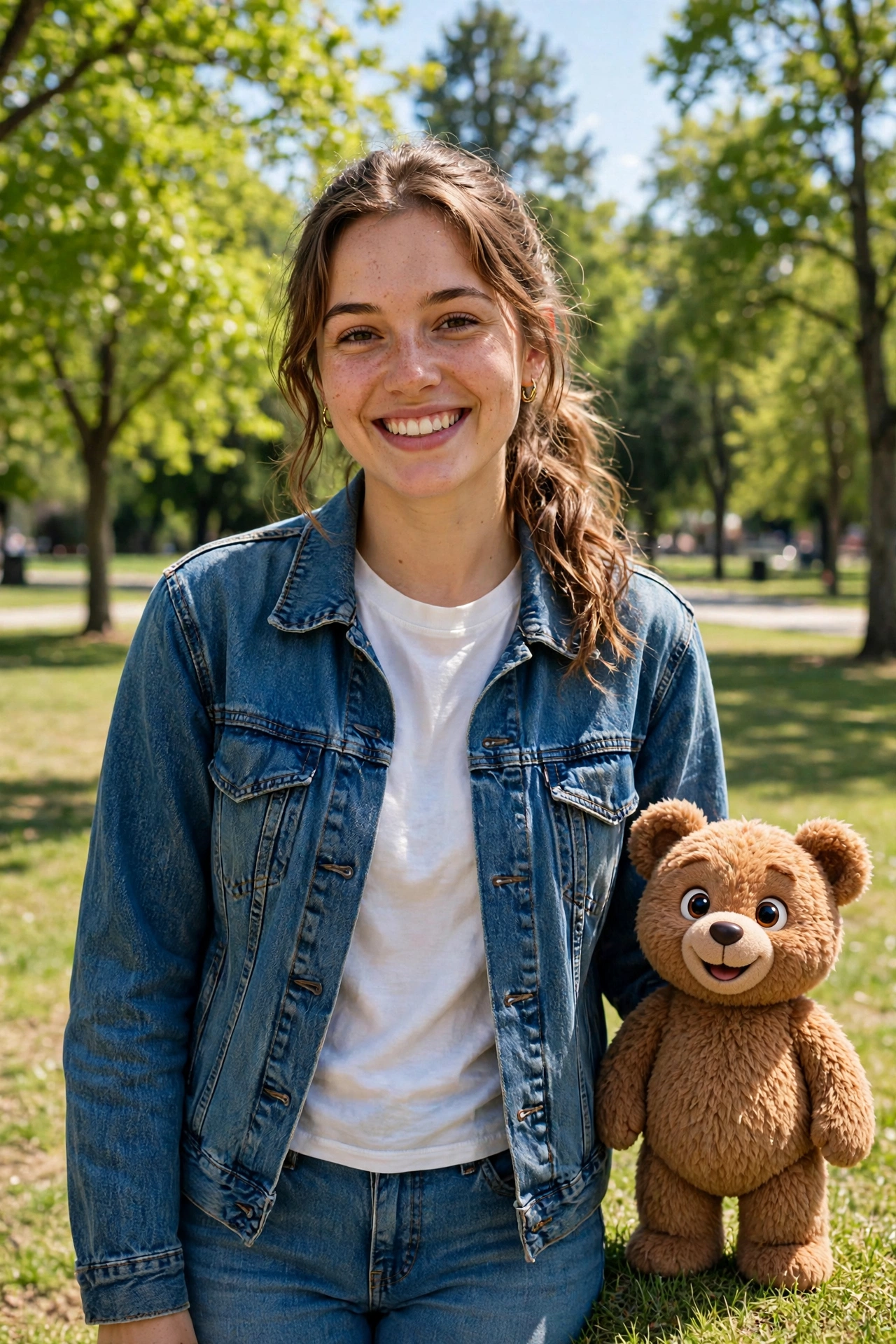 AI Mascot Photo Generator
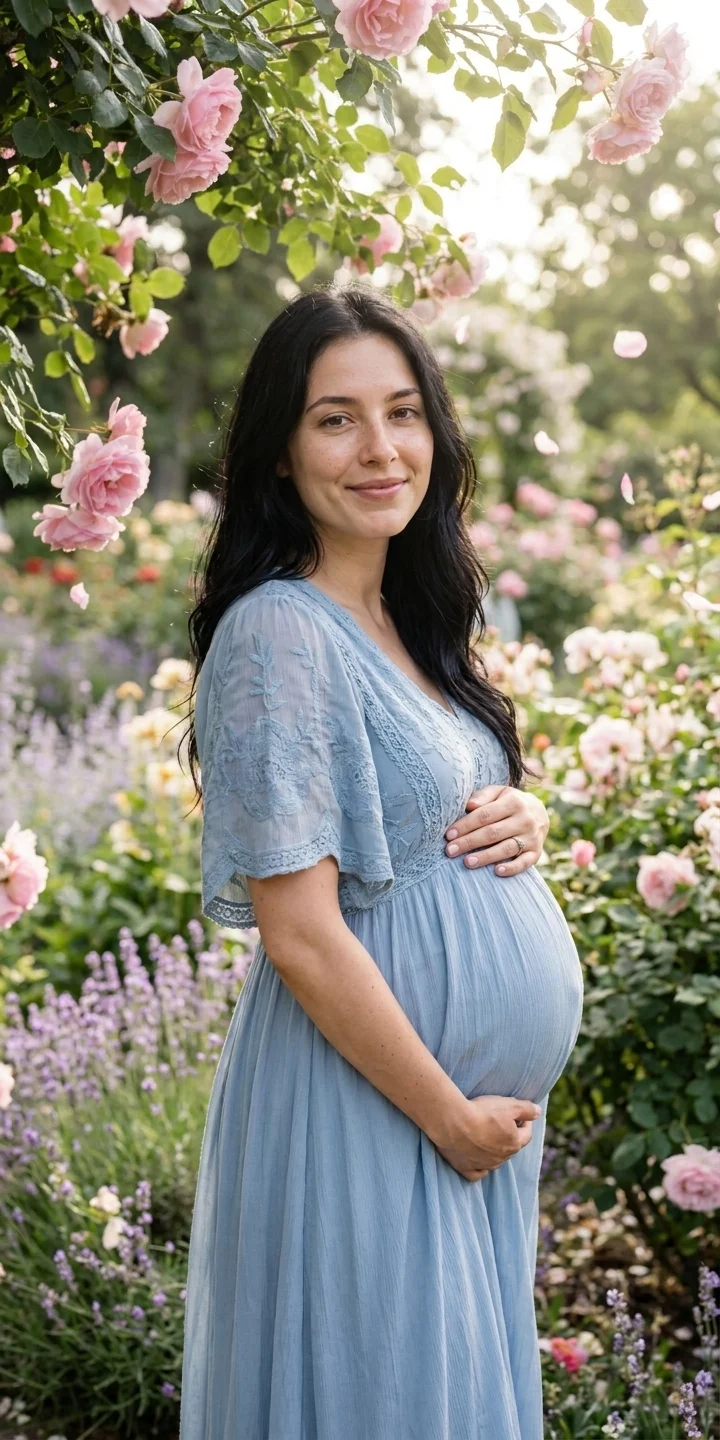 AI Maternity Photoshoot
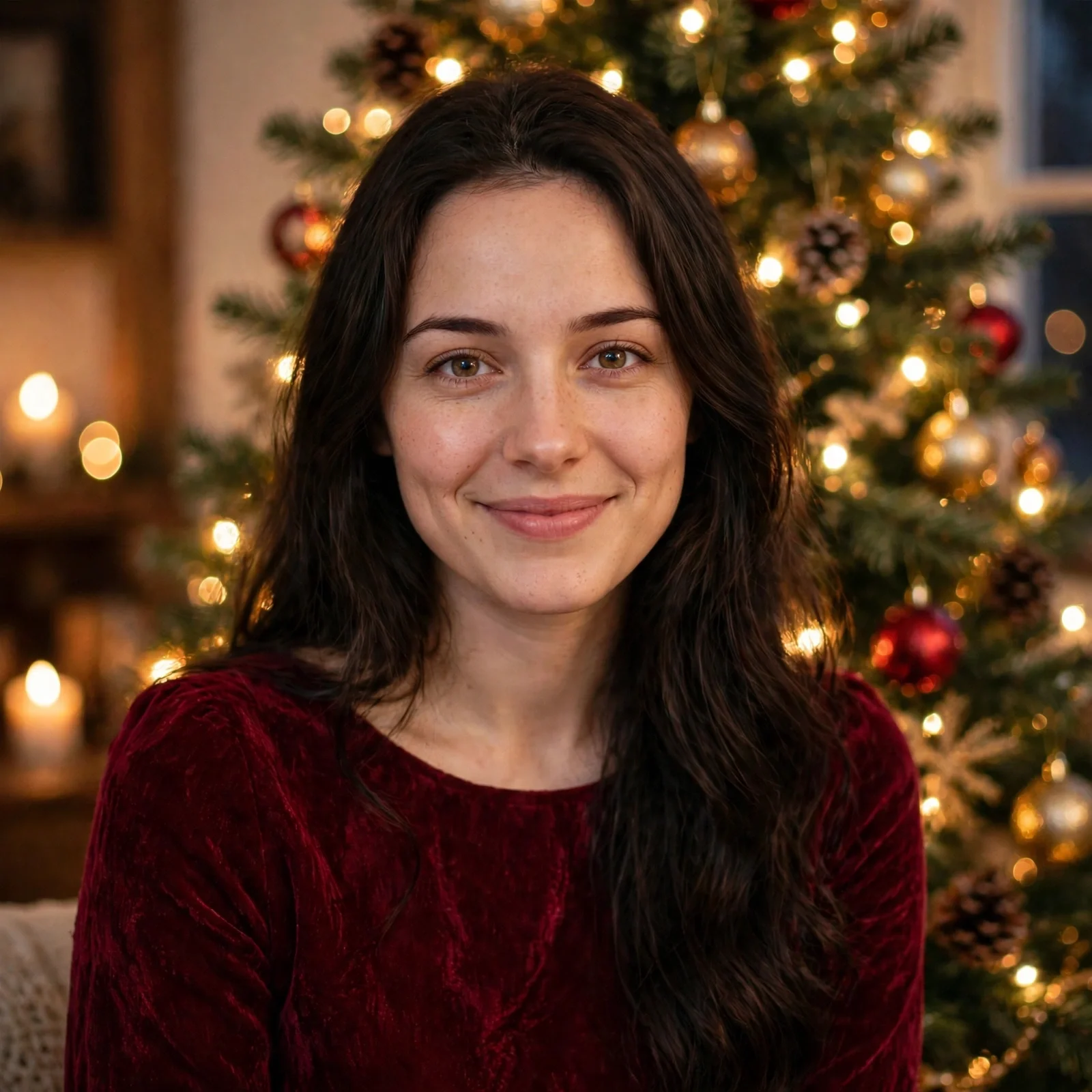 AI Christmas Photo
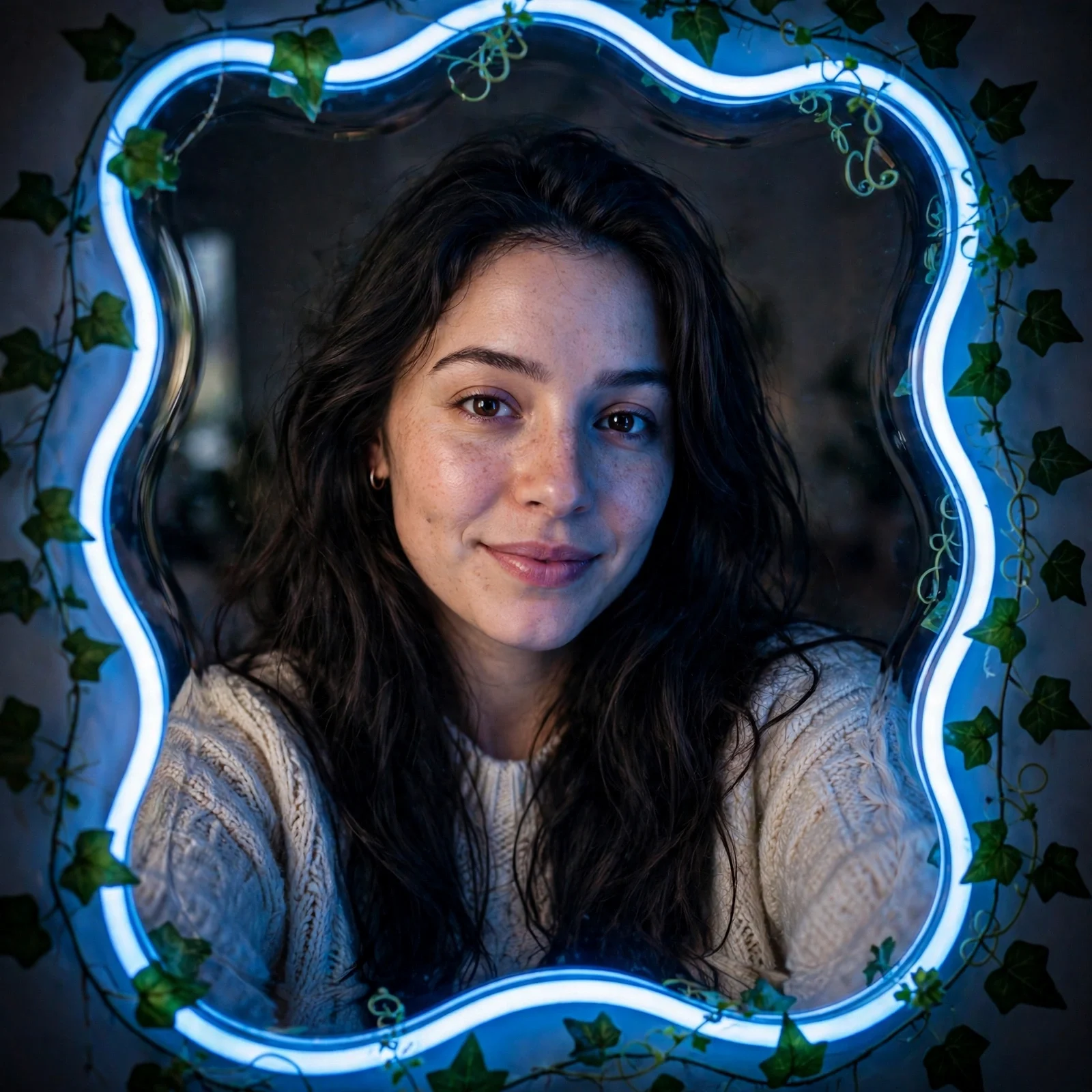 AI Mirror Selfie
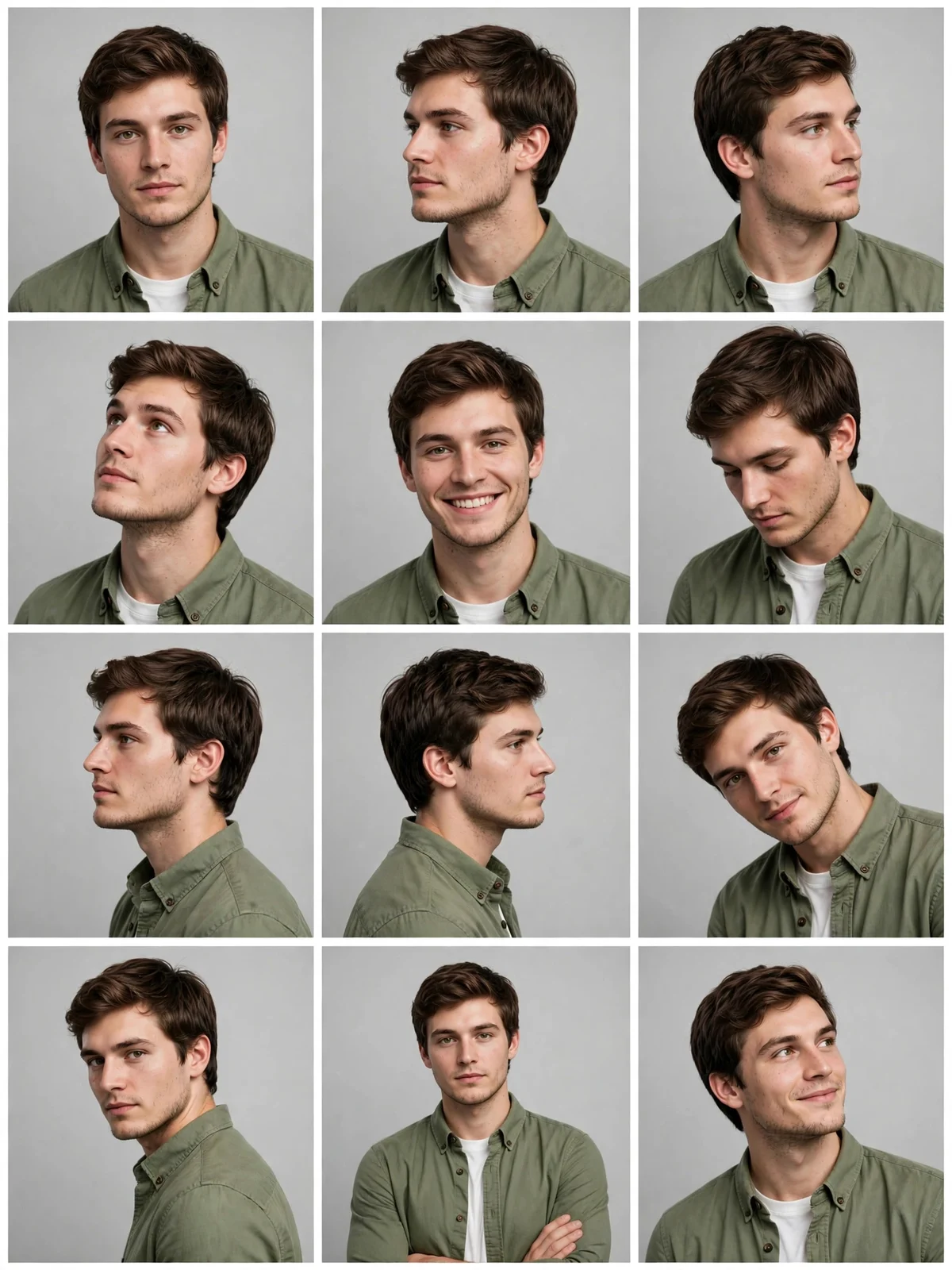 AI 12-Angle Photo Grid
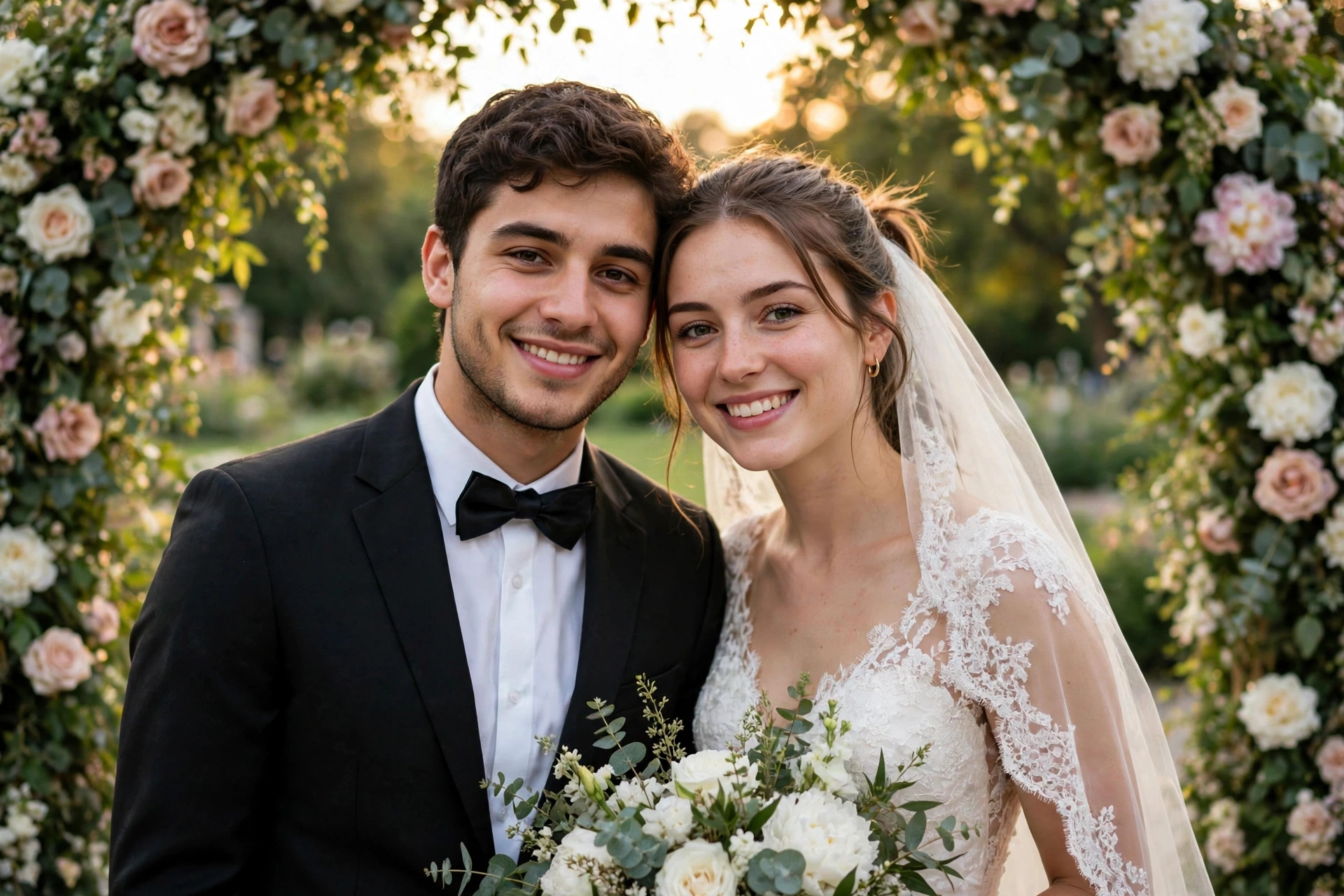 AI Wedding Photo Generator
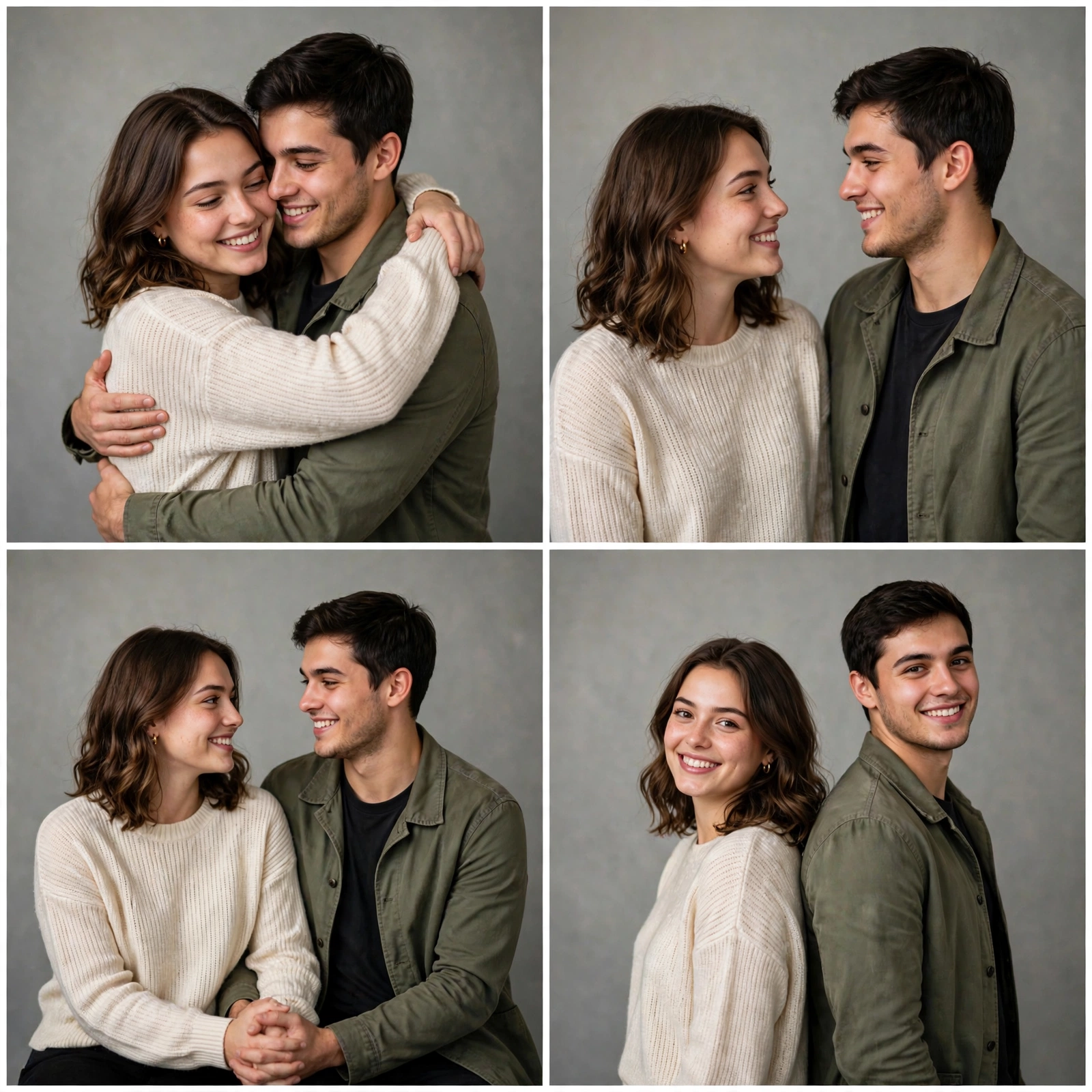 AI Couple Photoshoot Collage
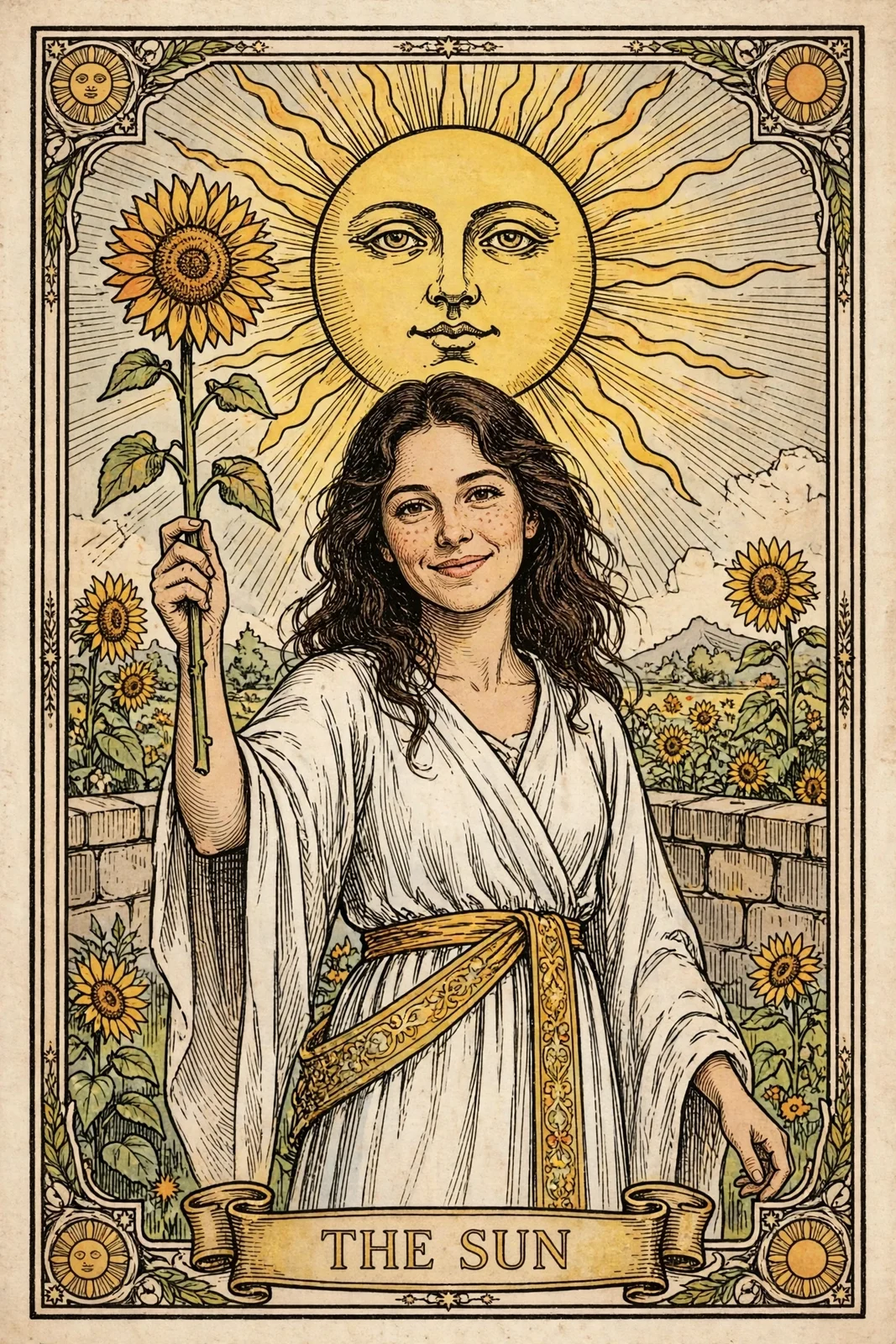 AI Tarot Card Generator
 AI GIF Generator
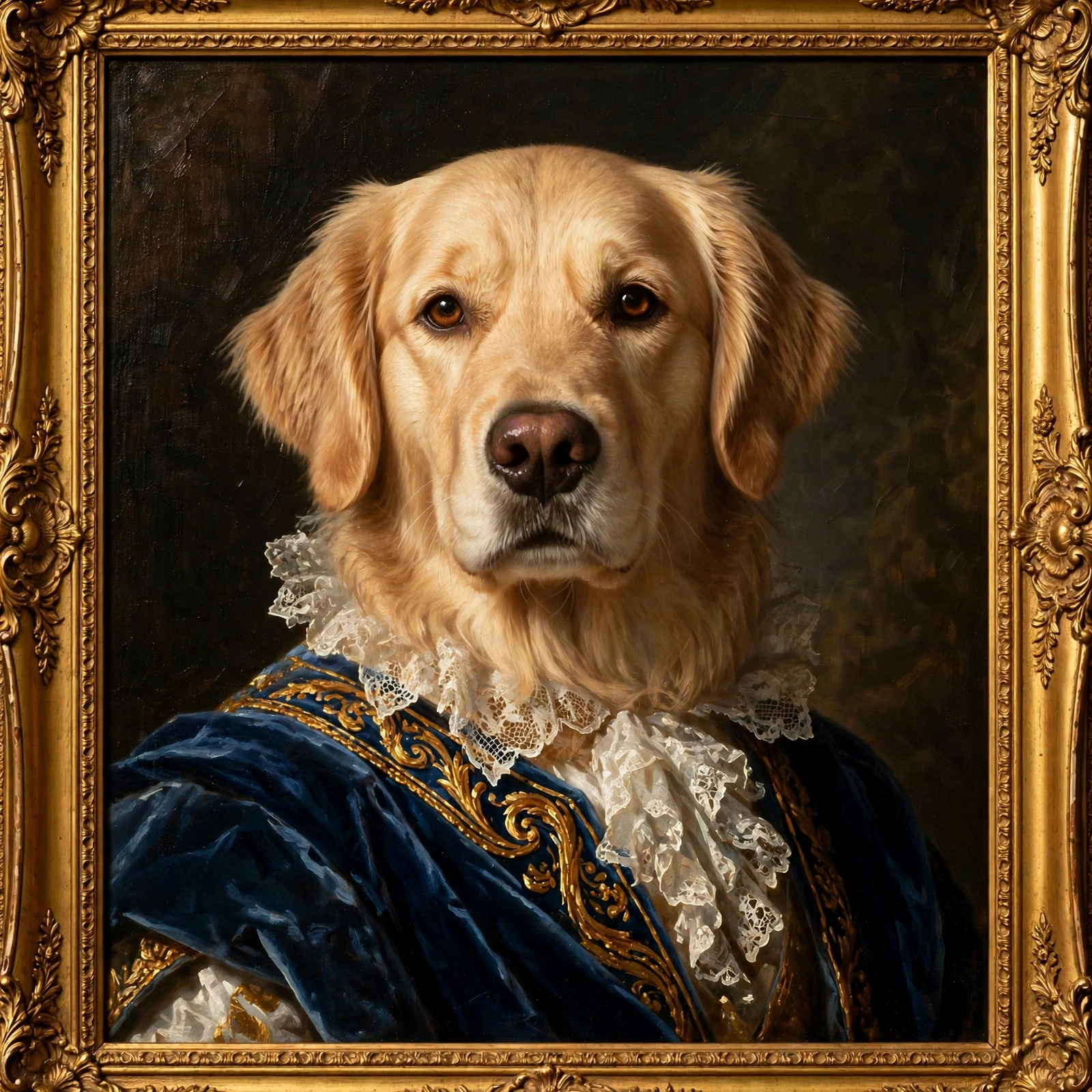 AI Pet Portrait Generator