Social Posts
One collage that says more than a single photo.
Great for
- Instagram posts
- Xiaohongshu
- Threads
- TikTok covers
Pose grids, outfit lookbooks, scene grids and story grids Upload one photo of the two of you — or one photo of each of you — and the AI builds a photoshoot collage: the same couple across every cell, in new poses, outfits or scenes, with both faces kept exactly as they are.
Free credits on sign-up · No credit card required
Choose a 2x2 pose grid, a 2x2 outfit lookbook, a 2x3 scene grid or a 3x3 story grid that follows your day together — one image, ready to post.
One photo of the two of you together works best, or upload one photo of each of you. Only upload photos of consenting adults.
Drag & Drop or Click to Select
Drag image here · Or click to select file
Supports JPG, PNG, WEBP, HEIC and HEIF · Max file size: 3MB · You can upload up to 2 images
OpenAI GPT Image 2 model with enhanced image generation and editing capabilities
Select a mode and enter a prompt to start creating
The same couple in pose, outfit, scene and story grids
Showcase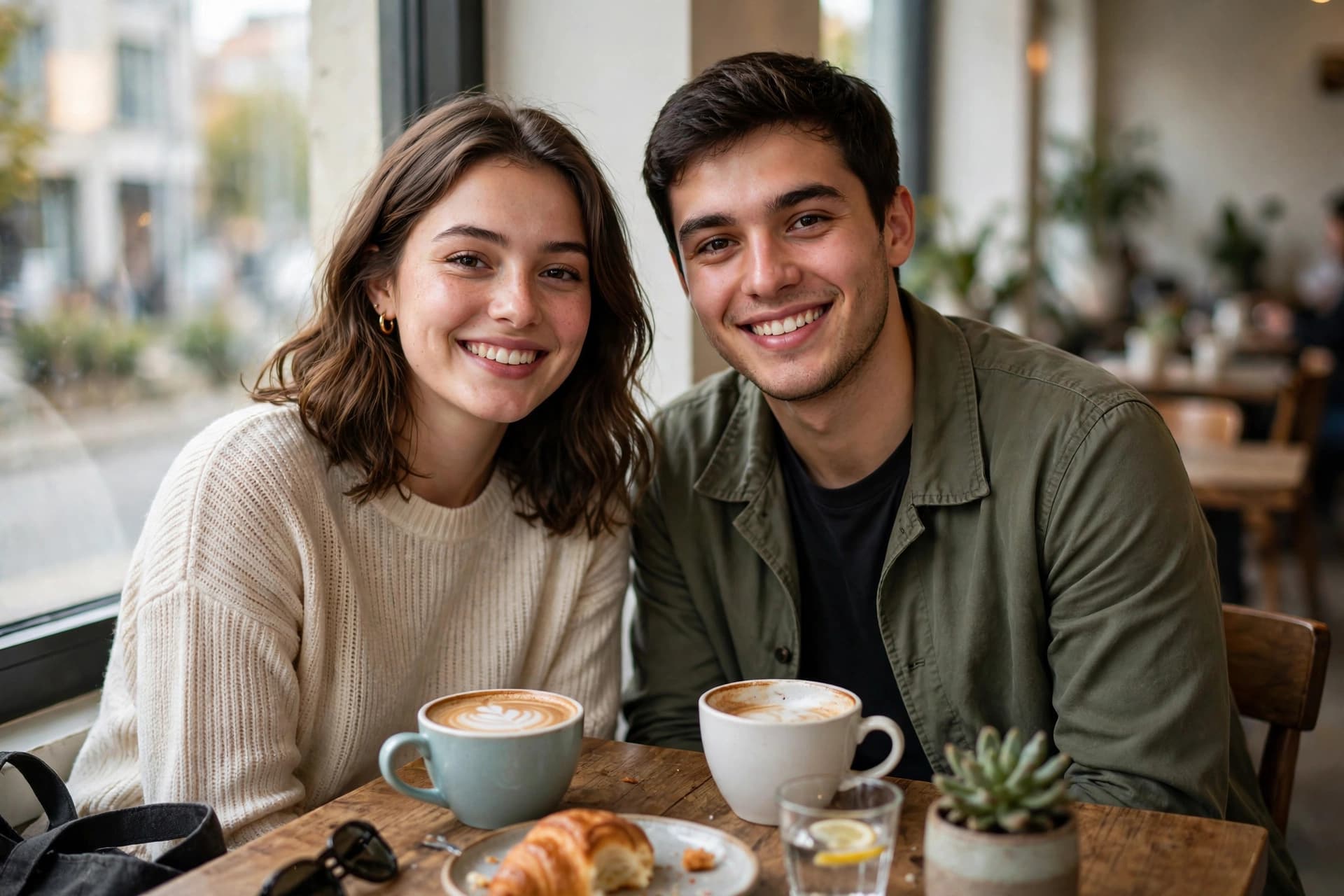
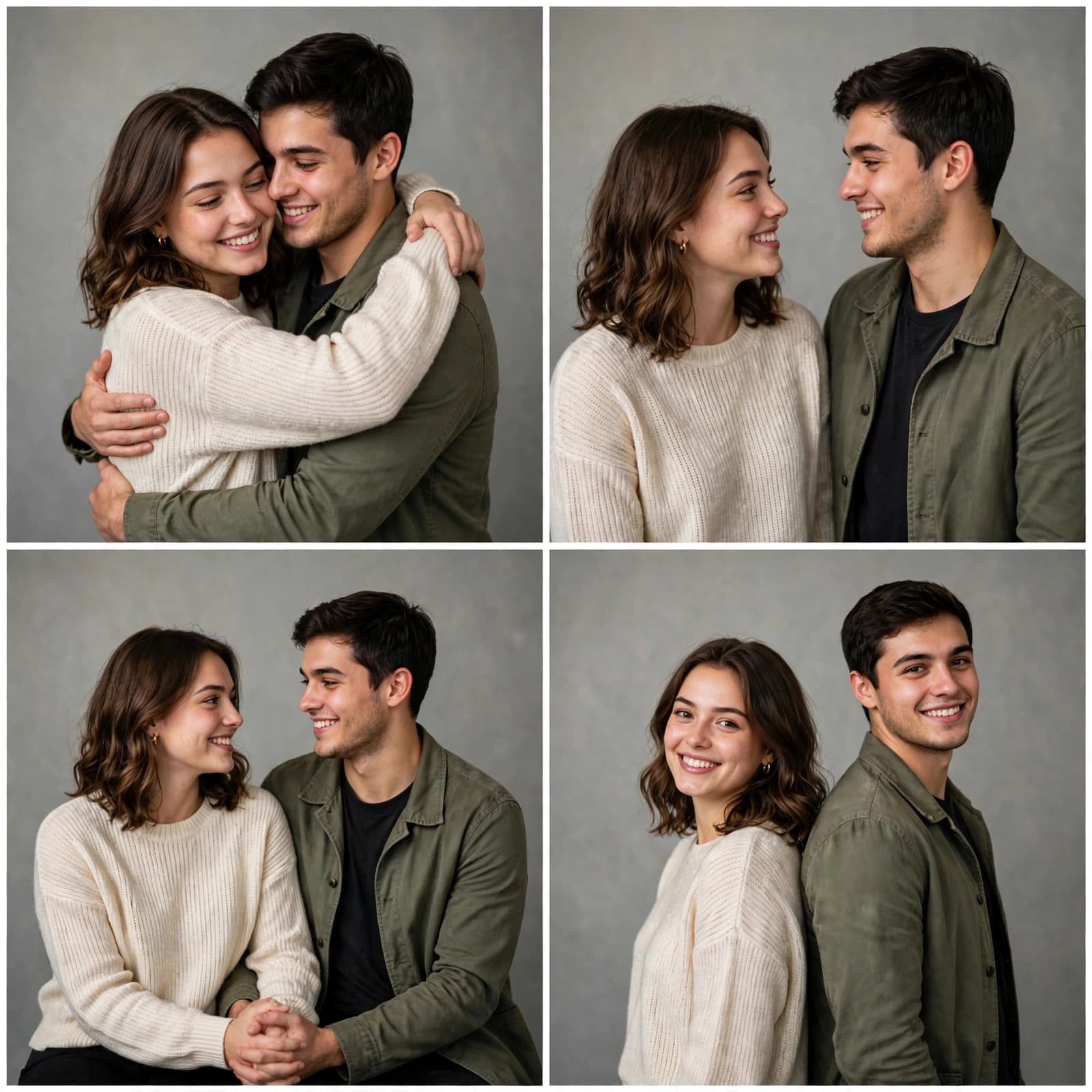
A full couple photoshoot as a single image, from one upload
Why It WorksFour, six or nine portraits in one clean grid, from a single upload.
Key BenefitsBoth faces, skin tone and hairstyles stay the same across the whole grid.
Key BenefitsPoses, outfits, scenes and a nine-cell story — pick the set that fits your post.
Key BenefitsNo studio, no outfit changes, no second shoot day.
Key BenefitsAI couple collages turn one photo into a post-ready set — poses, outfits and scenes you have not shot yet, with both of you in every cell.
Post, gift and keep
Use CasesOne collage that says more than a single photo.
A story grid printed as a gift, or posted on your anniversary.
A repeatable format for couple content series.
Clean grids with the same couple in every cell
FeaturesBoth faces and hairstyles stay consistent from the first cell to the last.
2x2 poses, 2x2 outfits, 2x3 scenes and a 3x3 story.
Evenly aligned cells with thin white dividers, like a real contact sheet.
Depending on the layout, change poses only, outfits only, or travel across six scenes.
Upload one photo together, or one photo of each of you.
Your photos are only used for the current generation and are not saved to your account.
Try another idea. These tools work in one click too.
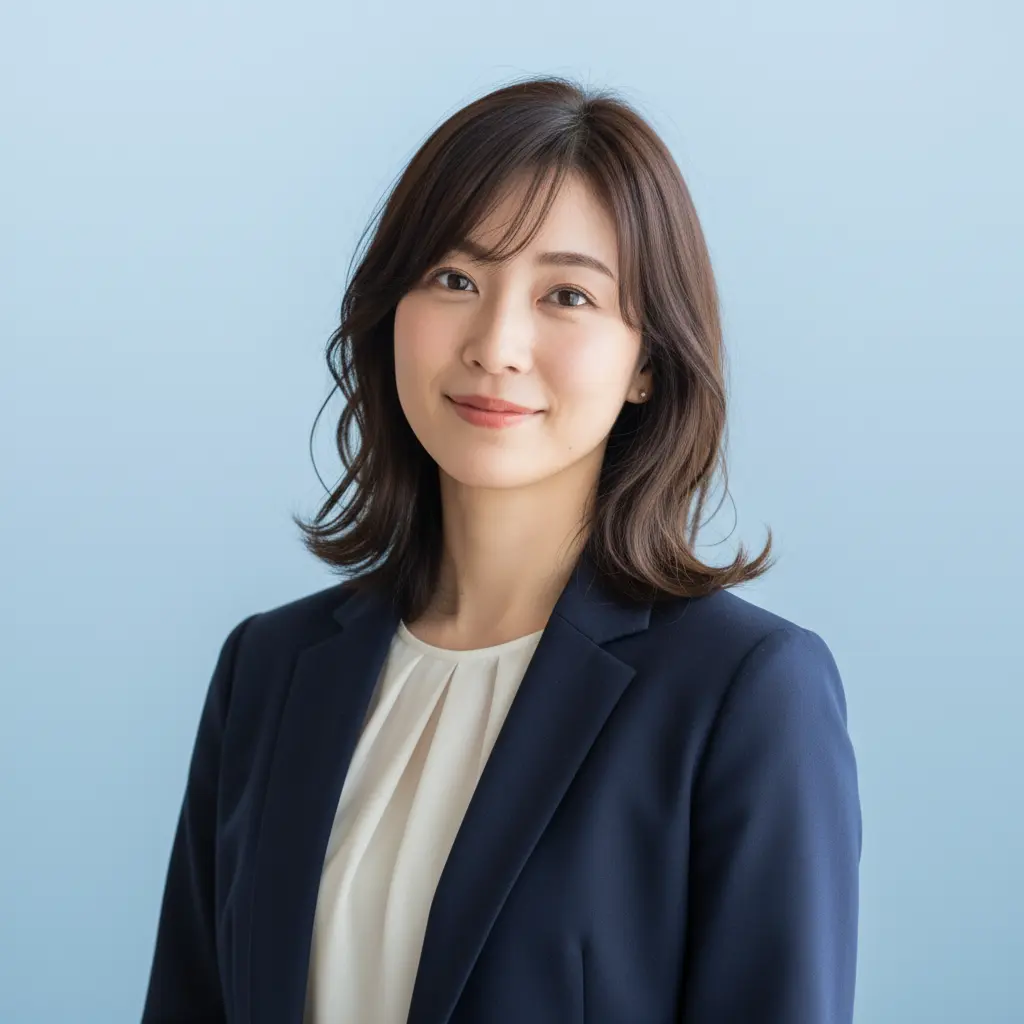
Turn any portrait into a professional headshot
Generate professional ID photos with one click

Create your personalized avatar with one click
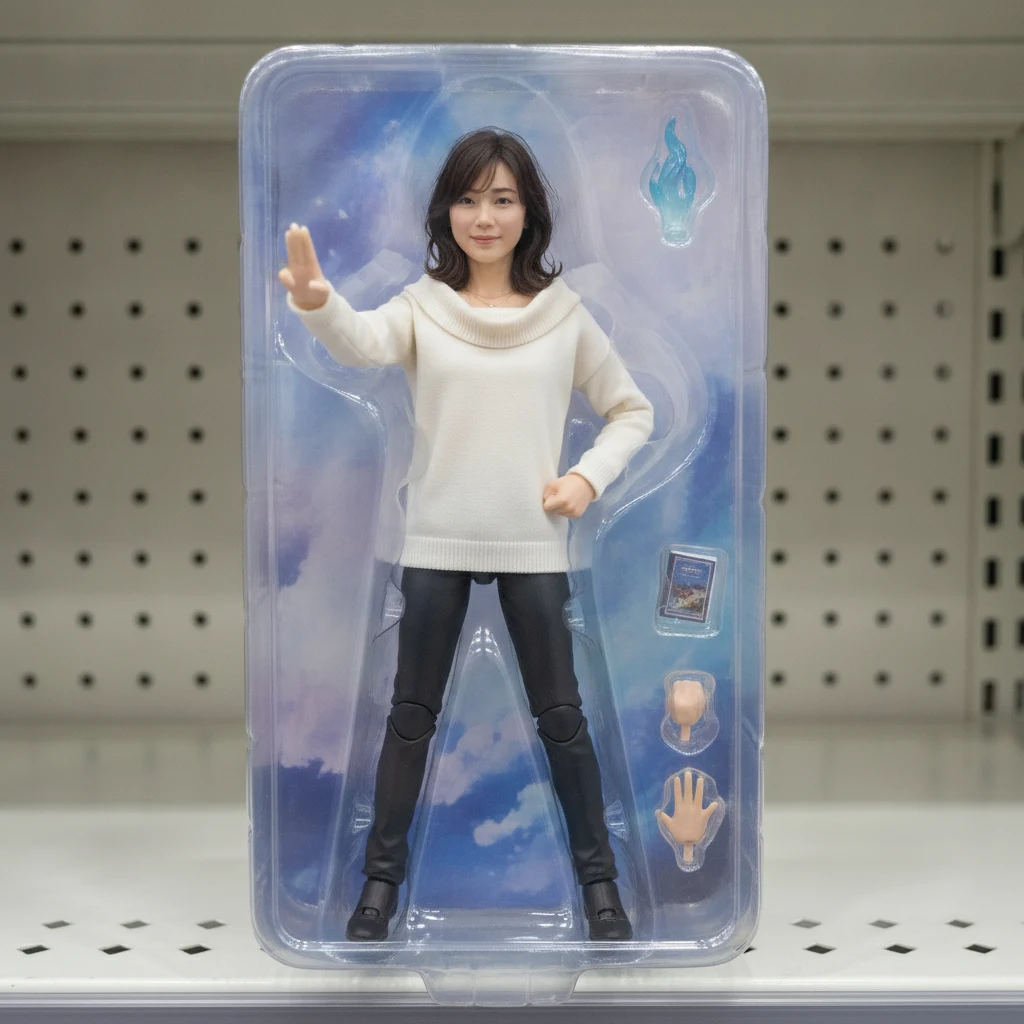
Turn your portrait into a collectible figure
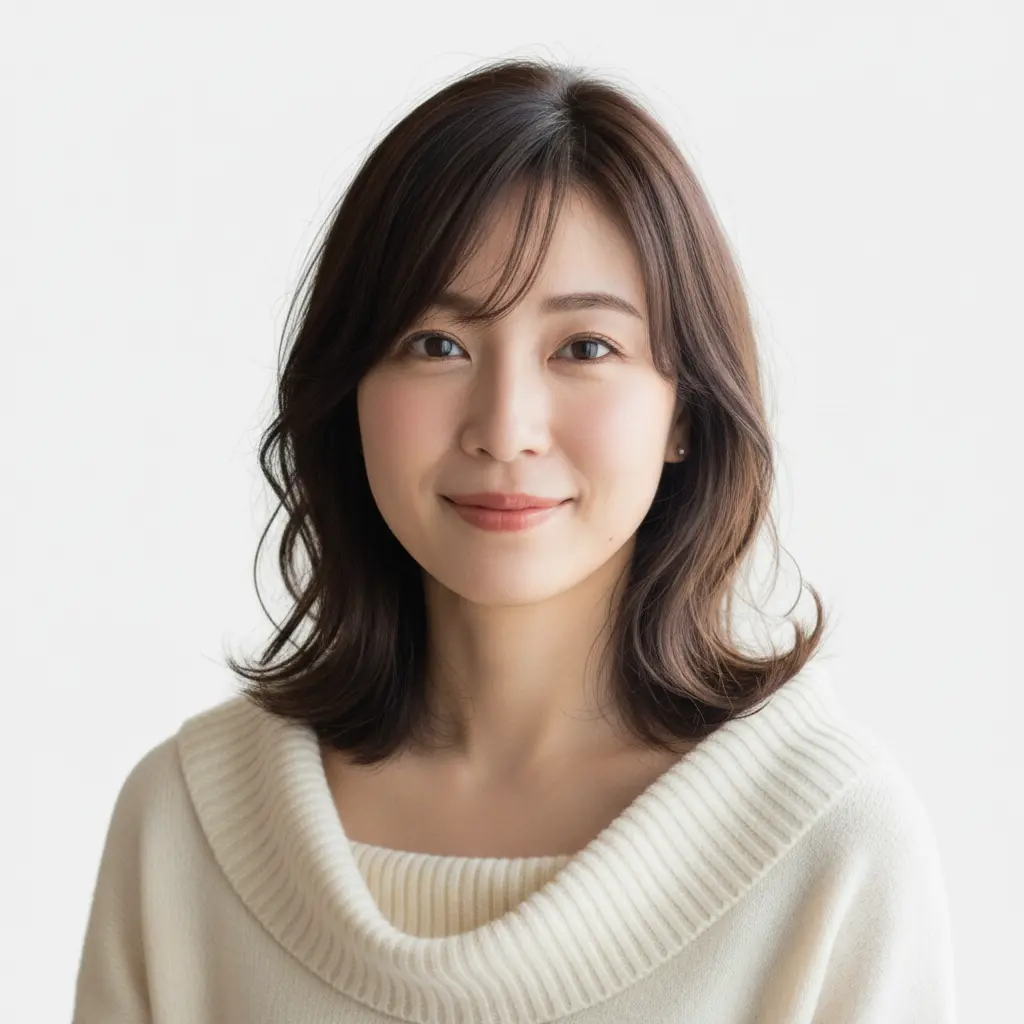
Generate Standard US ID Photos with One Click
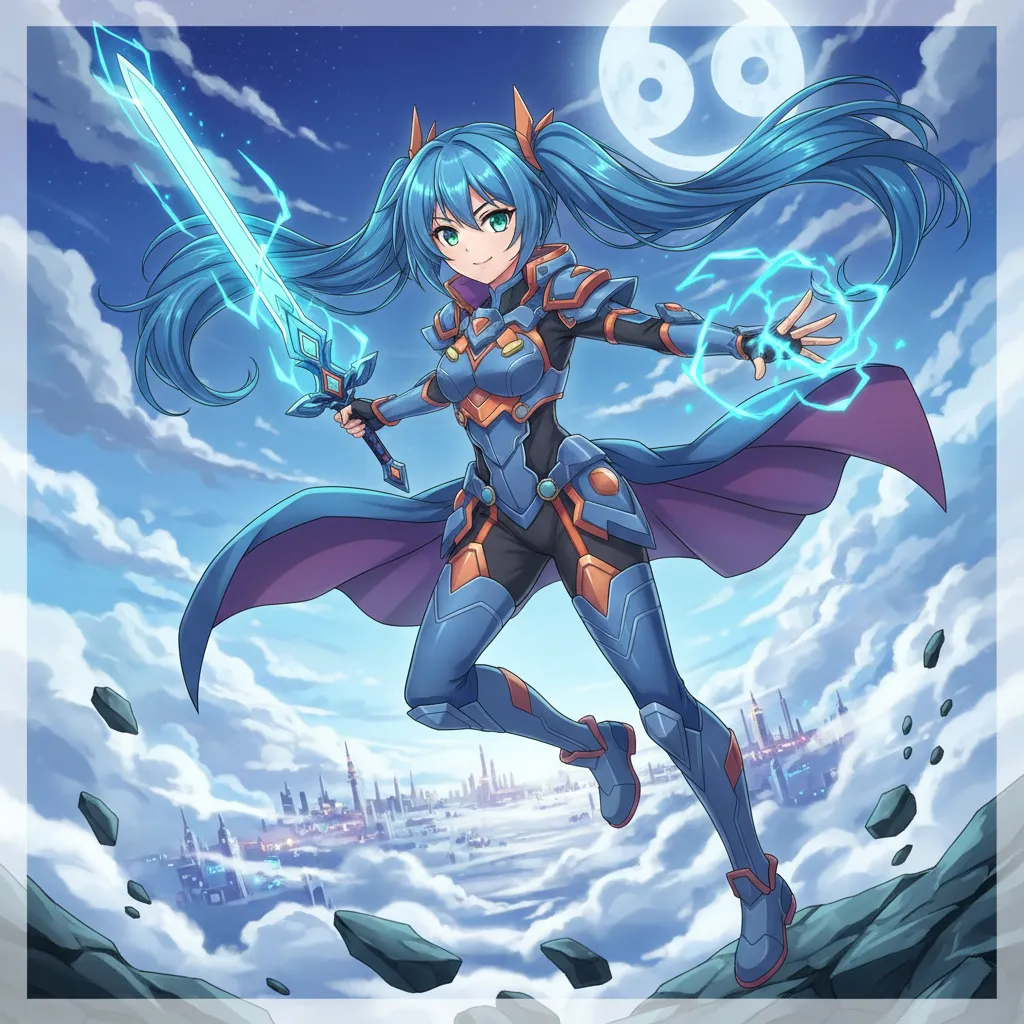
Create Your Own Unique Character
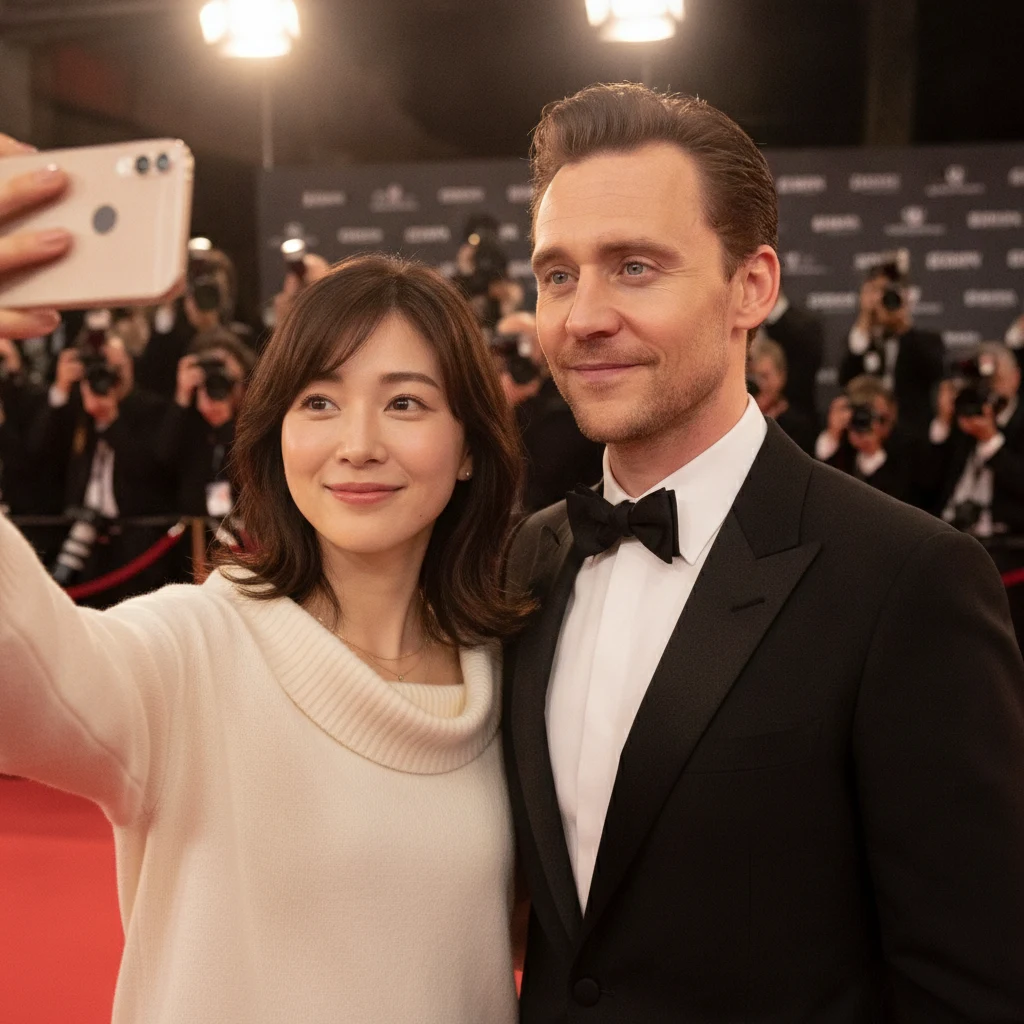
Generate realistic selfies with celebrities in one click
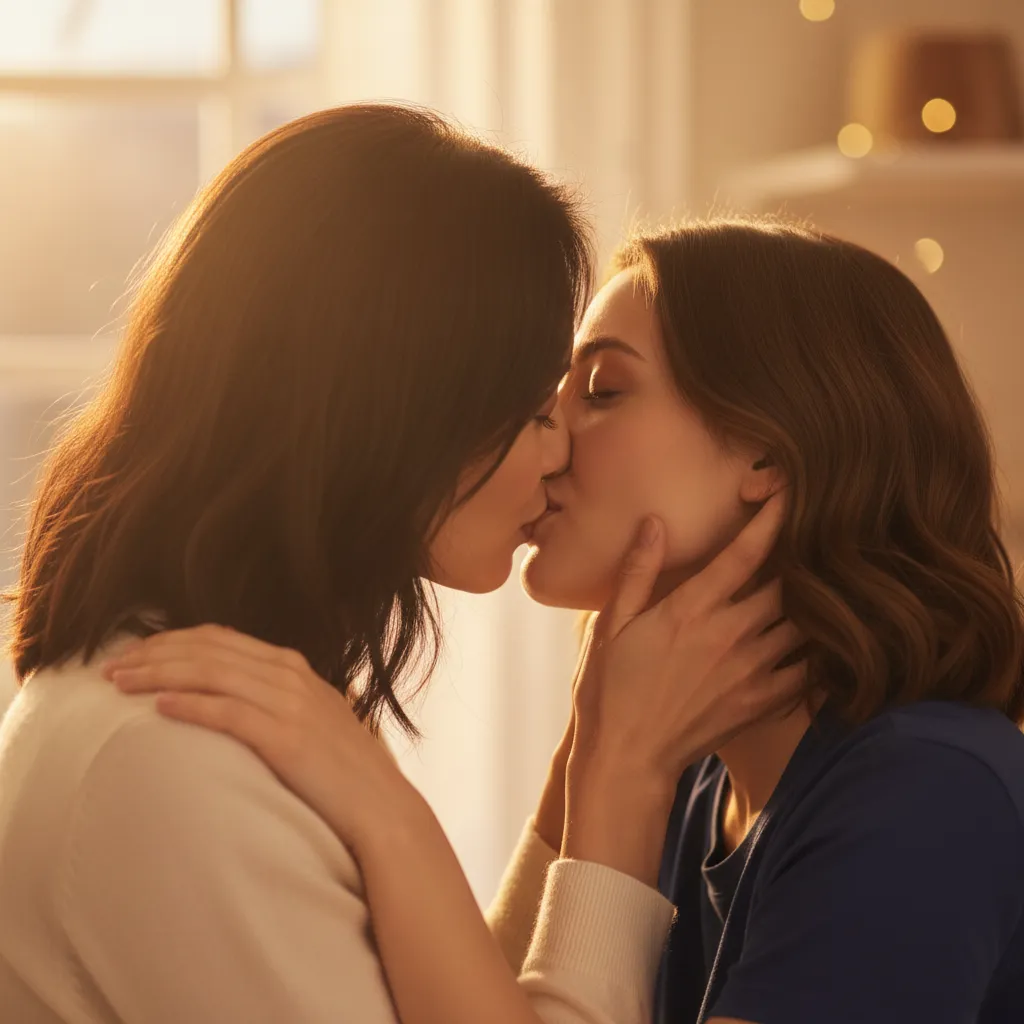
Upload photos of two people, generate a romantic kiss instantly
Everything about the AI Couple Photoshoot Collage
Still have questions? Contact our support team and we will help you out.
Upload one photo of the two of you together, or one photo of each of you, choose a layout — Poses, Outfits, Scenes or Story — and click generate. The AI builds a clean photo grid with the same couple in every cell.
The prompts are written to preserve the facial structure, features, skin tone and hairstyles of both people in every cell, without beautification. Only poses, outfits or scenes change, depending on the layout you pick.
Clear photos where both faces are fully visible, with good light and no sunglasses or heavy filters. One photo together is ideal; two separate portraits also work.
Pose Grid is four studio poses in your own outfits. Outfit Lookbook keeps the studio and changes four outfit styles. Scene Grid puts you in six everyday scenes. Story Grid tells a small nine-cell story from a café meeting to a final hug.
Only upload photos of yourself and your partner, or photos of adults who have agreed to it. Do not use photos of other people without their consent.
The cost depends on the AI model you choose and is shown on the generate button. See the pricing page for current details.
Your uploaded photos are only used for the current generation and are not saved to your account or shown publicly. Generated photos stay in your private history for download.
JPG, PNG, WEBP, HEIC and HEIF.
Ways to post and share your grids
Collage IdeasWe took one selfie on a walk and the pose grid turned it into a studio set. It became our most saved post this month.
Ava
Posts couple content
Pose grid fan
The story grid reads like a day we have not had yet. I printed it for our anniversary.
Ken
Long-distance couple
Story grid gift
The outfit grid is how we plan couple outfits now — four looks on our own faces before we buy anything.
Lena
Plans outfits together
Outfit grid
AI couple collages are a creative way to turn one photo into a set worth posting — poses, outfits and places included.
 AI Image Animator
 Square Face Generator
 AI Simpsons Character Generator
 AI Mugshot Maker
 AI Fat Filter
 AI 80s Photo Generator
 AI Baby Generator
 AI Dating Profile Photos
 AI Mascot Photo Generator
 AI Maternity Photoshoot
 AI Christmas Photo
 AI Mirror Selfie
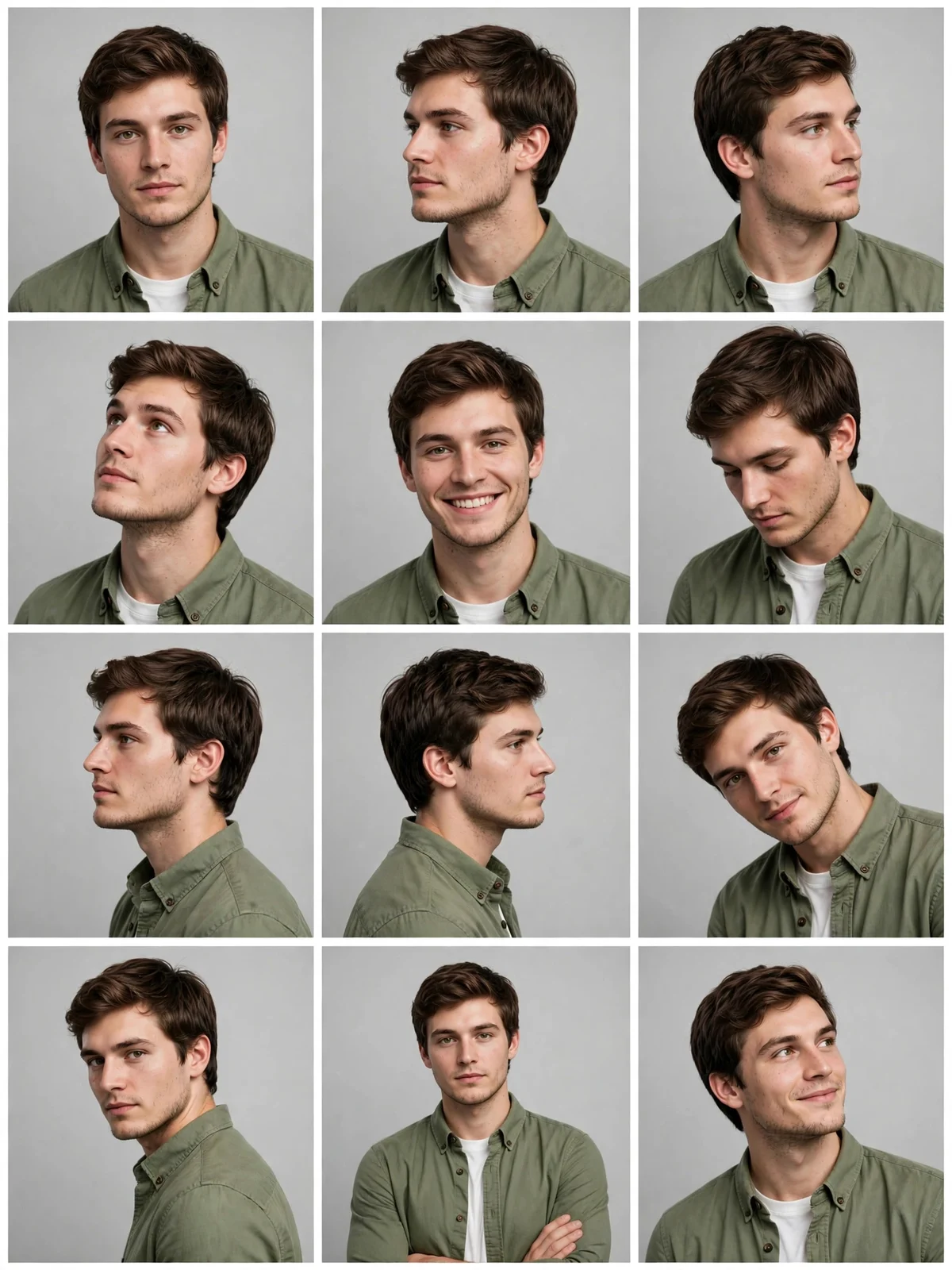 AI 12-Angle Photo Grid
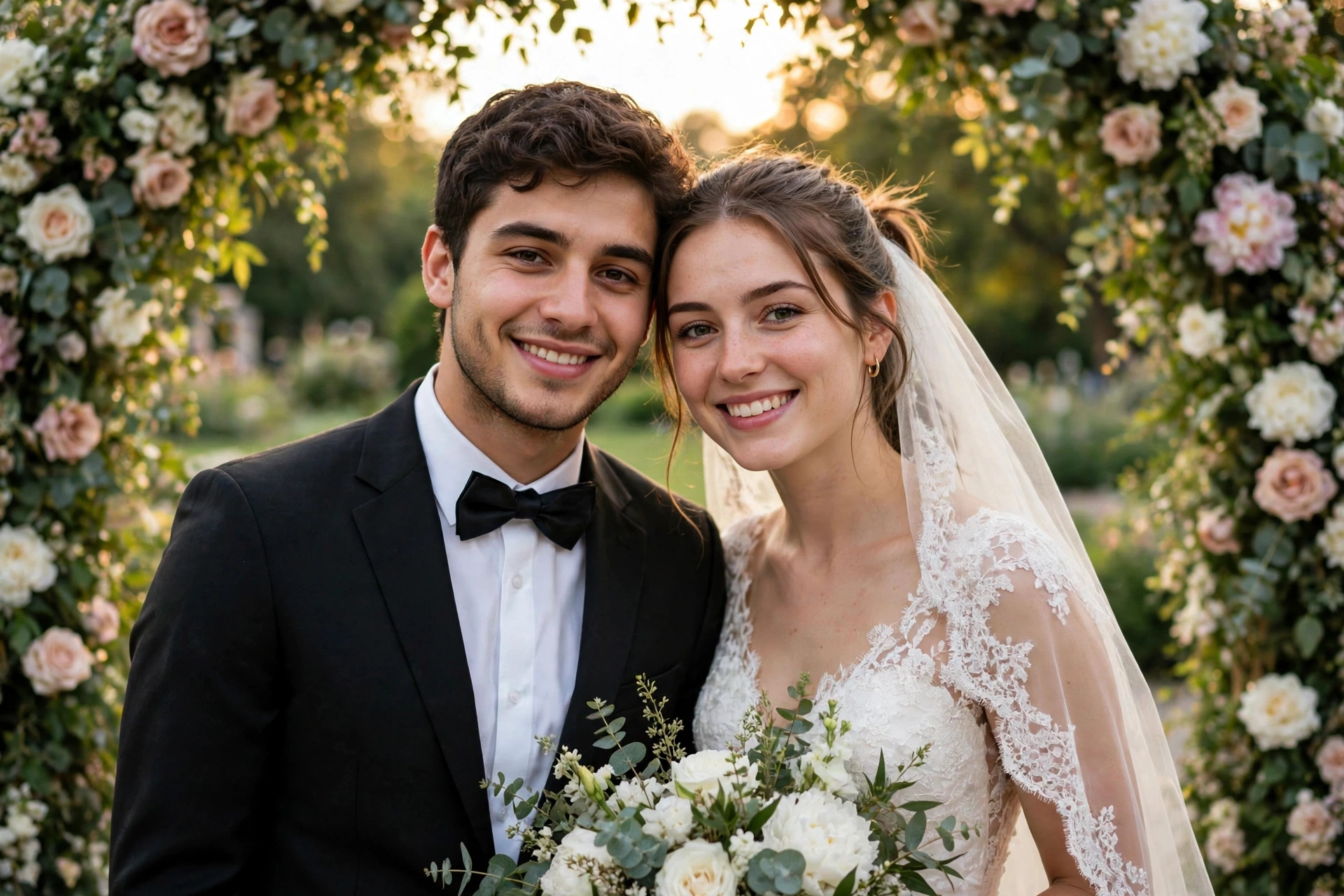 AI Wedding Photo Generator