Chat Stickers & Reactions
Turn your portrait or character into a looping sticker that says more than an emoji.
Ideas
- Messaging stickers
- Reaction GIFs
- Community emotes
Photos blink and wave, drawings bounce to life, pets wag their tails
Upload one image, pick a motion — Photo Alive, Drawing Alive, Pet GIF or Sticker Loop — and GPT Image 2.6 redraws it frame by frame as a short looping animated GIF.
Every generation on this page returns a real animated .gif file by default — no format setting needed — ready for chats, stickers and posts.
Free credits on sign-up · No credit card required
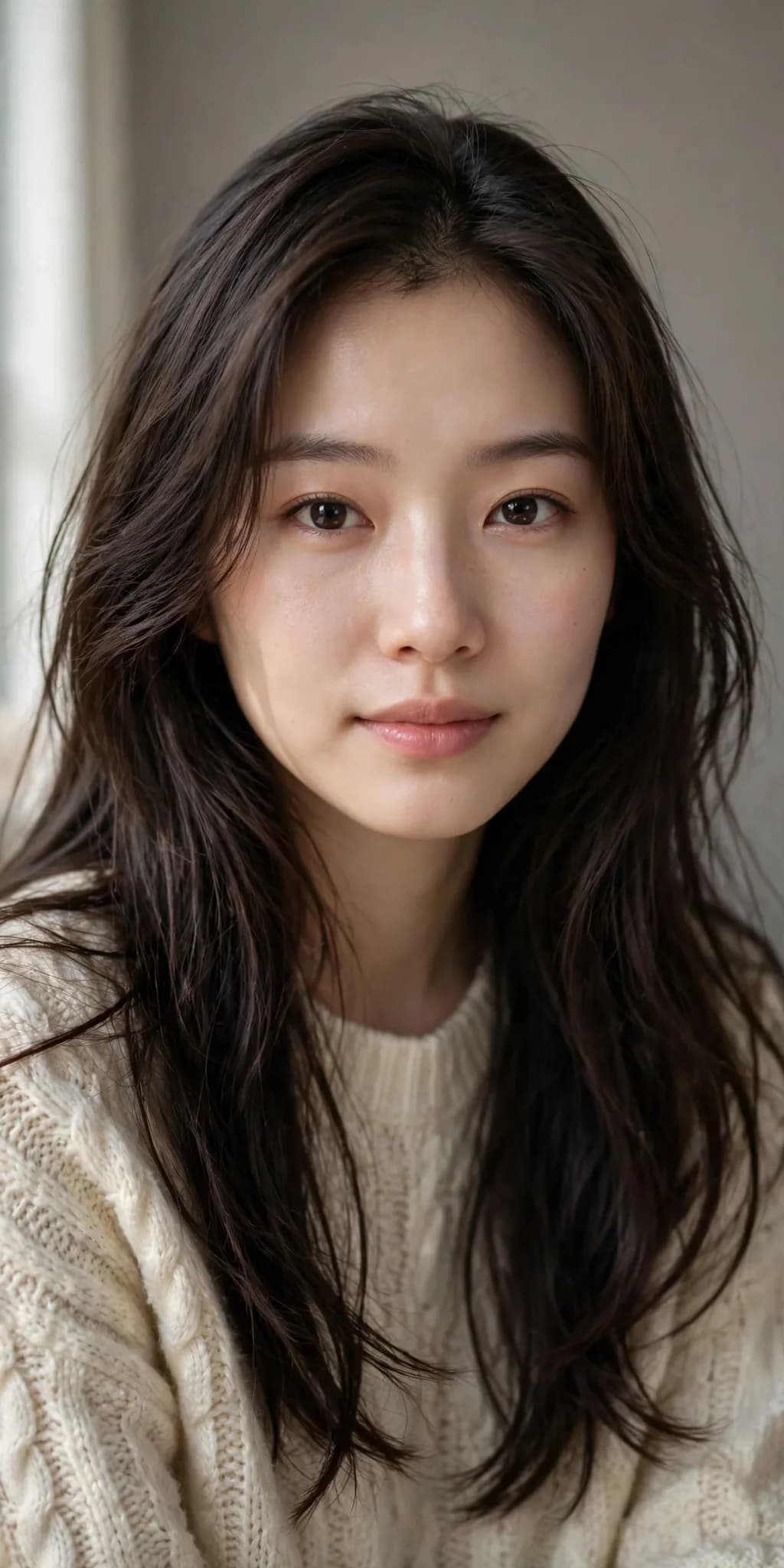
Example results. Your output will vary with the source photo and model.
A photo, a drawing, a pet picture or a character illustration all work. Only upload images you have the right to use.
Drag & Drop or Click to Select
Drag image here · Or click to select file
Supports JPG, PNG, WEBP, HEIC and HEIF · Max file size: 3MB
GPT Image 2.6 Flare is built for fast image iteration. Turn a brief into a visual, revise it with a prompt and explore another direction in the same workspace.
Select a mode and enter a prompt to start creating
Four ways to turn a still image into a looping GIF
ShowcaseA still image is easy to scroll past — a moving one is not
Why It WorksPowered by GPT Image 2.6 frame-by-frame animation — the output actually moves and loops.
Key BenefitsPhotos, drawings, pets and stickers cover the ways people actually use small animations.
Key BenefitsFaces, fur patterns and hand-drawn lines stay identical — only the motion is new.
Key BenefitsSmall looping GIFs sized for stickers, reactions, avatars and posts.
Key BenefitsSmall loops, big reactions: send them in chats, pin them as stickers or post them anywhere GIFs play.
One image in, a loop that gets reactions out
Use CasesTurn your portrait or character into a looping sticker that says more than an emoji.
Animate a child's drawing and share the moment it waves back with the whole family.
Your cat or dog, blinking and wagging in a loop — for profiles, posts and group chats.
Frame-by-frame animation from GPT Image 2.6, not a slideshow effect
FeaturesGPT Image 2.6 draws the animation frame by frame and returns an actual .gif file that loops anywhere.
Photo Alive, Drawing Alive, Pet GIF and Sticker Loop — presets tuned for the images people animate most.
Faces, fur patterns, character designs and colors stay identical in every frame; only the motion changes.
Hand-drawn lines, crayon texture and paper background are kept exactly as drawn — never restyled or "fixed".
About two seconds per loop, designed to repeat smoothly in chats, stickers and feeds.
Your upload is only used for the current generation and is never shown publicly.
Everything about the AI GIF Generator
Still have questions? Contact our support team and we will help you out.
This page runs on GPT Image 2.6, which draws animations frame by frame, and every generation here outputs a real animated GIF by default — no format setting needed. The result is an actual .gif file that loops, ready to download.
Short loops of about two seconds: blinking, smiling, waving, a wagging tail, a happy bounce. It is frame-drawn GIF animation, not video — big movements like walking across a room are beyond a small loop.
Yes — the prompts keep the face, design, lines and colors identical in every frame; only the described motion changes. Drawings keep their hand-drawn lines and paper texture.
That is one of the best uses. Pick Drawing Alive: the character waves and bounces while the original crayon lines, colors and paper stay exactly as drawn.
GIFs are short loops of about two seconds (9 frames), with the size chosen automatically by the model to keep the file light — made for stickers and messages.
Your uploaded image is only used for the current generation and is not saved to your account or shown publicly. Generated GIFs stay in your private history for download.
The AI Image Animator creates a single cinematic still frame that feels like motion — the output is still an image. This page creates a real looping GIF that actually moves, built for chats, stickers and avatars. Use the Animator for a film-like cover frame, and this page when you want a GIF that plays.
What creators say about animating their images
ReviewsMy daughter's crayon superhero waved back at her and she screamed with joy. The drawing itself didn't change at all — just pure magic.
Priya
Proud mom moment
Parent of a 6-year-old
I turned our mascot doodle into a bouncing sticker and now the whole chat spams it. Took less than a minute.
Leo
Sticker fan
Group chat admin
My cat blinking and flicking her tail in a loop is now my profile GIF everywhere. It really looks like her.
Hana
Cat loop
Cat owner
From family drawings to pet loops, people use the AI GIF Generator to make the images they already love move.
Try another idea. These tools work in one click too.

Turn any portrait into a professional headshot
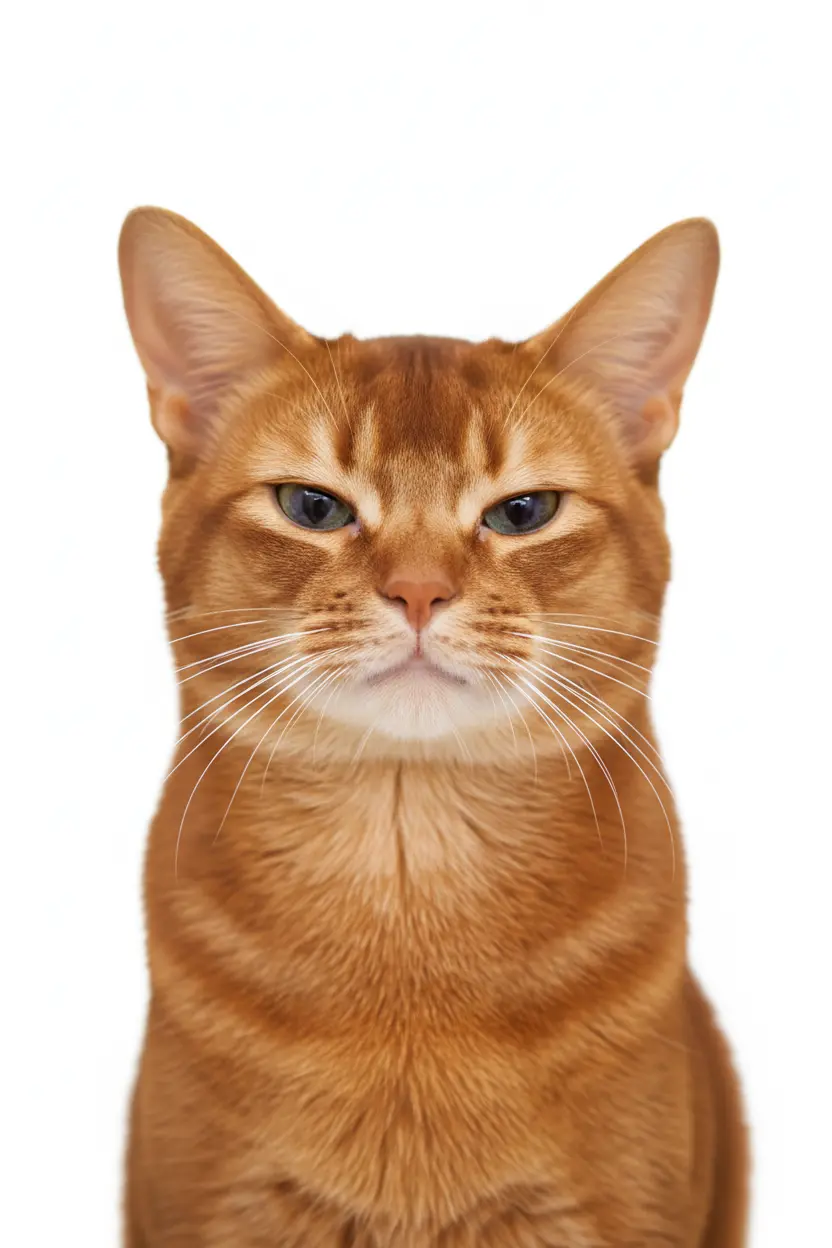
Generate professional ID photos with one click
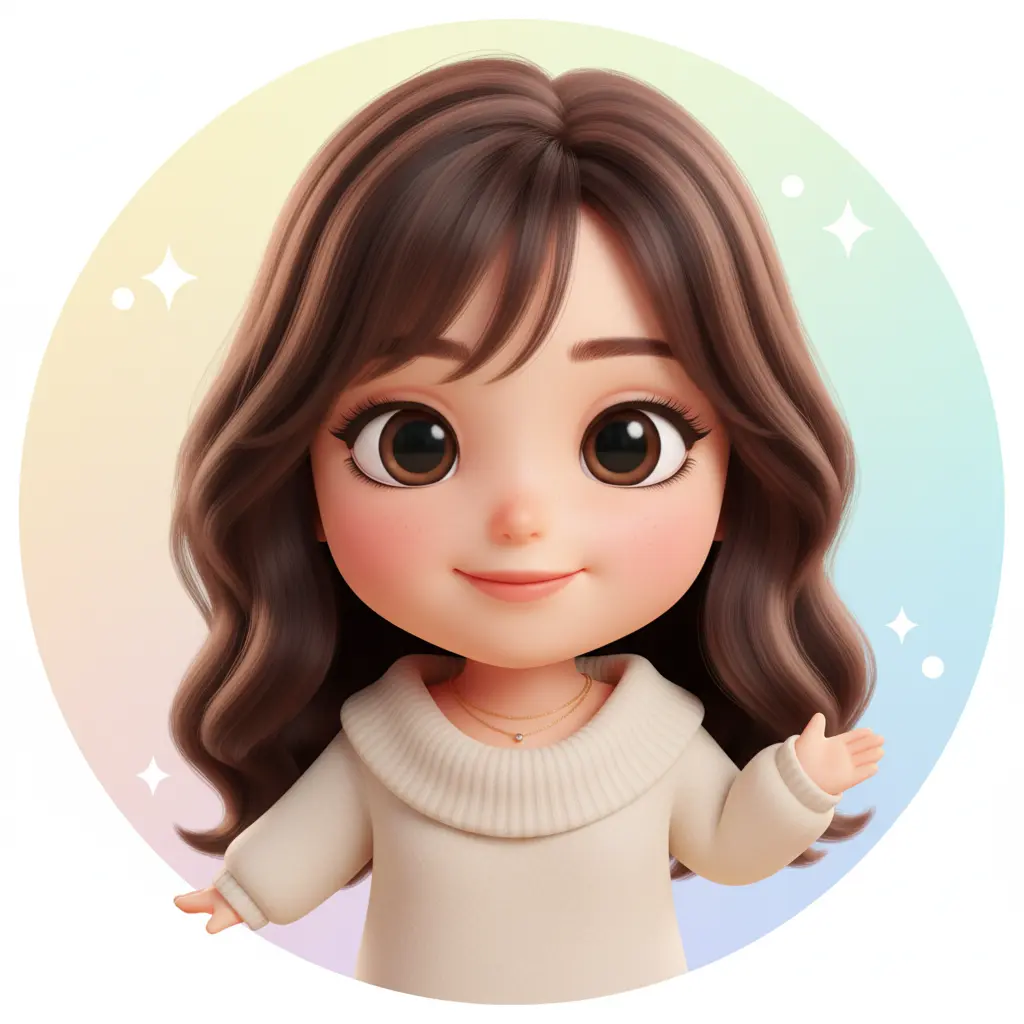
Create your personalized avatar with one click
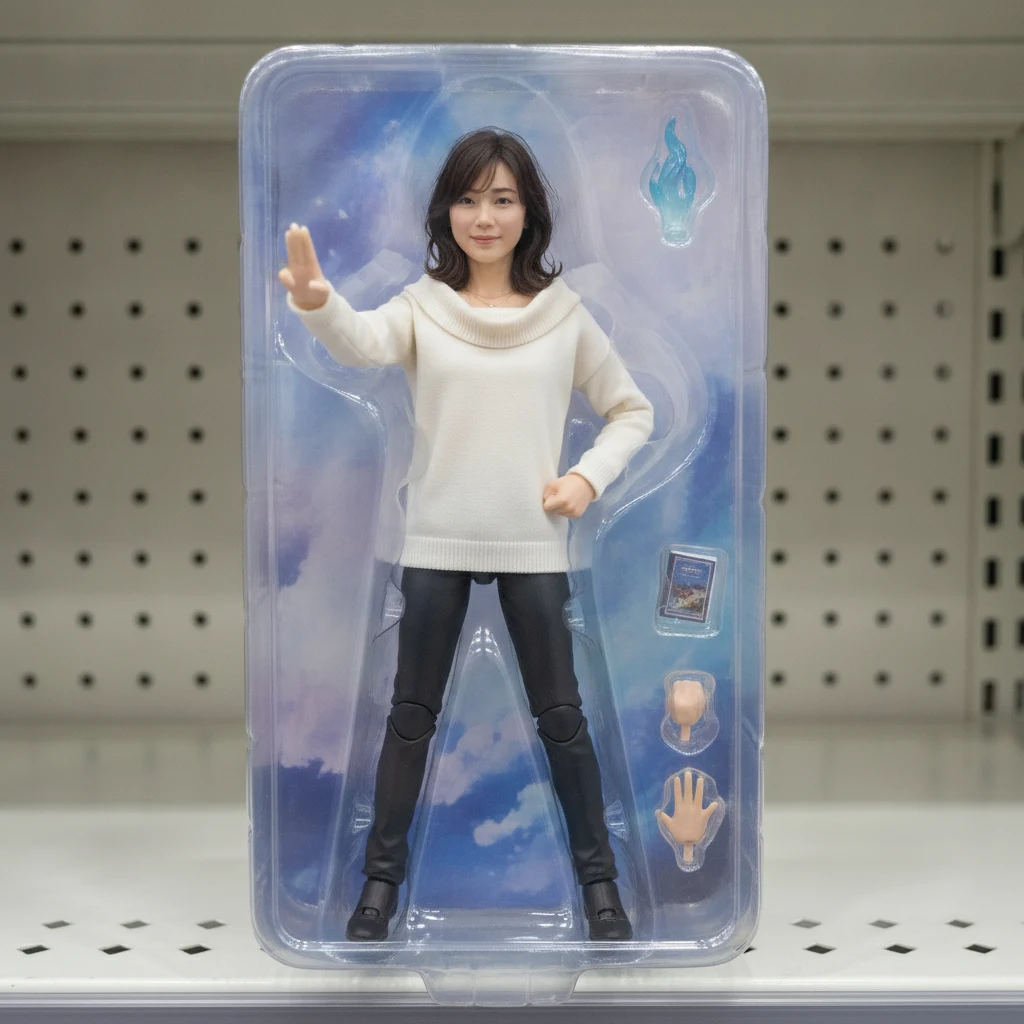
Turn your portrait into a collectible figure

Turn a selfie into a clean American-style portrait.
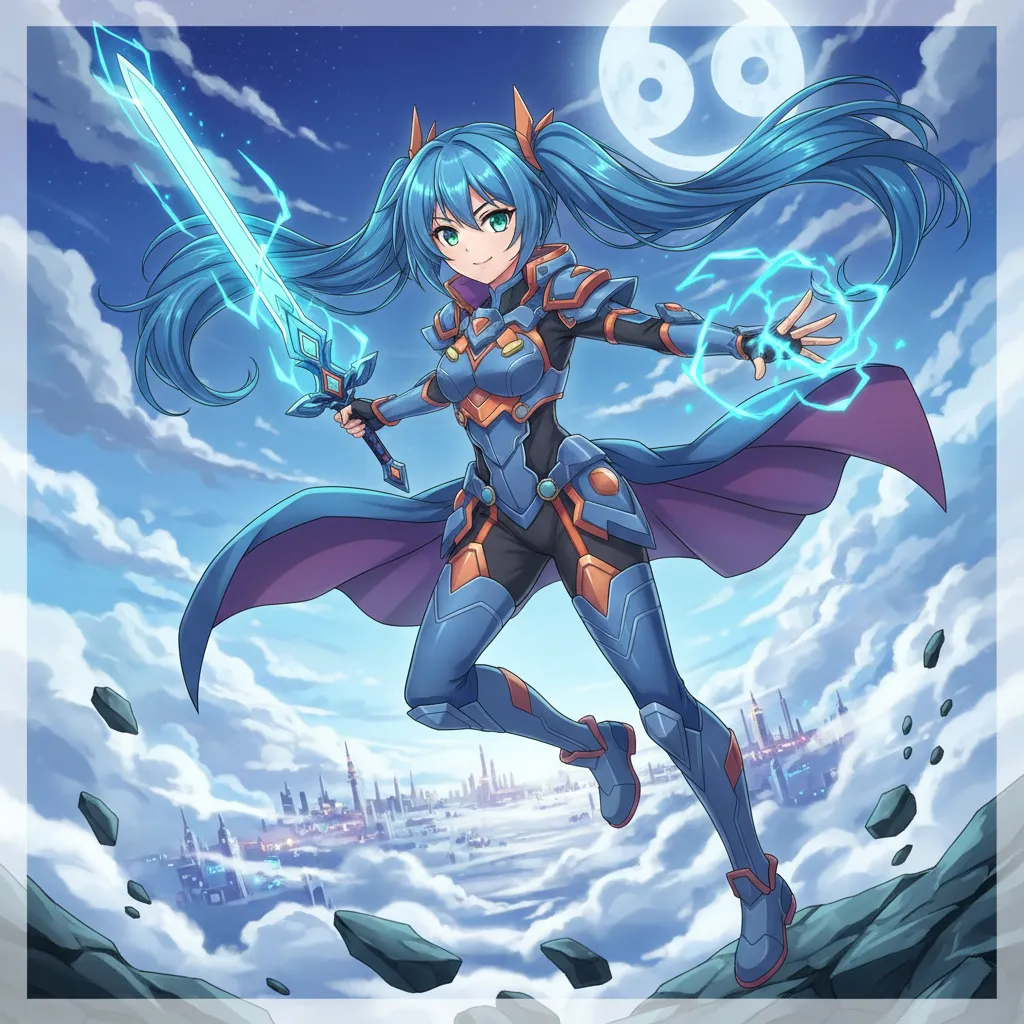
Create Your Own Unique Character
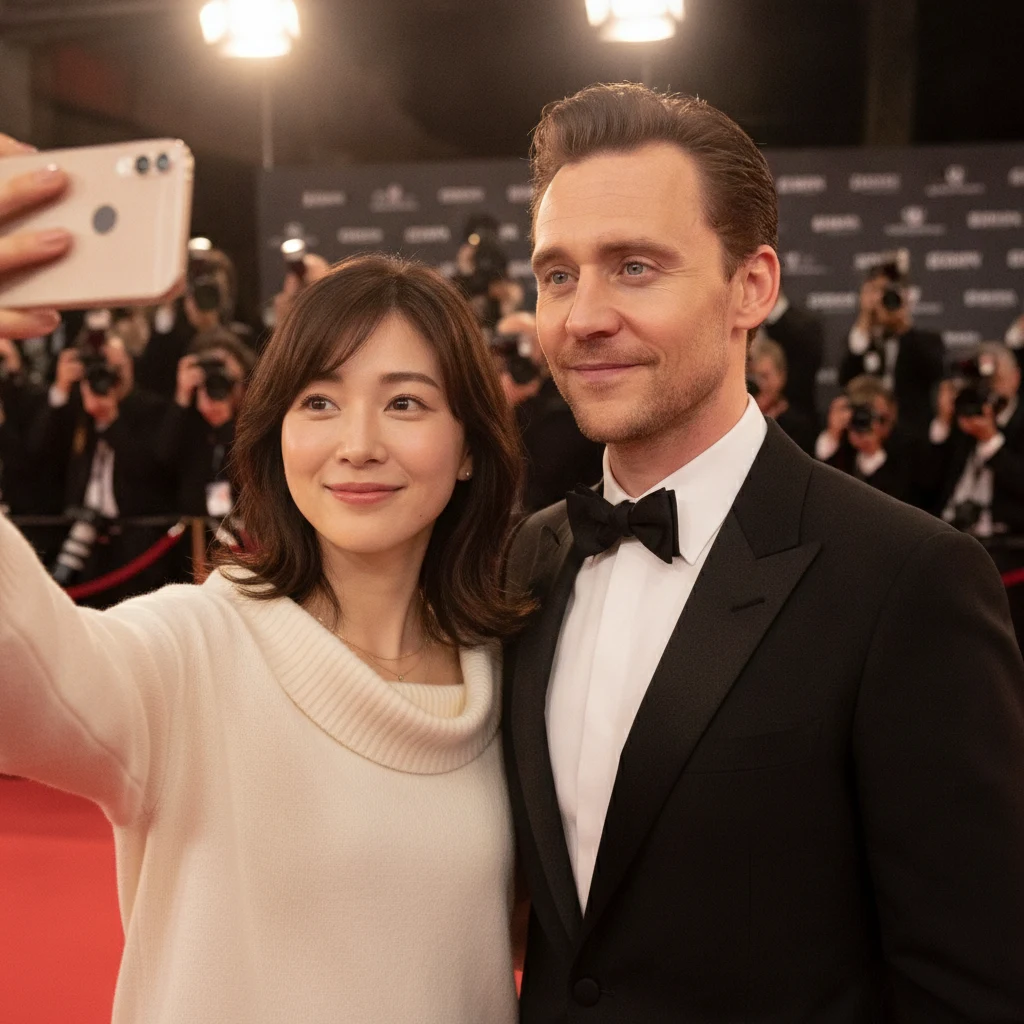
Generate realistic selfies with celebrities in one click
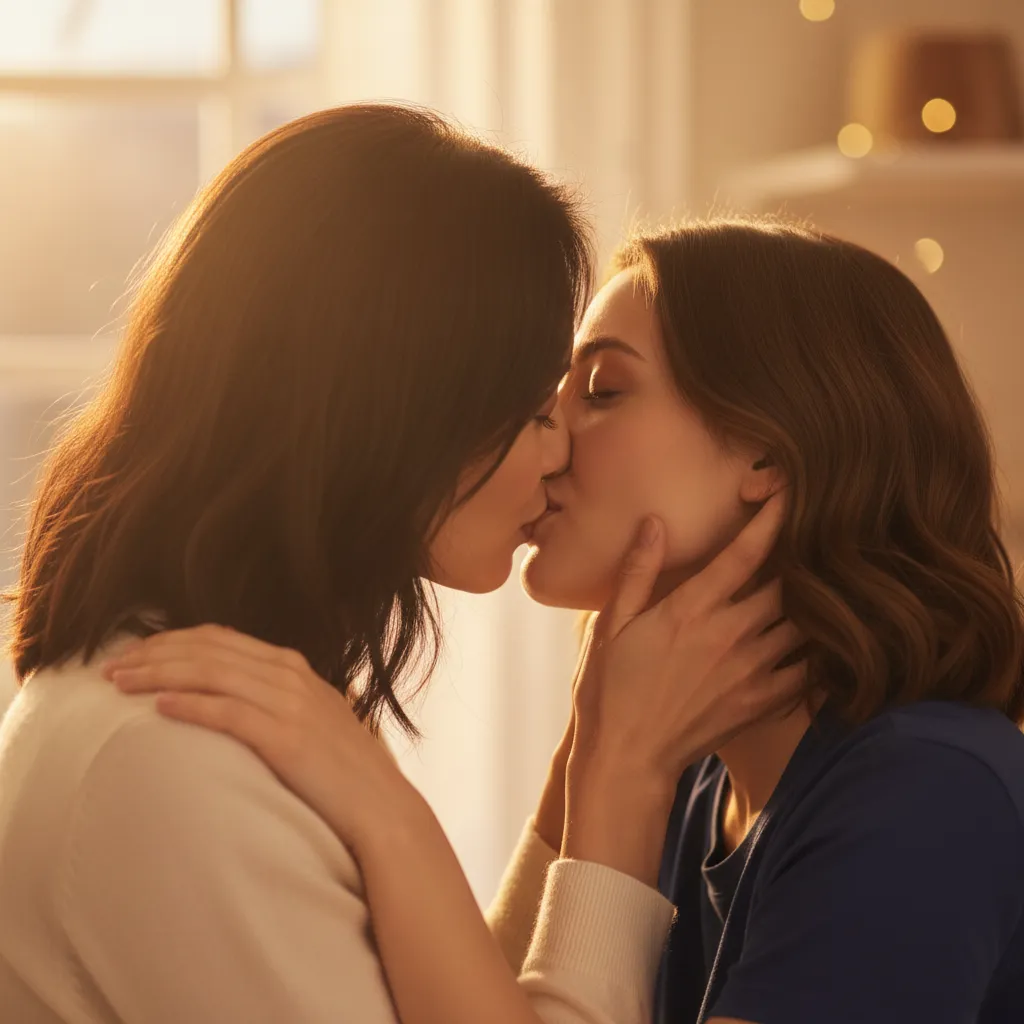
Upload photos of two people, generate a romantic kiss instantly
 AI Image Animator
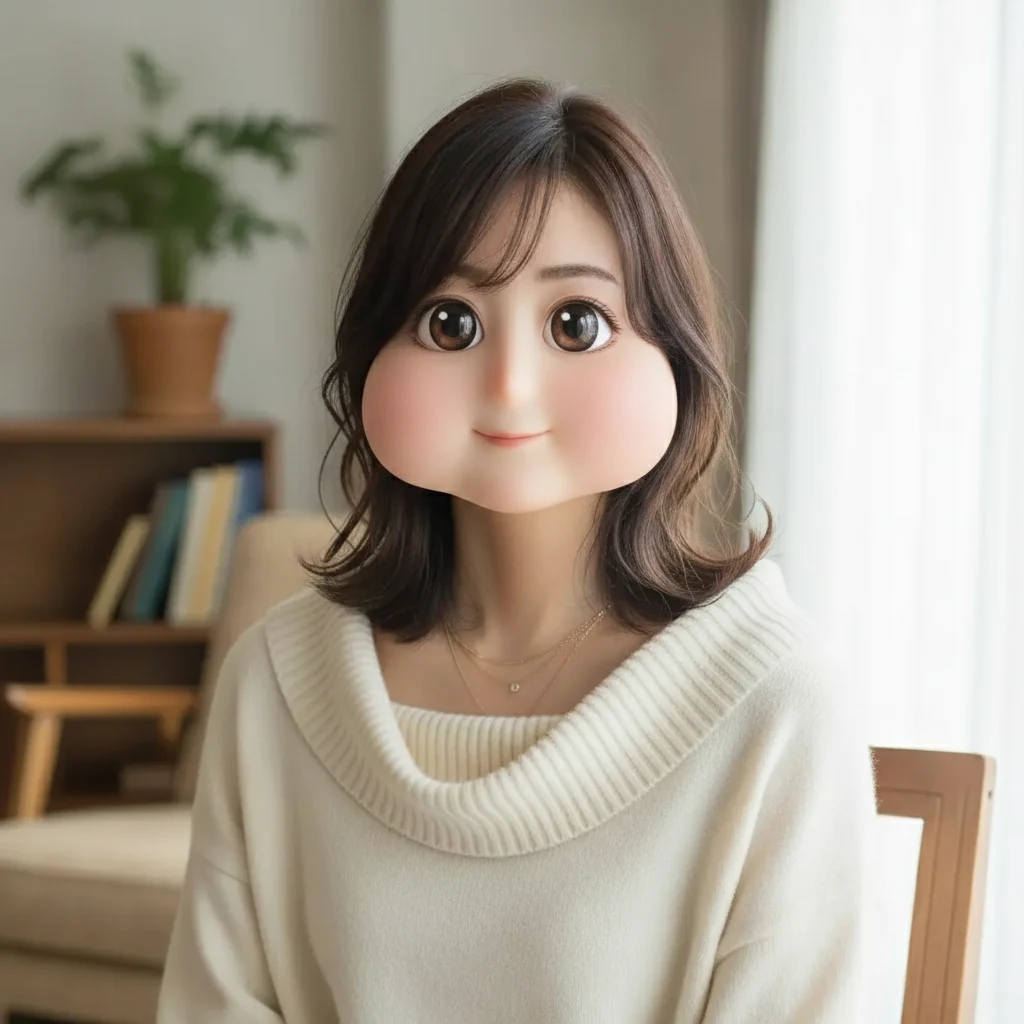 Square Face Generator
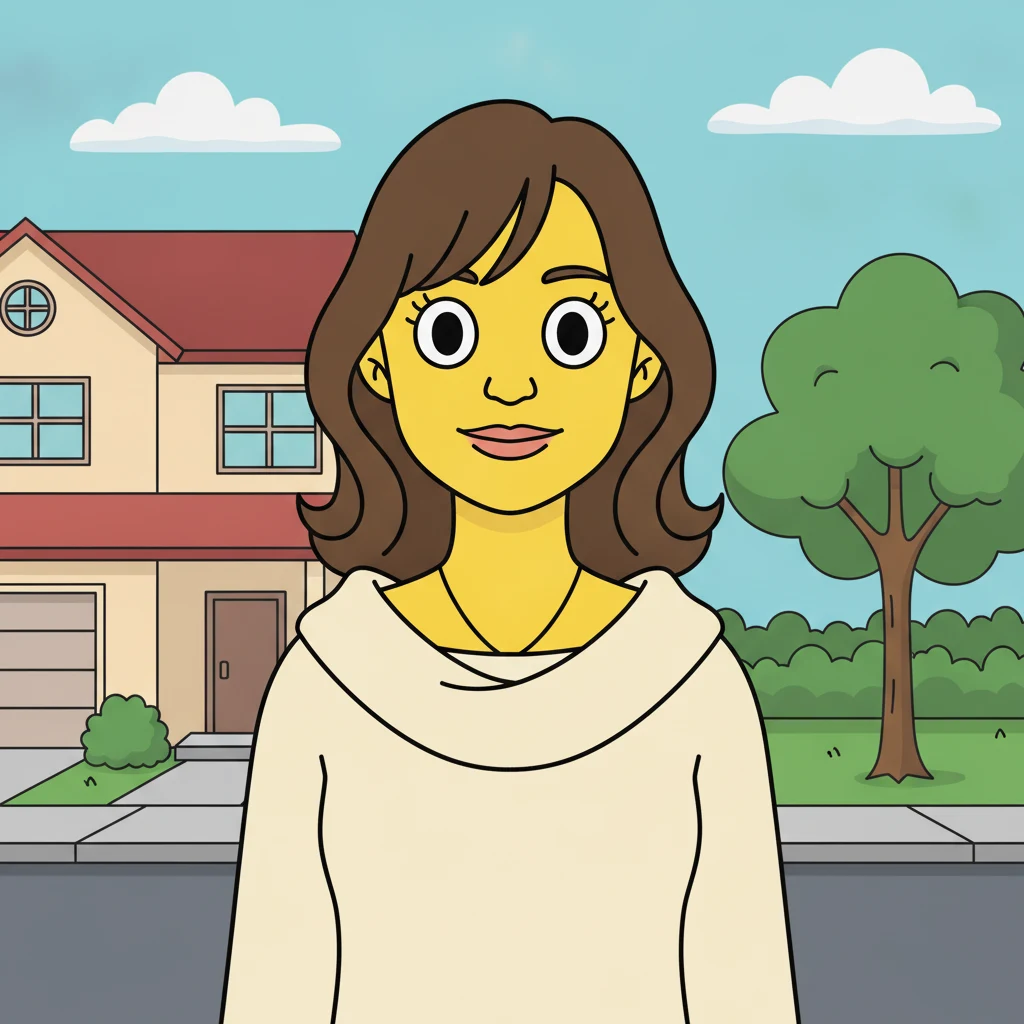 AI Simpsons Character Generator
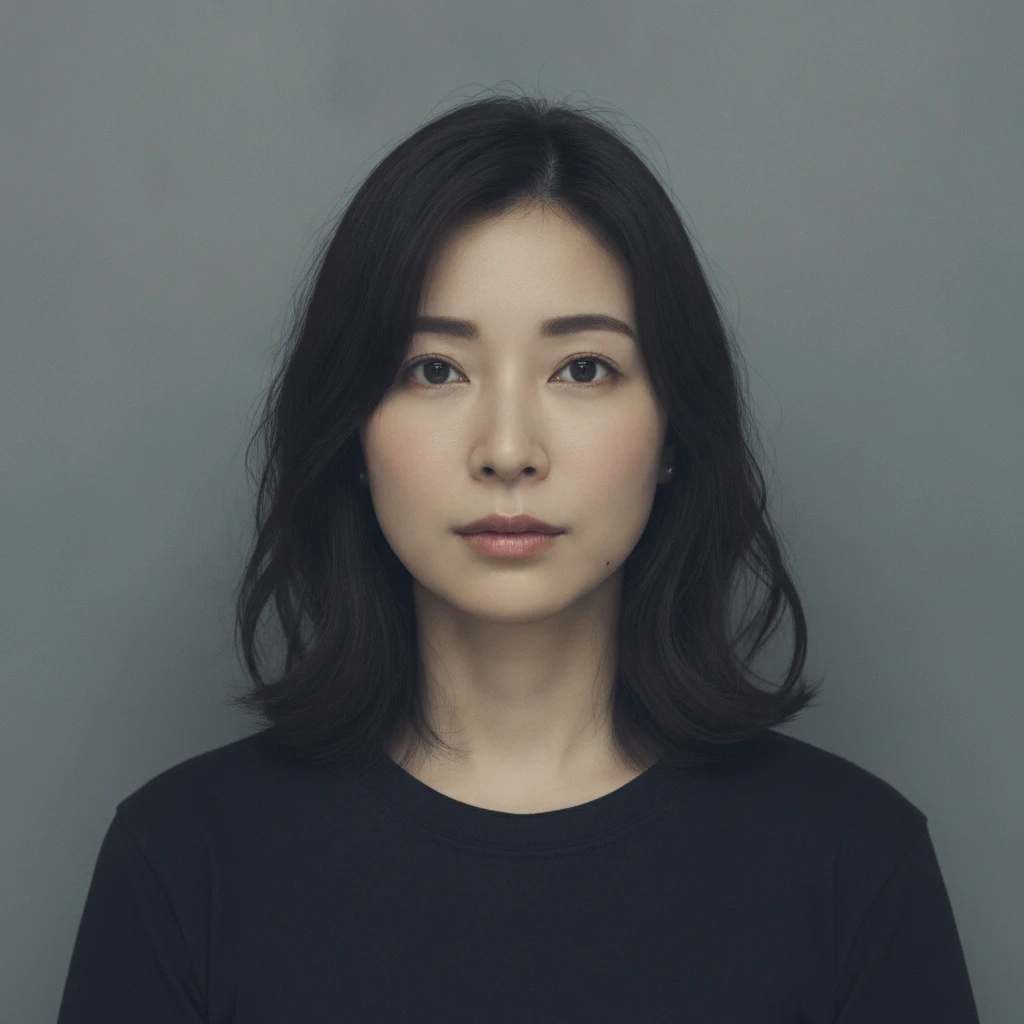 AI Mugshot Maker
 AI Fat Filter
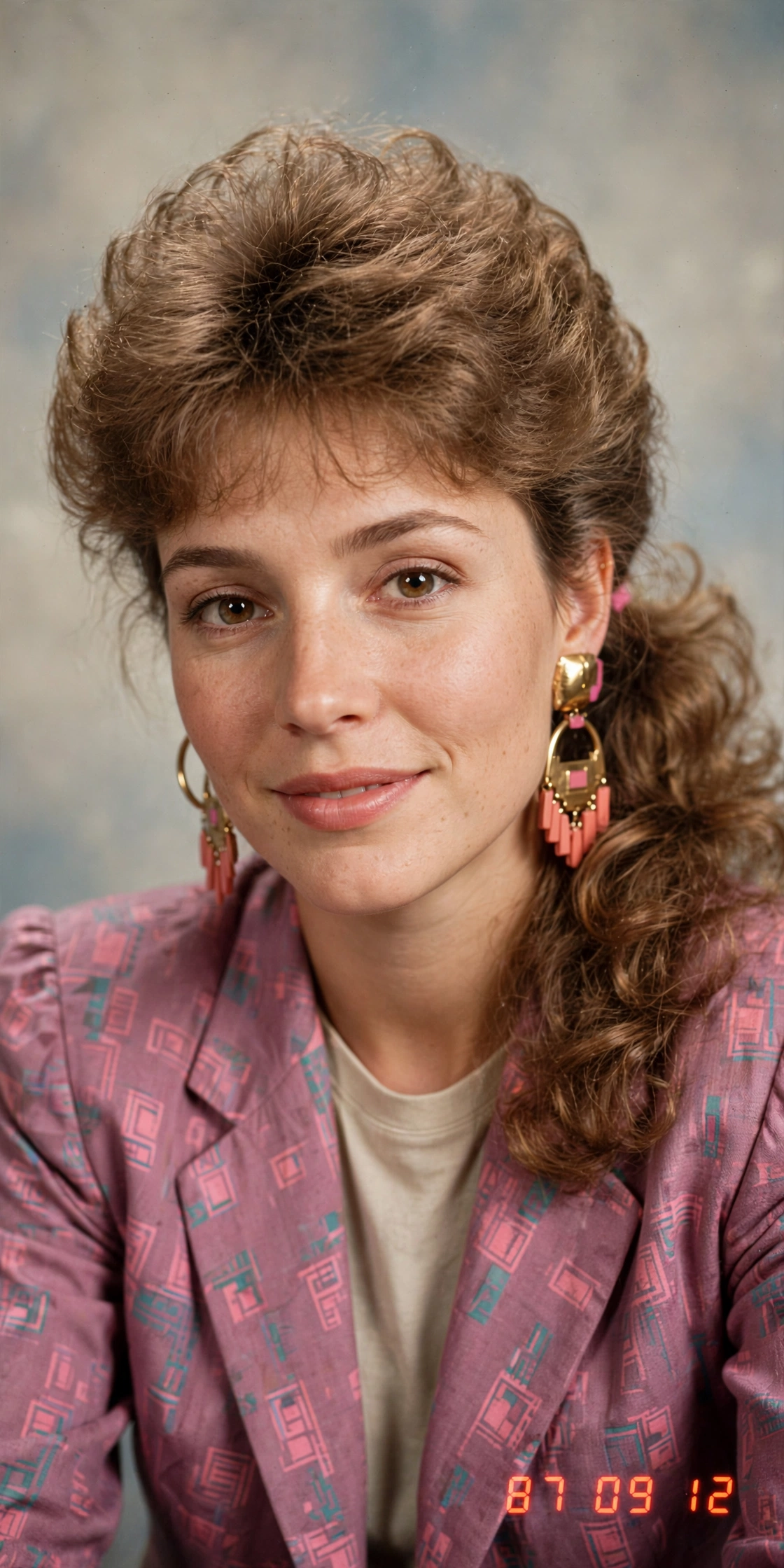 AI 80s Photo Generator
 AI Baby Generator
 AI Dating Profile Photos
 AI Mascot Photo Generator
 AI Maternity Photoshoot
 AI Christmas Photo
 AI Mirror Selfie
 AI 12-Angle Photo Grid
 AI Wedding Photo Generator
 AI Couple Photoshoot Collage
 AI Tarot Card Generator