GPT Image 2.5 Flare Online
Generate transparent-background mascots, stickers and product assets with GPT Image 2.5 Flare. Explore real PNG examples and edit images with text.
Try GPT Image 2.5 Flare2 credits · Base cost; output size can increase the total.
Fast creative iteration
- Create mascots and stickers with transparent backgrounds.
- Generate isolated product assets for shops, posters and websites.
- Upload reference images and describe the changes you need.
OpenAI GPT Image 2.5 Flare model with faster image generation and editing capabilities
New accounts get 2 free credits · 2 credit per generation
Generation Results
Select a mode and enter a prompt to start creating
GPT Image 2.5 Flare examples
Real model outputs. Try a prompt with the same model and output format.
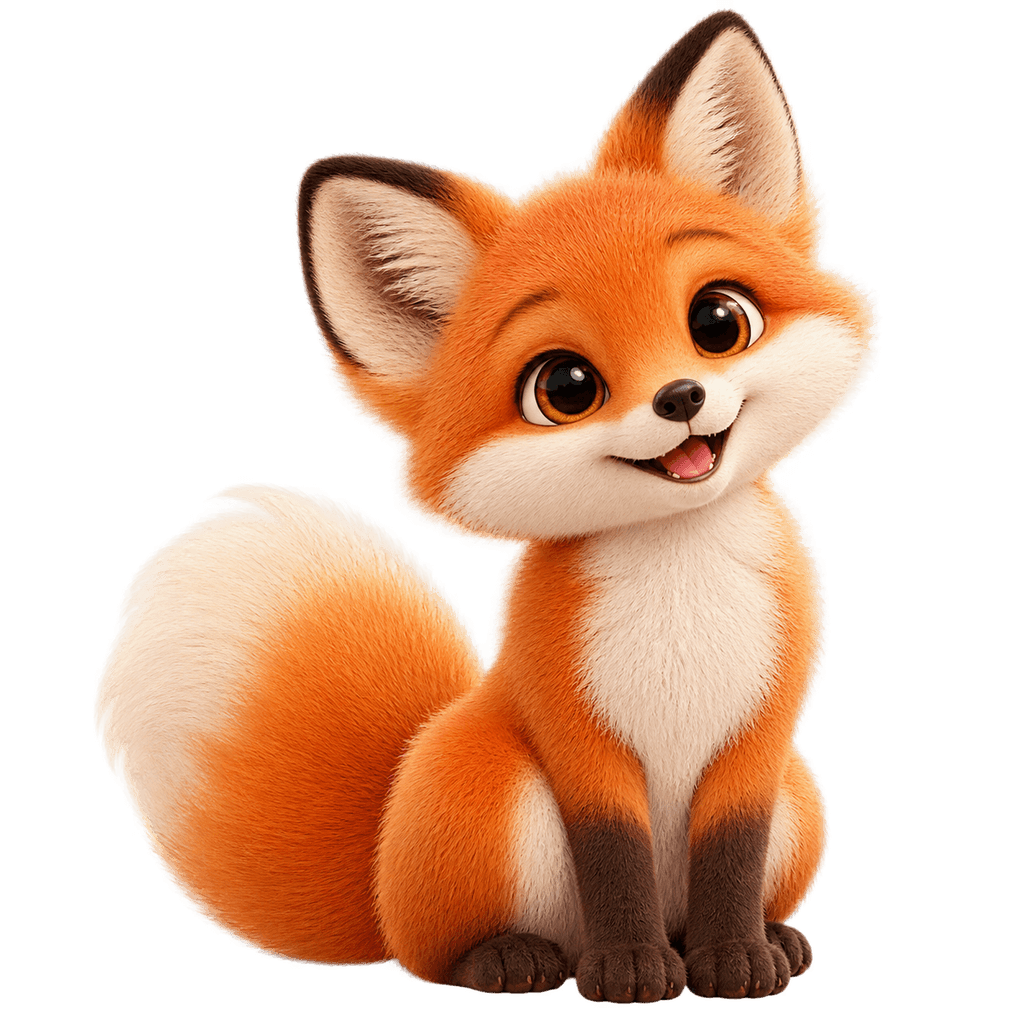
What’s new in GPT Image 2.5 Flare
GPT Image 2.5 offers Flare for fast everyday generation and Sunburst for precise editing. Both support transparent backgrounds for reusable assets in PNG or WebP format.
Try the previous version: GPT Image 2- Flare and Sunburst
- Two 2.5 models for everyday generation and precision-focused editing.
- Transparent backgrounds
- Generate isolated subjects with an alpha channel for stickers, product visuals and design assets. Use PNG or WebP to preserve transparency.
- Reference-based editing
- Upload reference images and describe the changes; inspect the result before using it.
Available in this editor
Generate and edit images with GPT Image 2.5, including transparent-background PNG and WebP assets. Select Transparent under Advanced settings → Background. JPEG does not preserve transparency.
GPT Image model versions
Compare the available versions, read what each one offers and choose a model to create with.
- Version details
GPT Image 2.6 Flare
GPT Image 2.6 Flare is built for fast image iteration. Turn a brief into a visual, revise it with a prompt and explore another direction in the same workspace.
- Version details
GPT Image 2.6 Sunburst
GPT Image 2.6 Sunburst is built for detailed visual work. Describe a composition, supply reference images and work through precise changes in one editor.
- Version details
GPT Image 2.5 Sunburst
OpenAI GPT Image 2.5 Sunburst model with flagship-level image generation and editing capabilities
- Use model
GPT Image 2
OpenAI GPT Image 2 model with enhanced image generation and editing capabilities
- Use model
GPT Image 1.5
OpenAI GPT Image 1.5 model with powerful image generation and editing capabilities
More AI tools
Try another idea. These tools work in one click too.

AI Headshot Generator
Turn any portrait into a professional headshot
AI Pet ID Photo
Generate professional ID photos with one click

AI Avatar Generator
Create your personalized avatar with one click
AI Action Figure Generator
Turn your portrait into a collectible figure

US ID Photo
Generate Standard US ID Photos with One Click
OC Maker
Create Your Own Unique Character
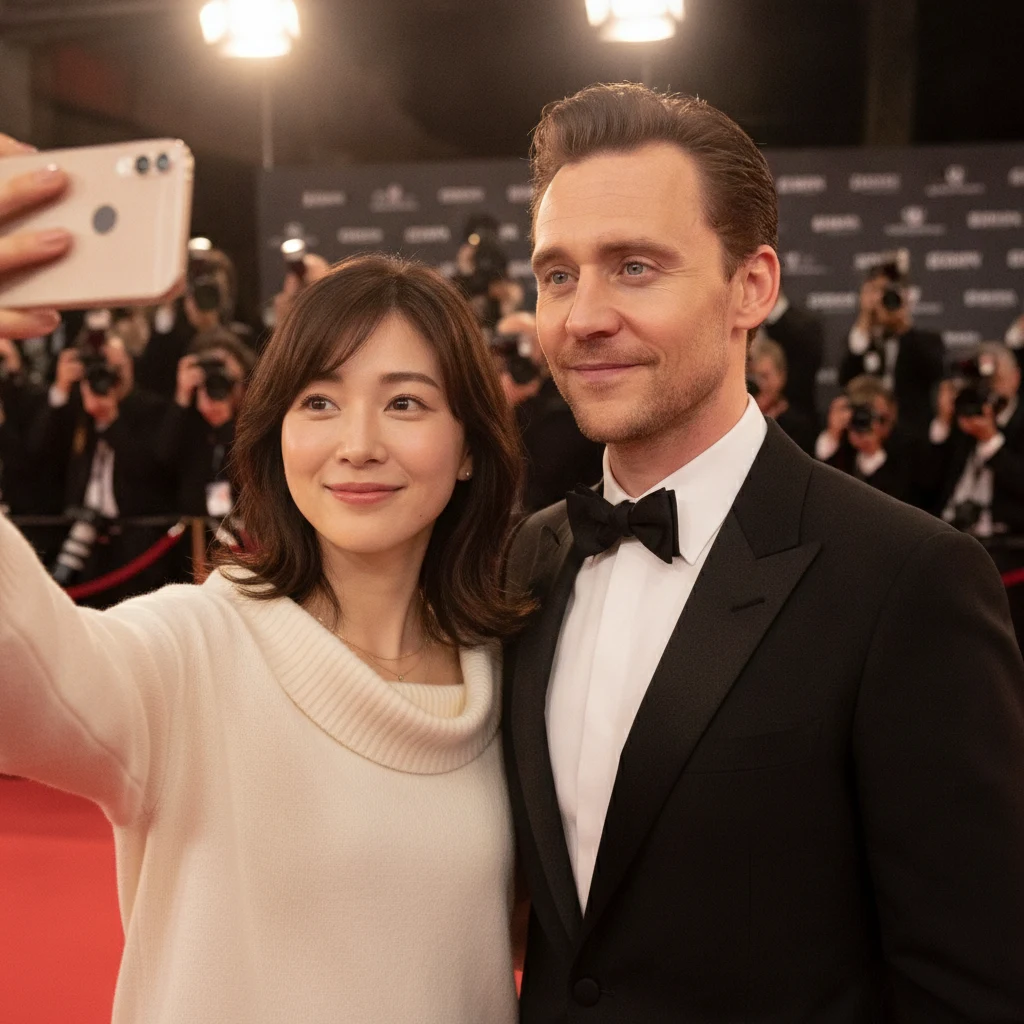
AI Selfie with Celebrities Generator
Generate realistic selfies with celebrities in one click

AI Kiss Generator
Upload photos of two people, generate a romantic kiss instantly
 AI Image Animator
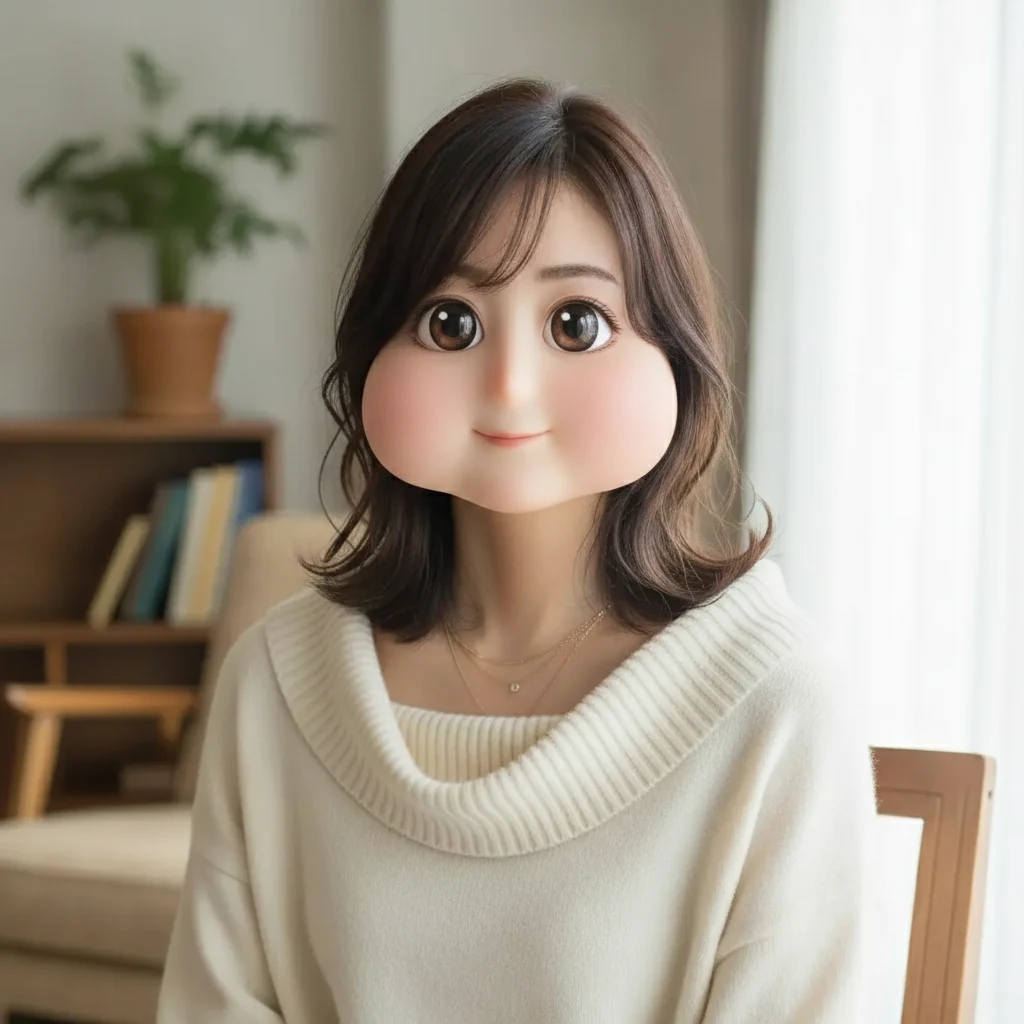 Square Face Generator
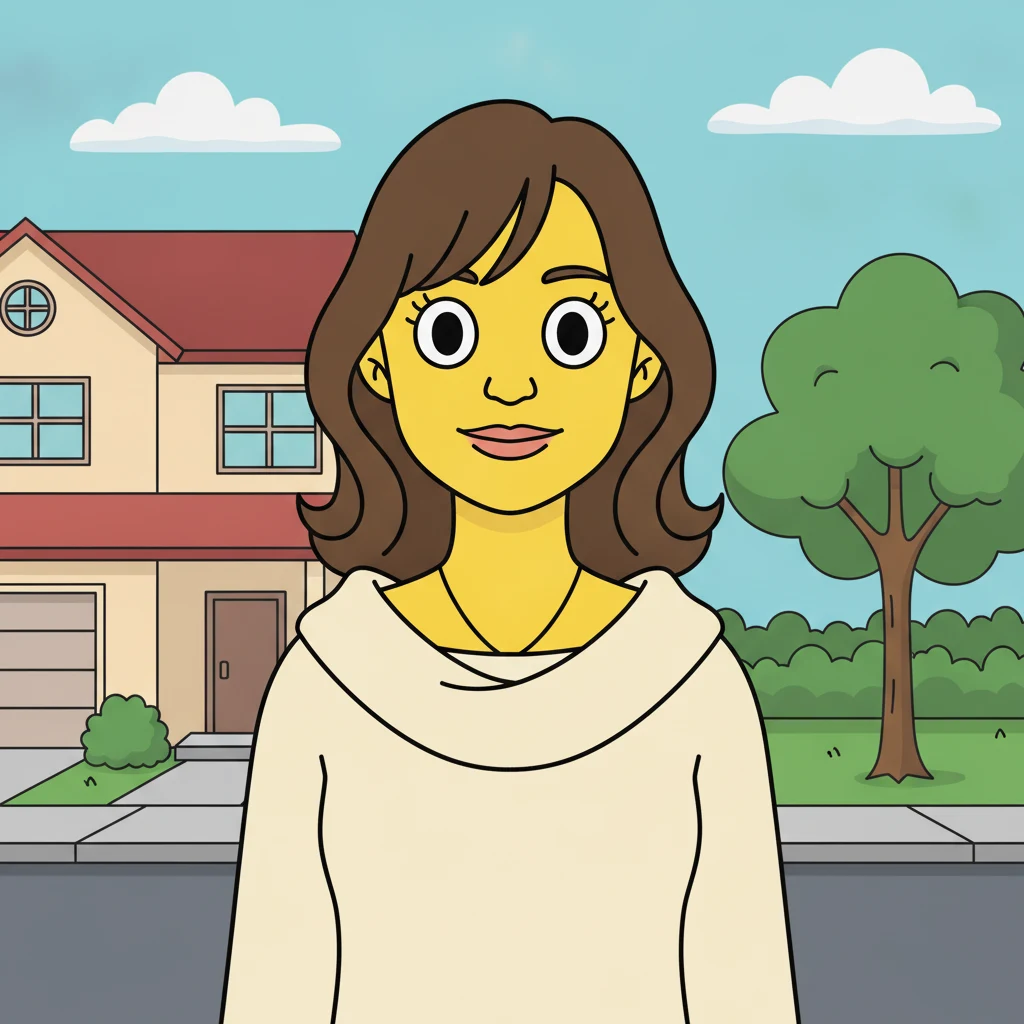 AI Simpsons Character Generator
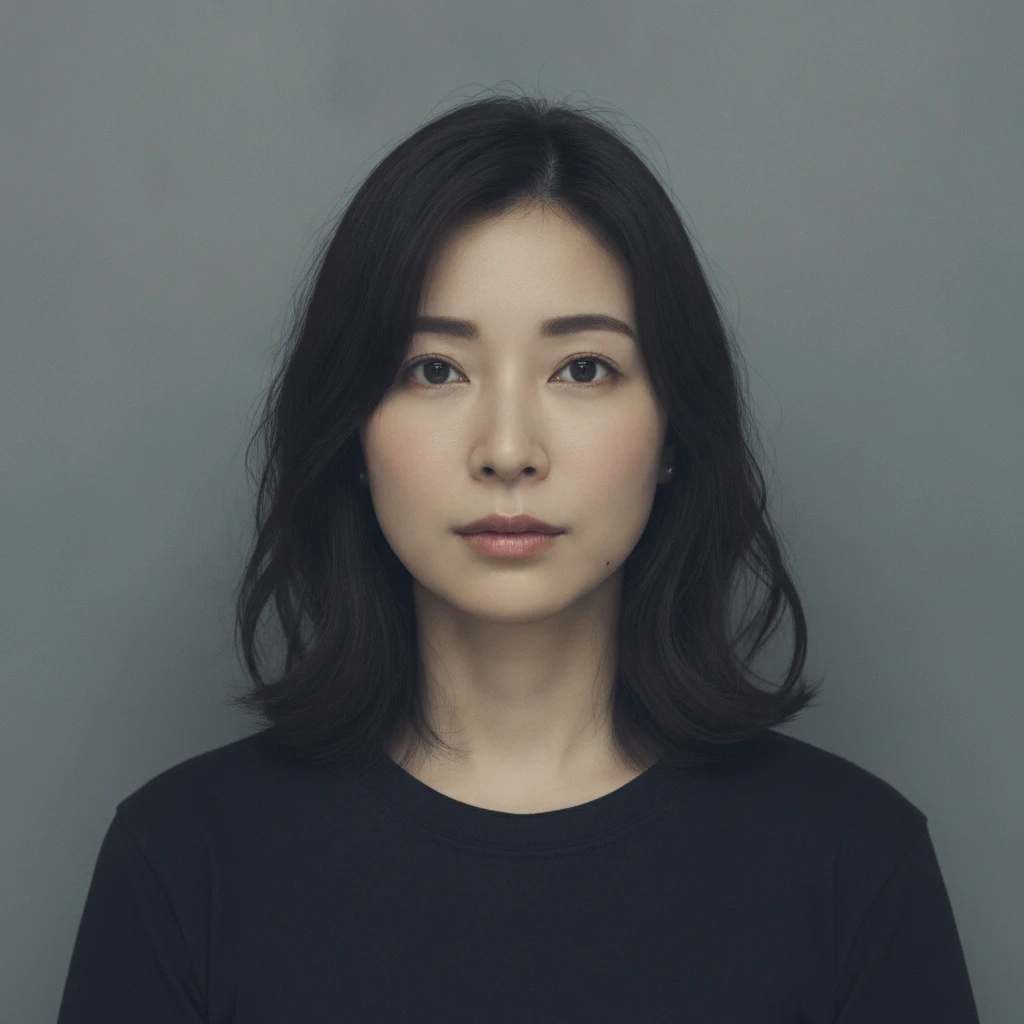 AI Mugshot Maker
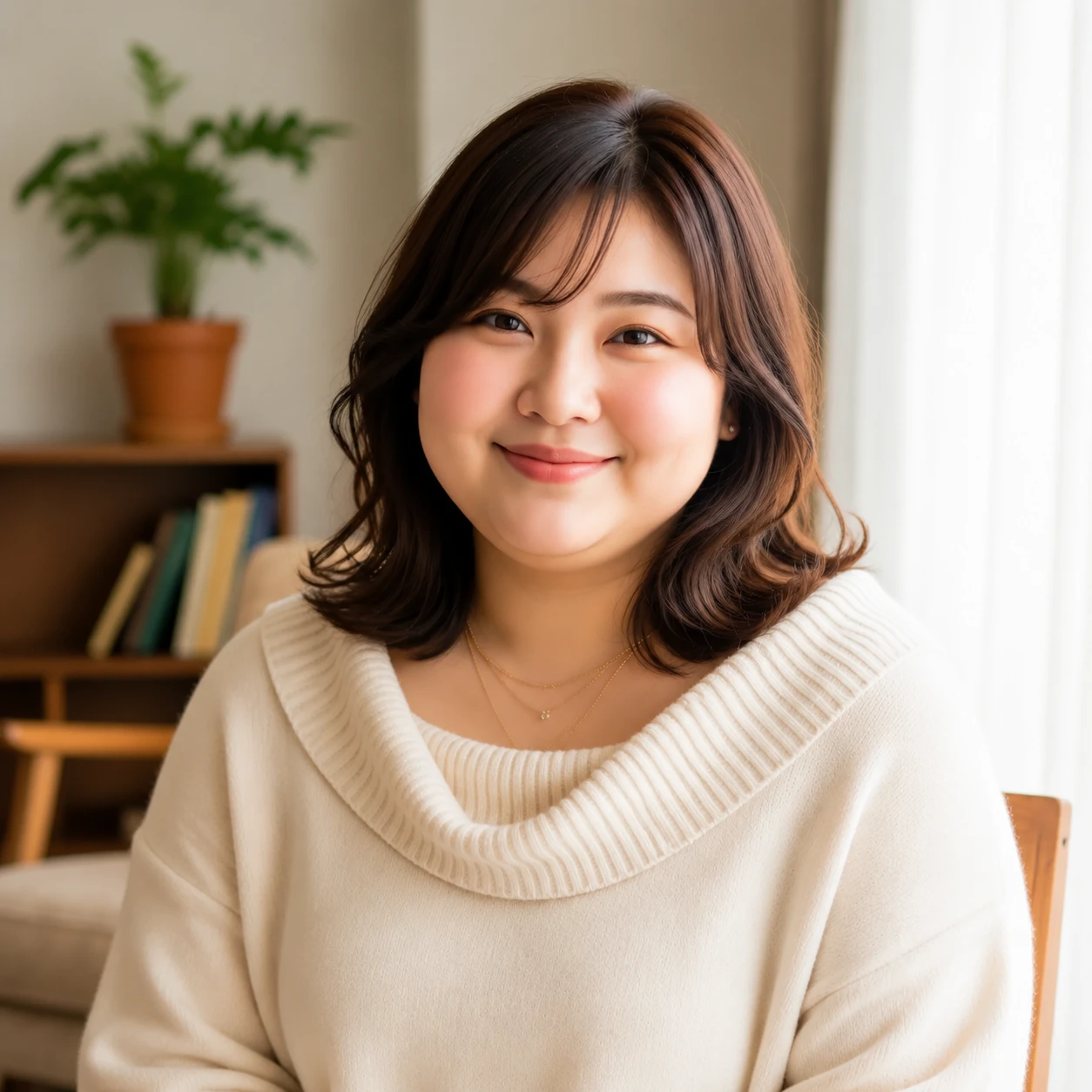 AI Fat Filter
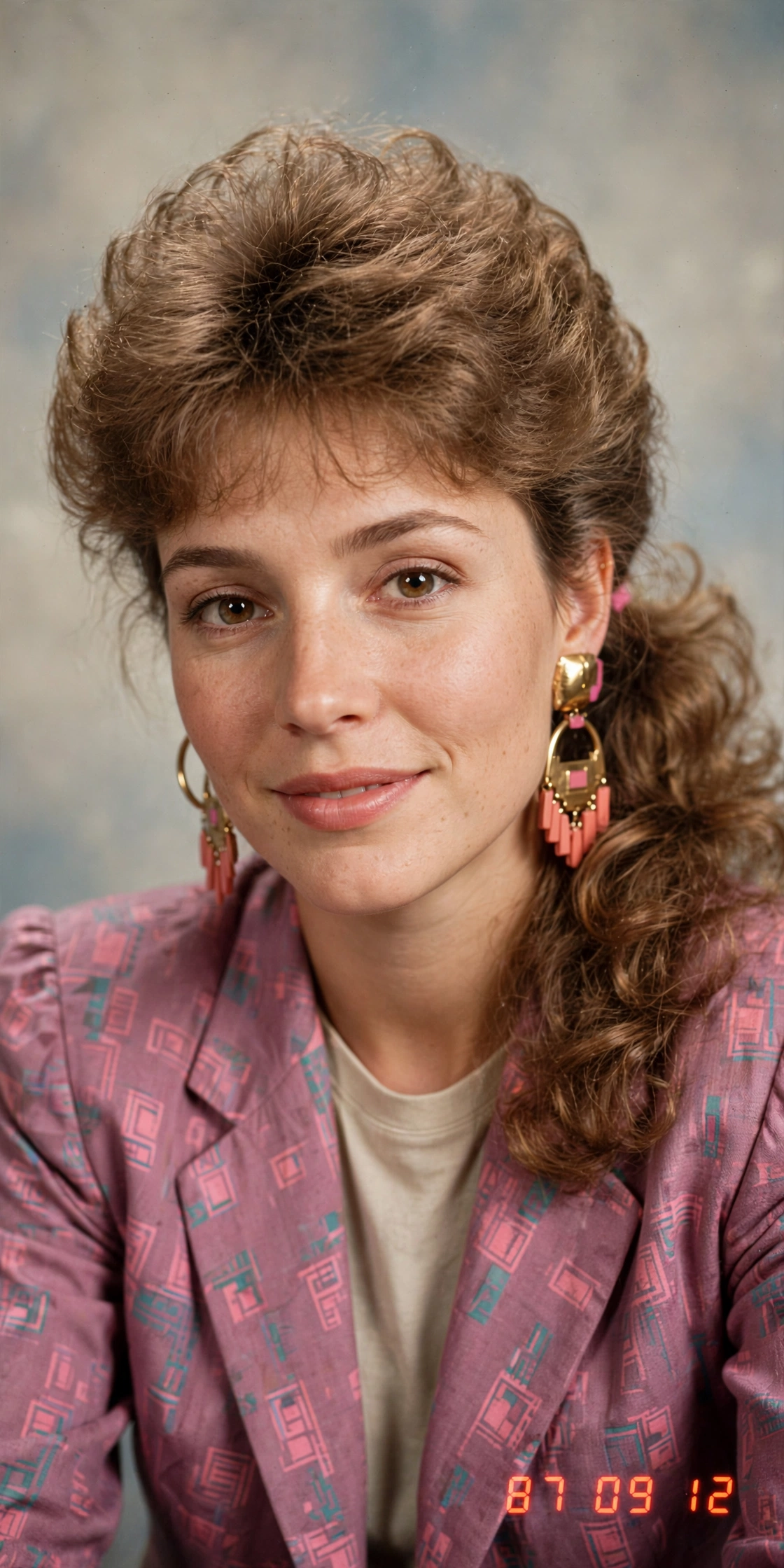 AI 80s Photo Generator
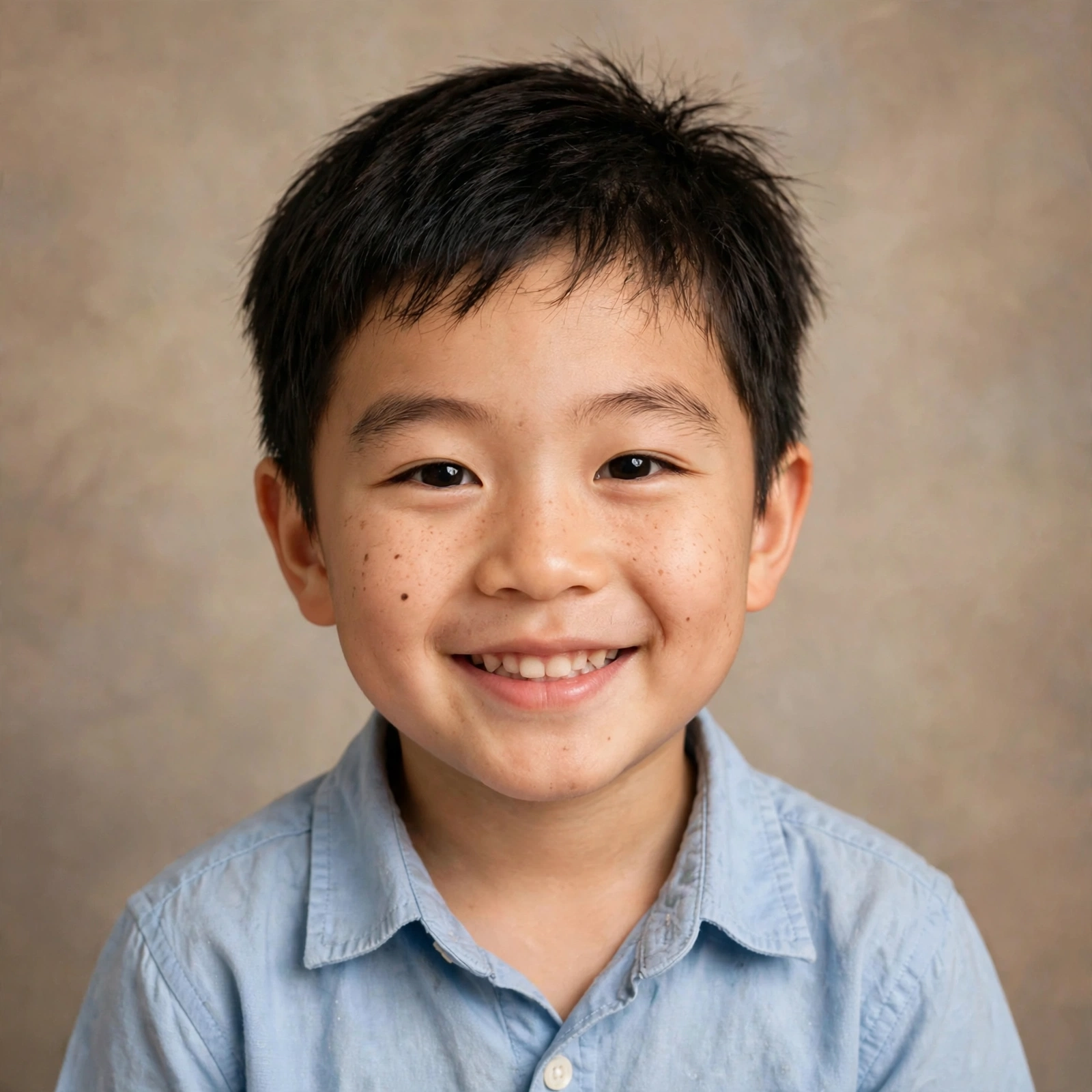 AI Baby Generator
 AI Dating Profile Photos
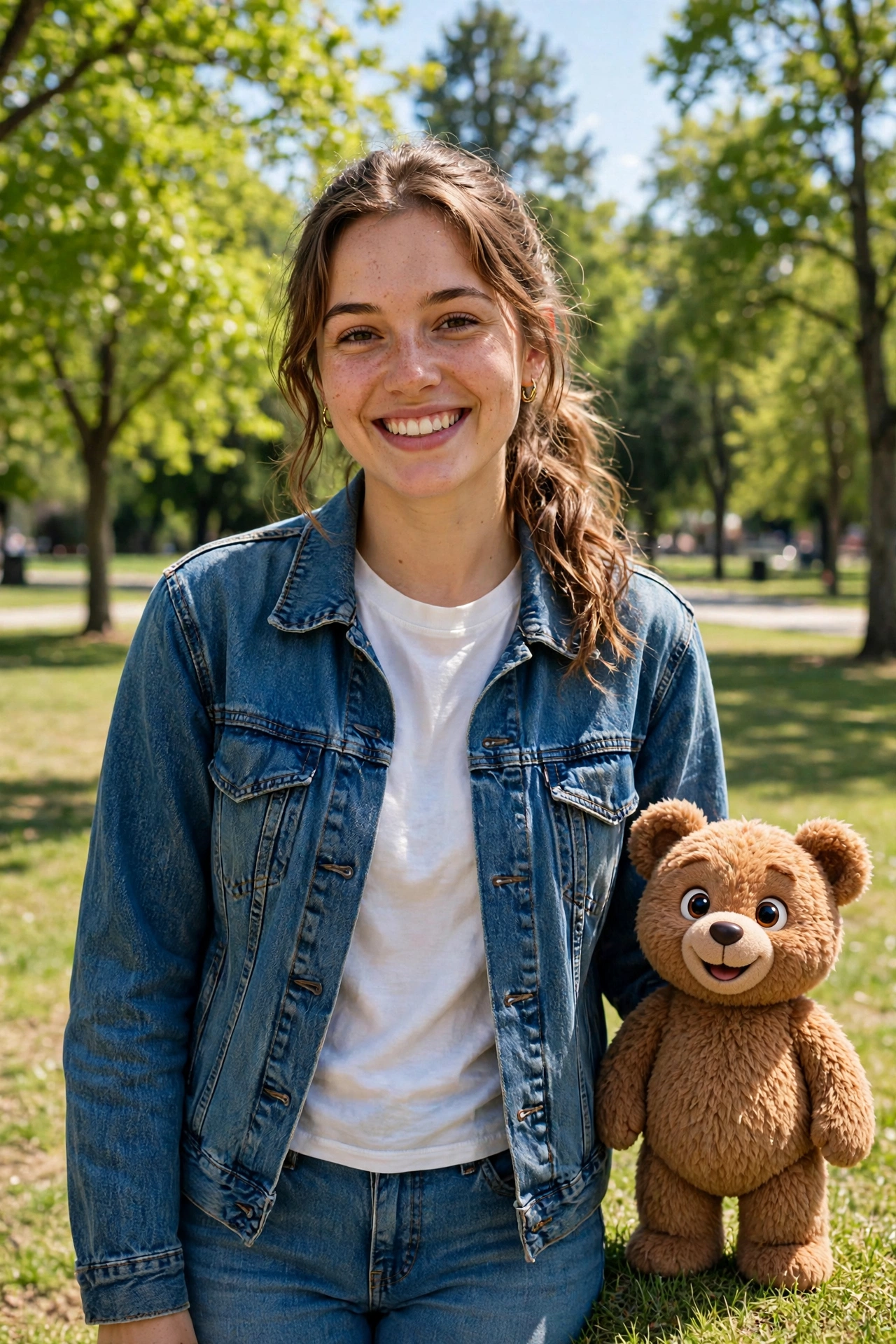 AI Mascot Photo Generator
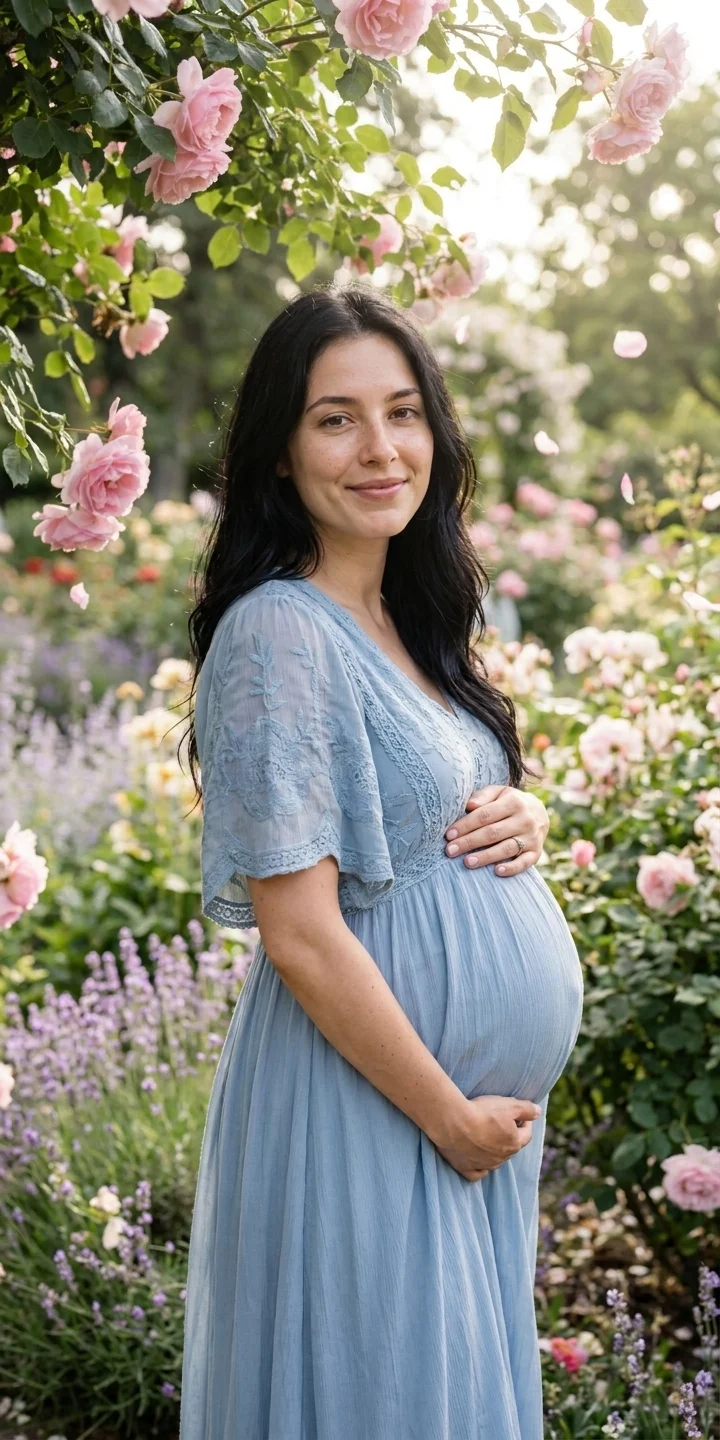 AI Maternity Photoshoot
 AI Christmas Photo
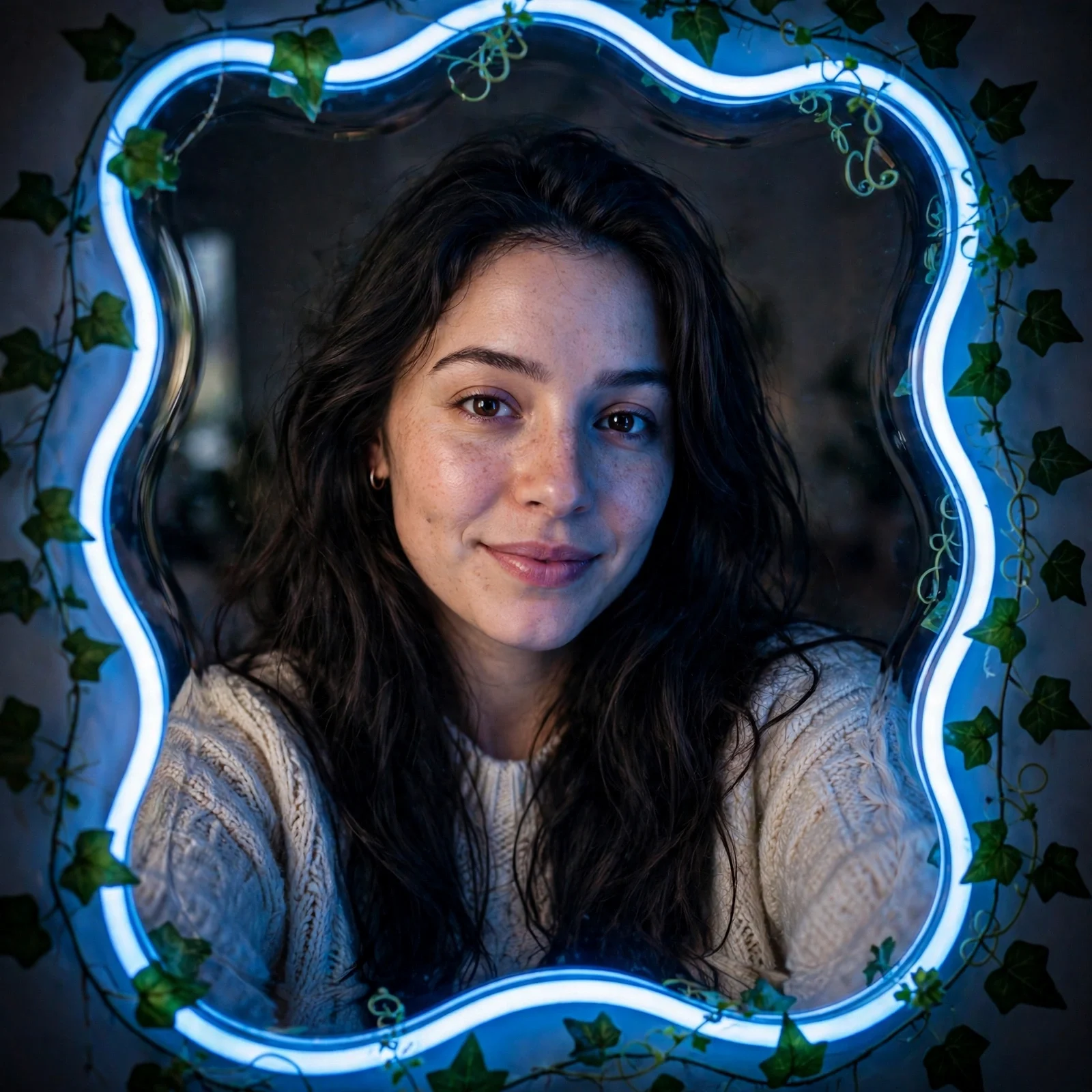 AI Mirror Selfie
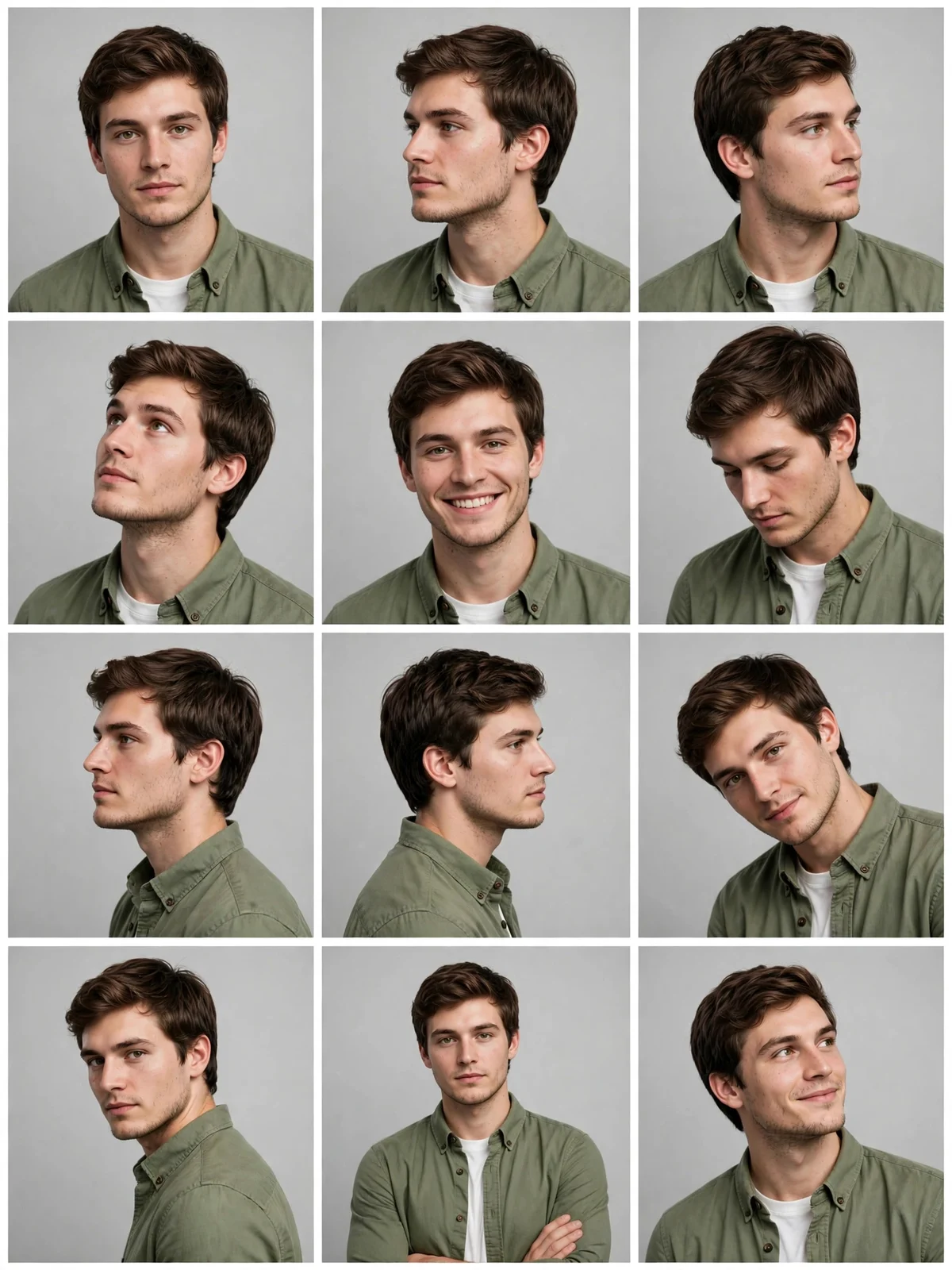 AI 12-Angle Photo Grid
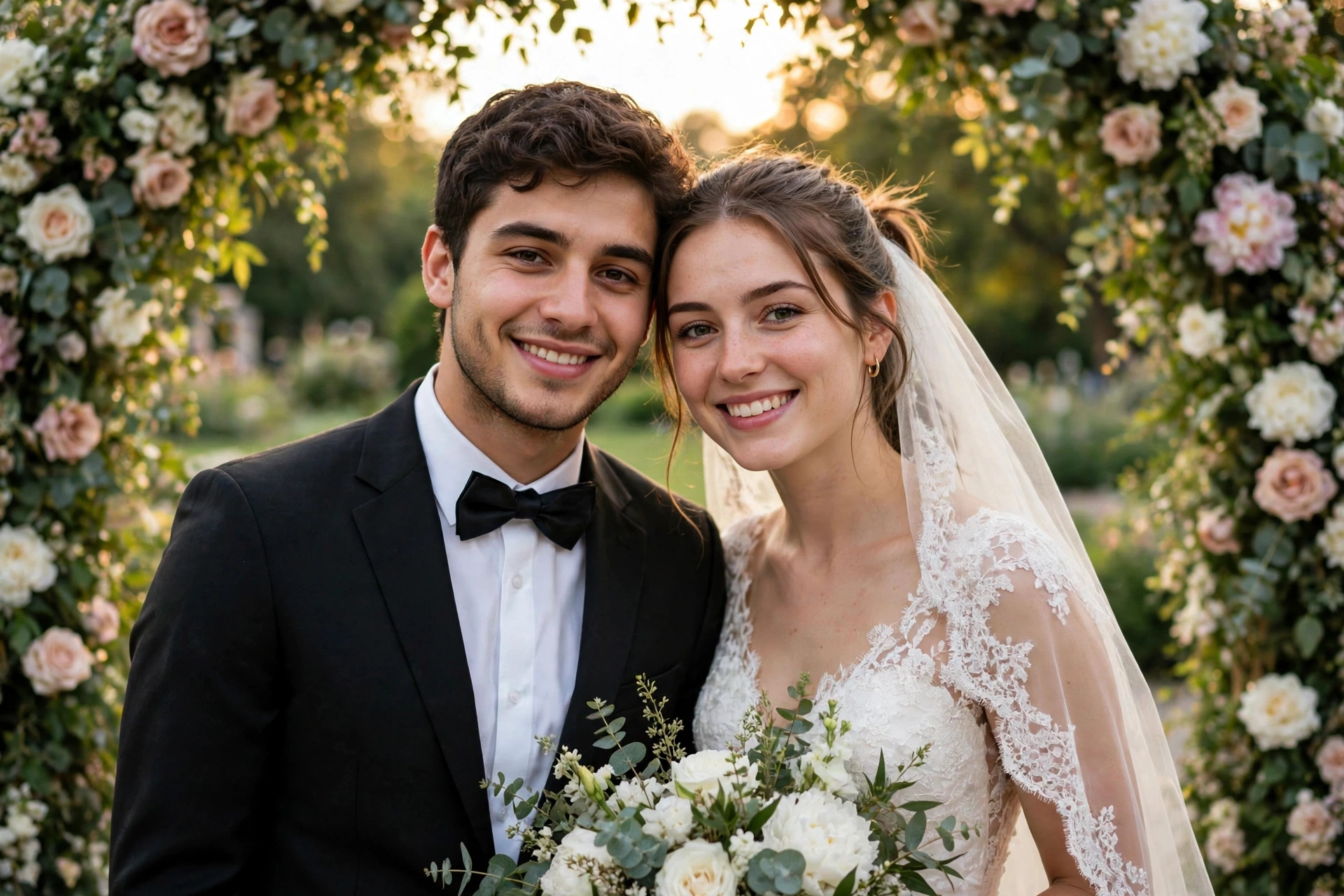 AI Wedding Photo Generator
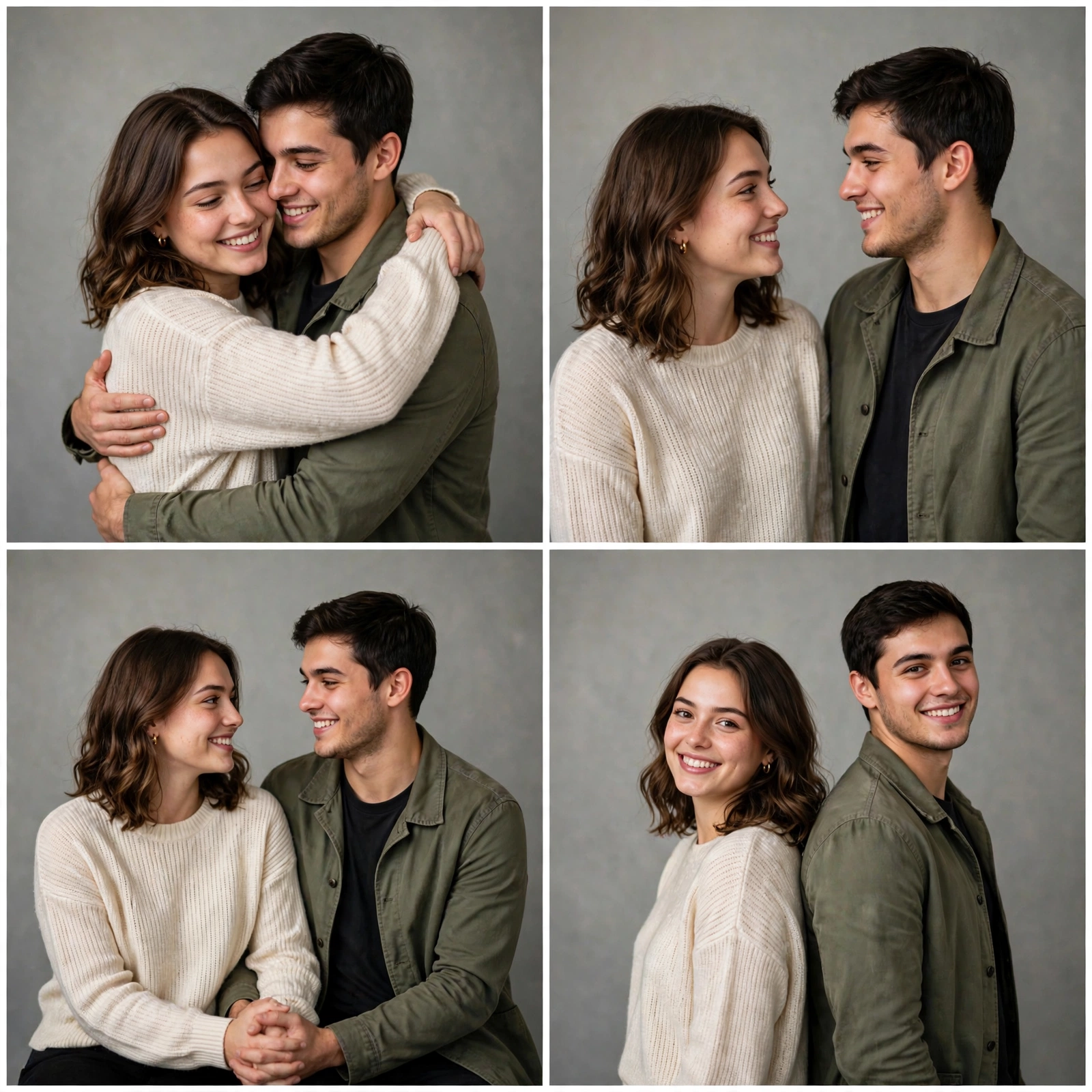 AI Couple Photoshoot Collage